







Question: please use matlab PLEASE - Before submission Remove clear variables from your code Ensure your code runs in an error-free state. Comment out any code
please use matlab
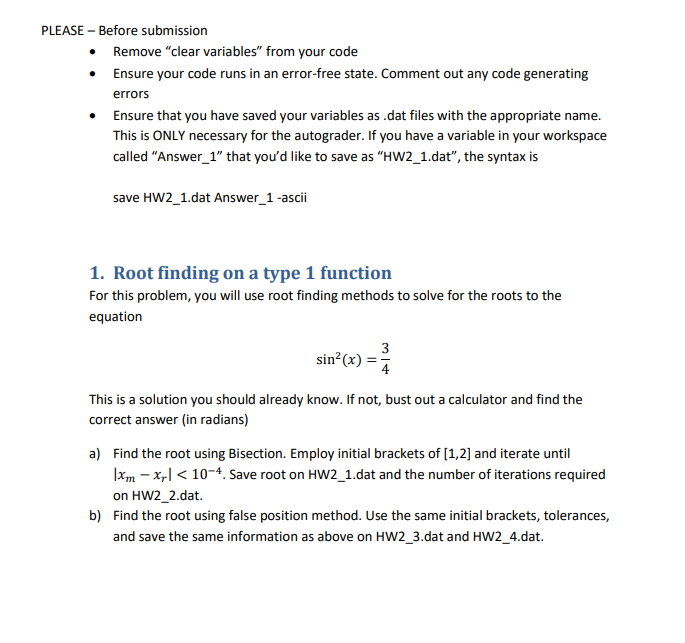
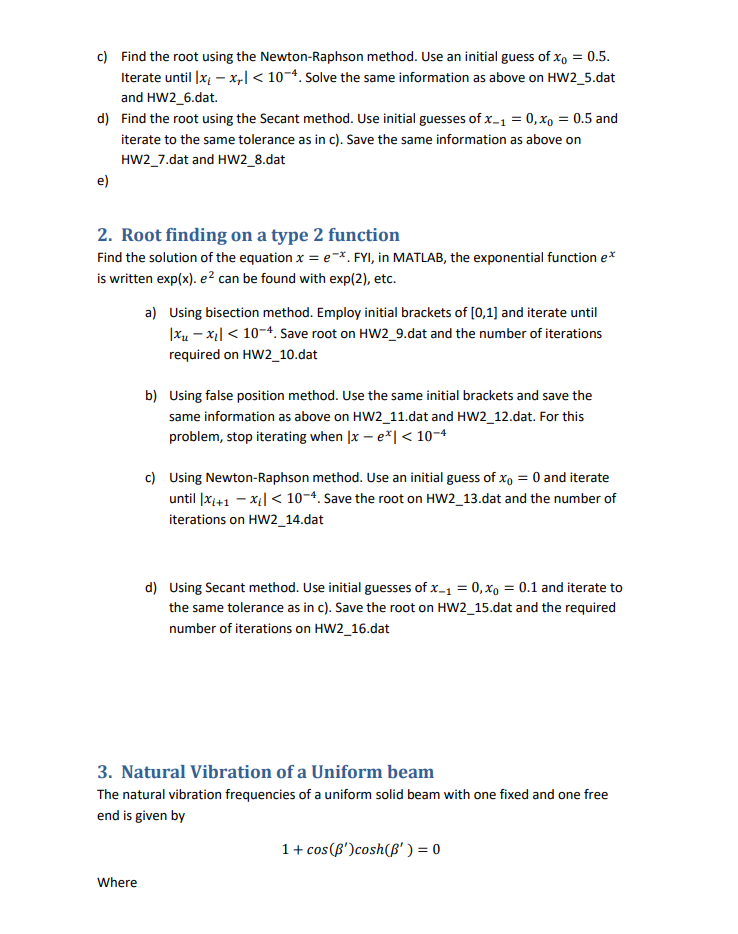
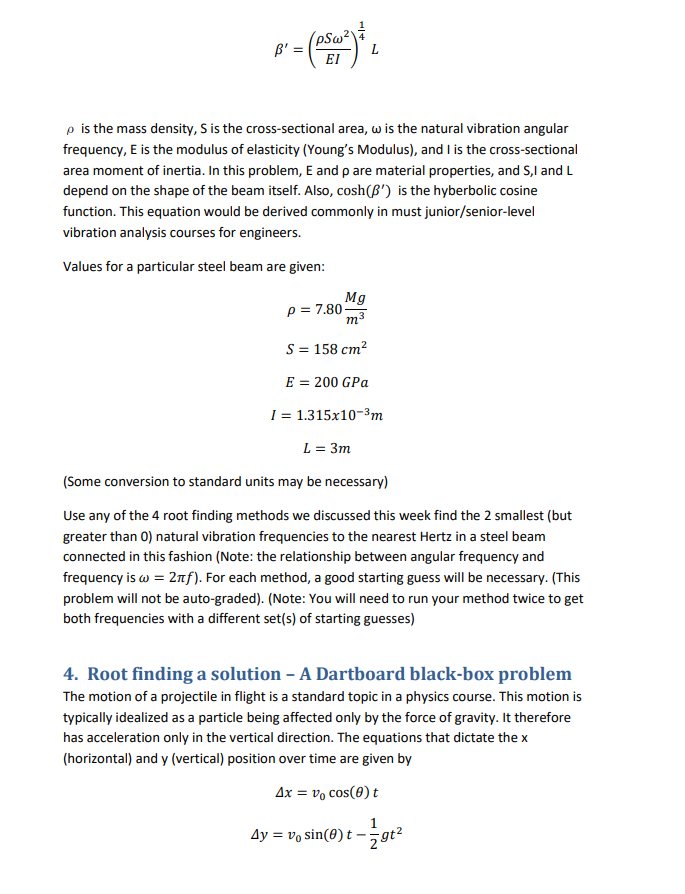
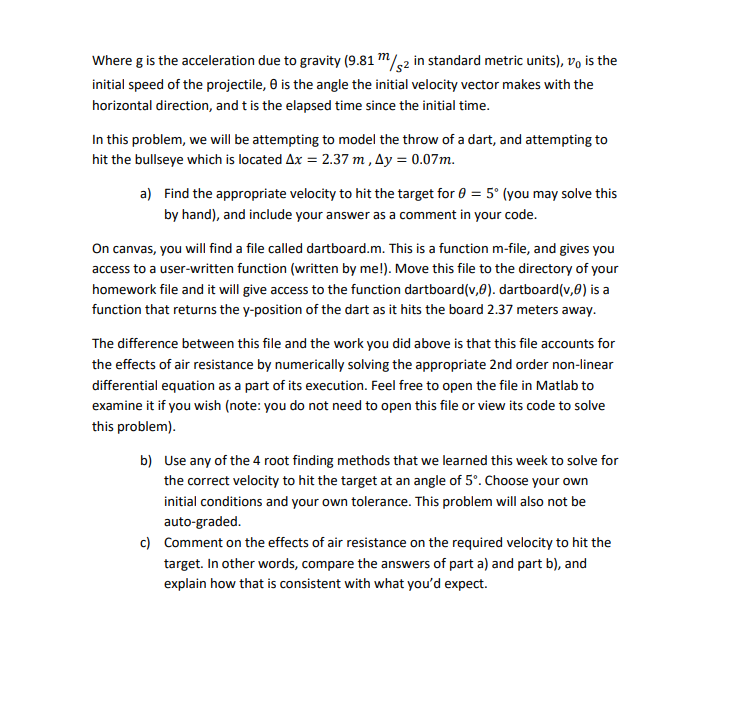
PLEASE - Before submission Remove "clear variables" from your code Ensure your code runs in an error-free state. Comment out any code generating errors Ensure that you have saved your variables as .dat files with the appropriate name. This is ONLY necessary for the autograder. If you have a variable in your workspace called "Answer_1" that you'd like to save as "HW2_1.dat", the syntax is save HW2_1.dat Answer_1-ascii 1. Root finding on a type 1 function For this problem, you will use root finding methods to solve for the roots to the equation sin?(x) = 3 This is a solution you should already know. If not, bust out a calculator and find the correct answer (in radians) a) Find the root using Bisection. Employ initial brackets of [1,2] and iterate until |xm xy)
Step by Step Solution
There are 3 Steps involved in it

Get step-by-step solutions from verified subject matter experts
 Study Help