







Question: Please use python to code this. Question 1 of 1 - Simple Encryption [6 points] A Caesar cipher is a weak form of encryption that
Please use python to code this.
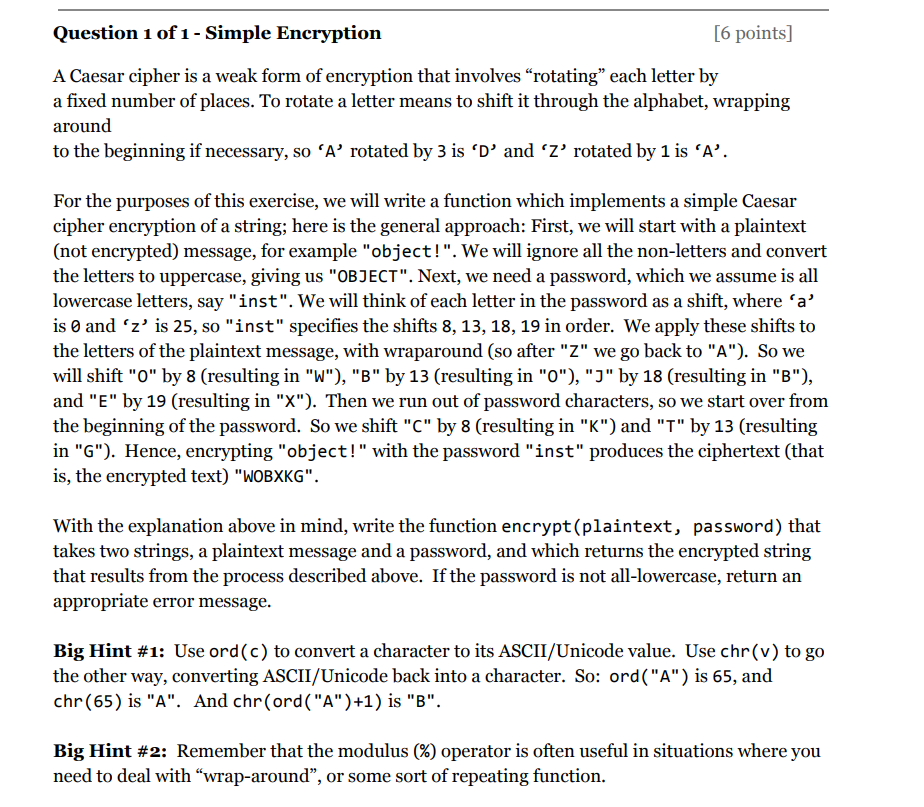
Question 1 of 1 - Simple Encryption [6 points] A Caesar cipher is a weak form of encryption that involves "rotating" each letter by a fixed number of places. To rotate a letter means to shift it through the alphabet, wrapping around to the beginning if necessary,so A' rotated by 3 is "D, and rotated by 1 is A'. For the purposes of this exercise, we will write a function which implements a simple Caesar cipher encryption of a string; here is the general approach: First, we will start with a plaintext (not encrypted) message, for example "object!". We will ignore all the non-letters and convert the letters to uppercase, giving us "OBJECT". Next, we need a password, which we assume is all lowercase letters, say "inst". We will think of each letter in the password as a shift, where 'a' is 0 and 'z' is 25, so "inst" specifies the shifts 8, 13, 18, 19 in order. We apply these shifts to the letters of the plaintext message, with wraparound (so after "Z" we go back to "A"). So we will shift "O" by 8 (resulting in "W"), "B" by 13 (resulting in "O"), "J" by 18 (resulting in "B"), and "E" by 19 (resulting in "X"). Then we run out of password characters, so we start over from the beginning of the password. So we shift "C" by 8 (resulting in "K") and "T" by 13 (resulting in "G"). Hence, encrypting "object!" with the password "inst" produces the ciphertext (that is, the encrypted text) "WOBXKG" With the explanation above in mind, write the function encrypt(plaintext, password) that takes two strings, a plaintext message and a password, and which returns the encrypted string that results from the process described above. If the password is not all-lowercase, return an appropriate error message. Big Hint #1: Use ord(c) to convert a character to its ASCII/Unicode value. Use chr (v) to go the other way, converting ASCII/Unicode back into a character. So: ord("A") is 65, and chr(65) is "A". And chr(ord("A")+1) is "B". Big Hint #2: Remember that the modulus (%) operator is often useful in situations where you need to deal with "wrap-around", or some sort of repeating function
Step by Step Solution
There are 3 Steps involved in it

Get step-by-step solutions from verified subject matter experts
 Study Help