







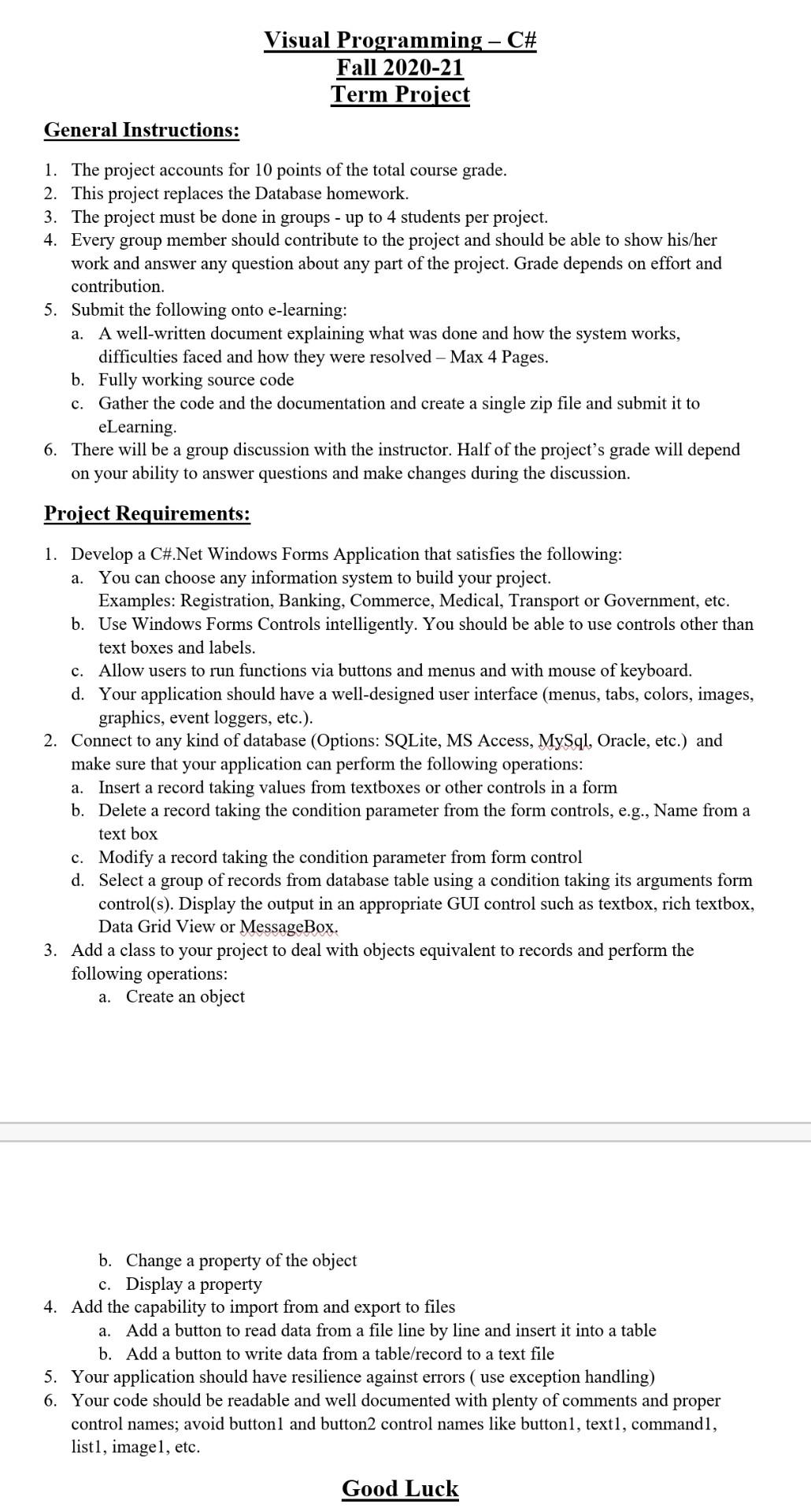
Question: Please ! Visual Programming C# Fall 2020-21 Term Project General Instructions: 1. The project accounts for 10 points of the total course grade. 2. This
Please !
Visual Programming C# Fall 2020-21 Term Project General Instructions: 1. The project accounts for 10 points of the total course grade. 2. This project replaces the Database homework. 3. The project must be done in groups - up to 4 students per project. 4. Every group member should contribute to the project and should be able to show his/her work and answer any question about any part of the project. Grade depends on effort and contribution. 5. Submit the following onto e-learning: a. A well-written document explaining what was done and how the system works, difficulties faced and how they were resolved - Max 4 Pages. b. Fully working source code c. Gather the code and the documentation and create a single zip file and submit it to eLearning 6. There will be a group discussion with the instructor. Half of the project's grade will depend on your ability to answer questions and make changes during the discussion. Project Requirements: 1. Develop a C#.Net Windows Forms Application that satisfies the following: a. You can choose any information system to build your project. Examples: Registration, Banking, Commerce, Medical, Transport or Government, etc. b. Use Windows Forms Controls intelligently. You should be able to use controls other than text boxes and labels. c. Allow users to run functions via buttons and menus and with mouse of keyboard. d. Your application should have a well-designed user interface (menus, tabs, colors, images, graphics, event loggers, etc.). 2. Connect to any kind of database (Options: SQLite, MS Access, MySql, Oracle, etc.) and make sure that your application can perform the following operations: a. Insert a record taking values from textboxes or other controls in a form b. Delete a record taking the condition parameter from the form controls, e.g., Name from a text box c. Modify a record taking the condition parameter from form control d. Select a group of records from database table using a condition taking its arguments form control(s). Display the output in an appropriate GUI control such as textbox, rich textbox, Data Grid View or MessageBox. 3. Add a class to your project to deal with objects equivalent to records and perform the following operations: a. Create an object a. b. Change a property of the object c. Display a property 4. Add the capability to import from and export to files Add a button to read data from a file line by line and insert it into a table b. Add a button to write data from a table/record to a text file 5. Your application should have resilience against errors ( use exception handling) 6. Your code should be readable and well documented with plenty of comments and proper control names; avoid buttonl and button2 control names like button1, text1, commandi, list1, imagel, etc. Good Luck Visual Programming C# Fall 2020-21 Term Project General Instructions: 1. The project accounts for 10 points of the total course grade. 2. This project replaces the Database homework. 3. The project must be done in groups - up to 4 students per project. 4. Every group member should contribute to the project and should be able to show his/her work and answer any question about any part of the project. Grade depends on effort and contribution. 5. Submit the following onto e-learning: a. A well-written document explaining what was done and how the system works, difficulties faced and how they were resolved - Max 4 Pages. b. Fully working source code c. Gather the code and the documentation and create a single zip file and submit it to eLearning 6. There will be a group discussion with the instructor. Half of the project's grade will depend on your ability to answer questions and make changes during the discussion. Project Requirements: 1. Develop a C#.Net Windows Forms Application that satisfies the following: a. You can choose any information system to build your project. Examples: Registration, Banking, Commerce, Medical, Transport or Government, etc. b. Use Windows Forms Controls intelligently. You should be able to use controls other than text boxes and labels. c. Allow users to run functions via buttons and menus and with mouse of keyboard. d. Your application should have a well-designed user interface (menus, tabs, colors, images, graphics, event loggers, etc.). 2. Connect to any kind of database (Options: SQLite, MS Access, MySql, Oracle, etc.) and make sure that your application can perform the following operations: a. Insert a record taking values from textboxes or other controls in a form b. Delete a record taking the condition parameter from the form controls, e.g., Name from a text box c. Modify a record taking the condition parameter from form control d. Select a group of records from database table using a condition taking its arguments form control(s). Display the output in an appropriate GUI control such as textbox, rich textbox, Data Grid View or MessageBox. 3. Add a class to your project to deal with objects equivalent to records and perform the following operations: a. Create an object a. b. Change a property of the object c. Display a property 4. Add the capability to import from and export to files Add a button to read data from a file line by line and insert it into a table b. Add a button to write data from a table/record to a text file 5. Your application should have resilience against errors ( use exception handling) 6. Your code should be readable and well documented with plenty of comments and proper control names; avoid buttonl and button2 control names like button1, text1, commandi, list1, imagel, etc. Good Luck
Step by Step Solution
There are 3 Steps involved in it

Get step-by-step solutions from verified subject matter experts
 Study Help