







Question: Please write a code by Python for this assignment. I am happy if you can give me an example code to draw objects with user
Please write a code by Python for this assignment.
I am happy if you can give me an example code to draw objects with user input.
Thank you very much for your help.
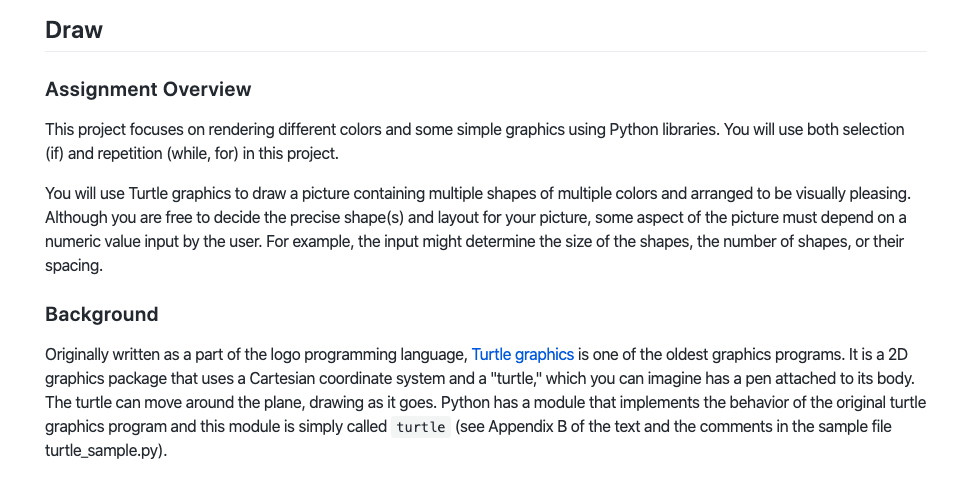
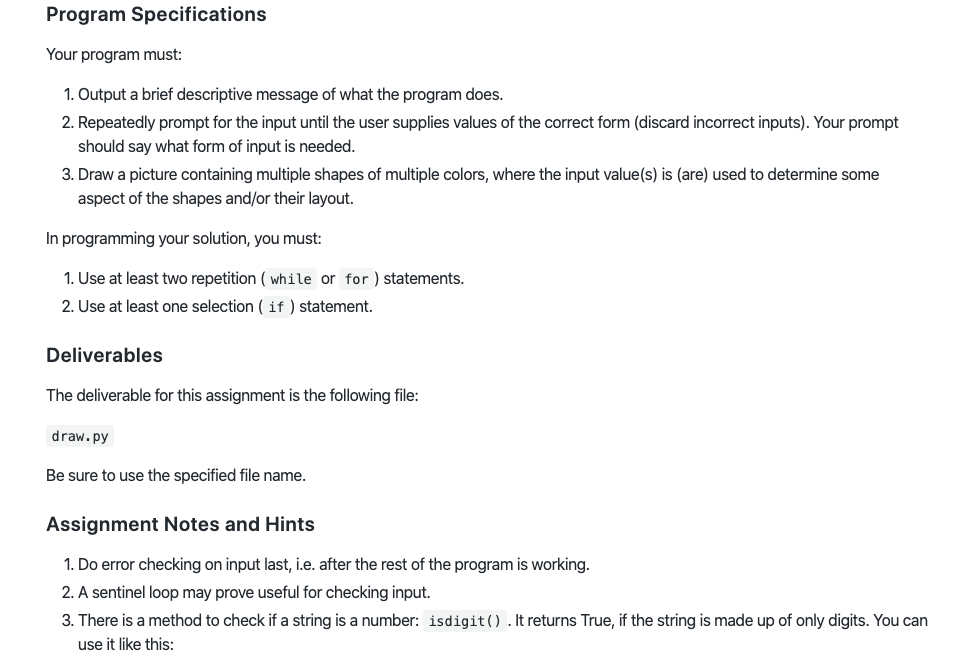
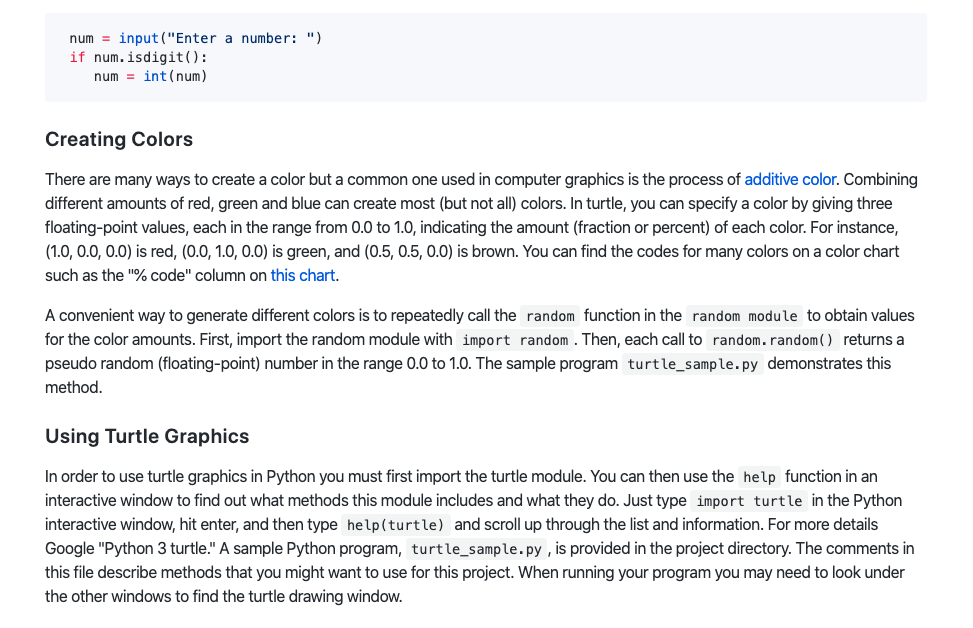
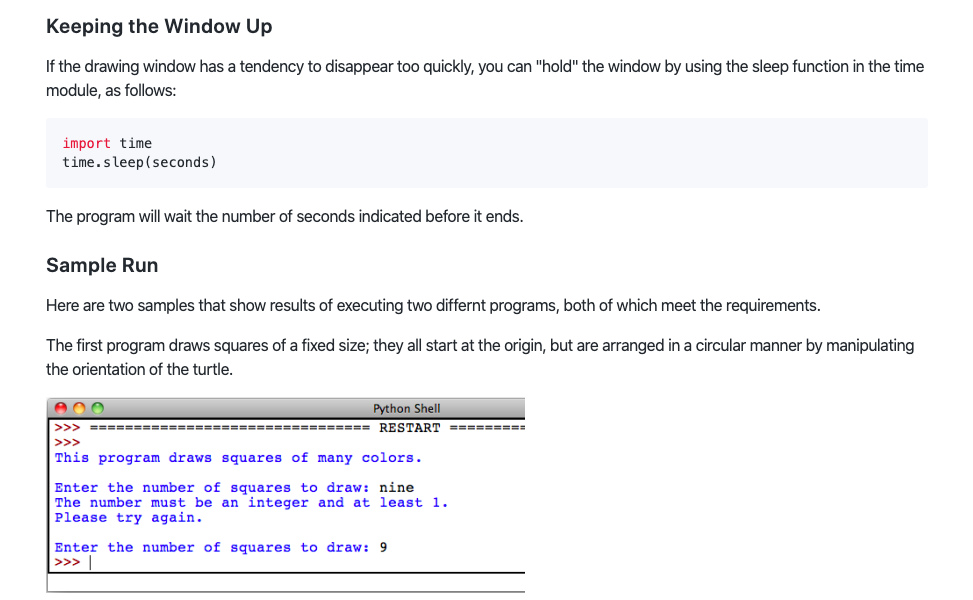
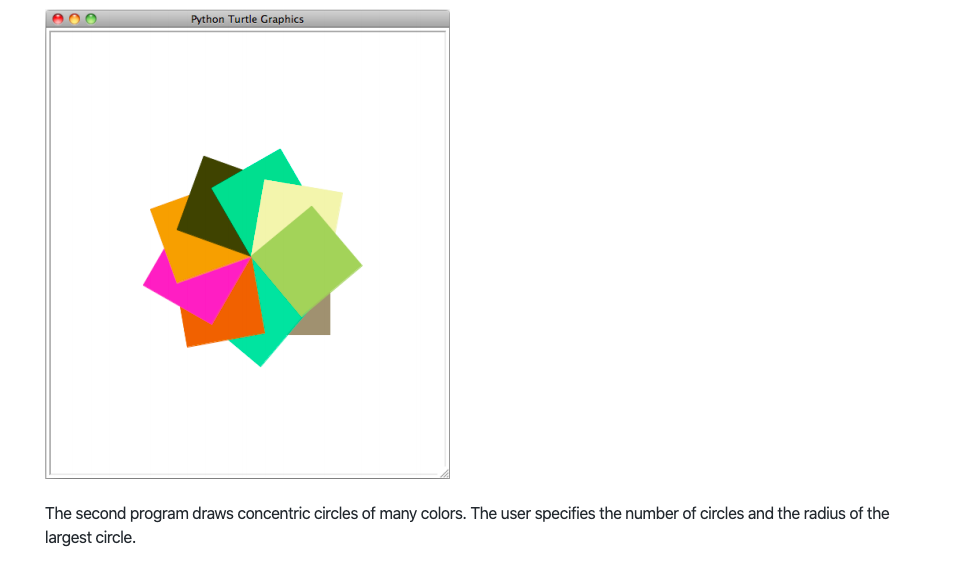
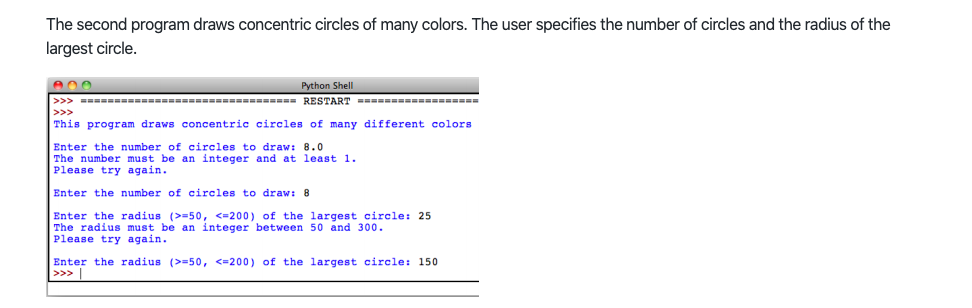
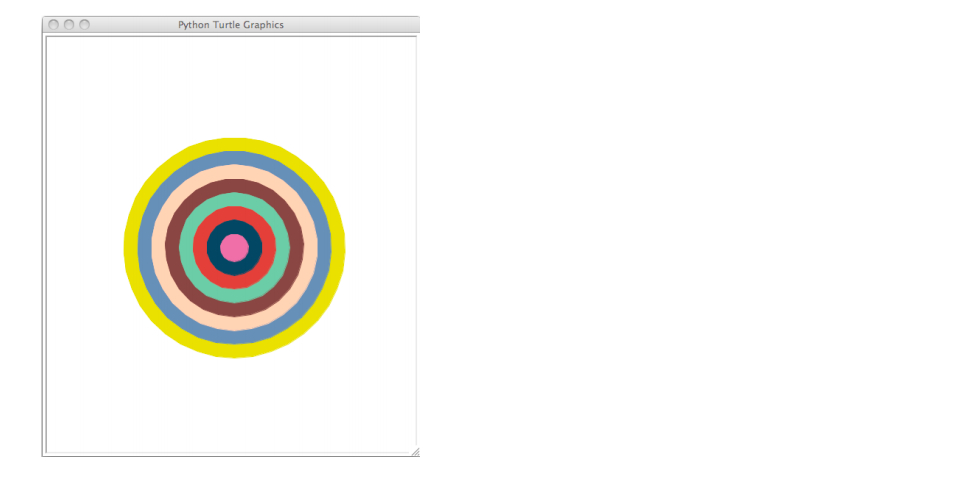
Draw Assignment Overview This project focuses on rendering different colors and some simple graphics using Python libraries. You will use both selection (if) and repetition (while, for) in this project. You will use Turtle graphics to draw a picture containing multiple shapes of multiple colors and arranged to be visually pleasing. Although you are free to decide the precise shape(s) and layout for your picture, some aspect of the picture must depend on a numeric value input by the user. For example, the input might determine the size of the shapes, the number of shapes, or their spacing. Background Originally written as a part of the logo programming language, Turtle graphics is one of the oldest graphics programs. It is a 2D graphics package that uses a Cartesian coordinate system and a "turtle," which you can imagine has a pen attached to its body. The turtle can move around the plane, drawing as it goes. Python has a module that implements the behavior of the original turtle graphics program and this module is simply called turtle (see Appendix B of the text and the comments in the sample file turtle_sample.py). Program Specifications Your program must: 1. Output a brief descriptive message of what the program does. 2. Repeatedly prompt for the input until the user supplies values of the correct form (discard incorrect inputs). Your prompt should say what form of input is needed. 3. Draw a picture containing multiple shapes of multiple colors, where the input value(s) is (are) used to determine some aspect of the shapes and/or their layout. In programming your solution, you must: 1. Use at least two repetition ( while or for ) statements. 2. Use at least one selection ( if ) statement. Deliverables The deliverable for this assignment is the following file: draw.py Be sure to use the specified file name. Assignment Notes and Hints 1. Do error checking on input last, i.e. after the rest of the program is working. 2. A sentinel loop may prove useful for checking input. 3. There is a method to check if a string is a number: isdigit() . It returns True, if the string is made up of only digits. You can use it like this: num = input("Enter a number: ") if num. isdigit(): num = int(num) Creating Colors There are many ways to create a color but a common one used in computer graphics is the process of additive color. Combining different amounts of red, green and blue can create most (but not all) colors. In turtle, you can specify a color by giving three floating-point values, each in the range from 0.0 to 1.0, indicating the amount (fraction or percent) of each color. For instance, (1.0, 0.0, 0.0) is red, (0.0, 1.0, 0.0) is green, and (0.5, 0.5, 0.0) is brown. You can find the codes for many colors on a color chart such as the '%code" column on this chart. A convenient way to generate different colors is to repeatedly call the random function in the random module to obtain values for the color amounts. First, import the random module with import random . Then, each call to random.random() returns a pseudo random (floating-point) number in the range 0.0 to 1.0. The sample program turtle_sample.py demonstrates this method. Using Turtle Graphics In order to use turtle graphics in Python you must first import the turtle module. You can then use the help function in an interactive window to find out what methods this module includes and what they do. Just type import turtle in the Python interactive window, hit enter, and then type help(turtle) and scroll up through the list and information. For more details Google "Python 3 turtle." A sample Python program, turtle_sample.py, is provided in the project directory. The comments in this file describe methods that you might want to use for this project. When running your program you may need to look under the other windows to find the turtle drawing window. Keeping the Window Up If the drawing window has a tendency to disappear too quickly, you can "hold" the window by using the sleep function in the time module, as follows: import time time. sleep (seconds) The program will wait the number of seconds indicated before it ends. Sample Run Here are two samples that show results of executing two differnt programs, both of which meet the requirements. The first program draws squares of a fixed size; they all start at the origin, but are arranged in a circular manner by manipulating the orientation of the turtle. OOO Python Shell >>> EEEEEEEEEEEEEEEEEEEEEEEEEEEEEEEE RESTART EEEEEEEEE This program draws squares of many colors. Enter the number of squares to draw: nine The number must be an integer and at least 1. Please try again. Enter the number of squares to draw: 9 > >> Python Turtle Graphics The second program draws concentric circles of many colors. The user specifies the number of circles and the radius of the largest circle. The second program draws concentric circles of many colors. The user specifies the number of circles and the radius of the largest circle. Python Shell RESTART ================= >>> ================================ This program draws concentric circles of many different colors Enter the number of circles to draw: 8.0 The number must be an integer and at least 1. Please try again. Enter the number of circles to draw: 8 Enter the radius (>=50, =50,
Step by Step Solution
There are 3 Steps involved in it

Get step-by-step solutions from verified subject matter experts
 Study Help