Question: Please write in C++ Code provided Main.cpp #include #include #include #include GroceryList.h using namespace std; bool ParseIndices(std::string str, int& outIndex1, int& outIndex2); int main(int argc,
![main(int argc, char *argv[]) { // Initialize a new grocery list GroceryList](https://dsd5zvtm8ll6.cloudfront.net/si.experts.images/questions/2024/09/66f65ed4021f4_16366f65ed394ffd.jpg)
Please write in C++
Code provided
Main.cpp
#include #include #include #include "GroceryList.h" using namespace std;
bool ParseIndices(std::string str, int& outIndex1, int& outIndex2);
int main(int argc, char *argv[]) { // Initialize a new grocery list GroceryList groceryList; string command; bool quit = false; while (!quit) { getline(cin, command); // Process user input if (command == "print") { groceryList.Print(cout); } else if (0 == command.find("add ")) { groceryList.AddWithUndo(command.substr(4)); } else if (0 == command.find("removeat ")) { int index = stoi(command.substr(9)); groceryList.RemoveAtWithUndo(index); } else if (0 == command.find("swap ")) { int index1 = -1, index2 = -1; if (ParseIndices(command.substr(5), index1, index2)) { groceryList.SwapWithUndo(index1, index2); } else { cout
bool ParseIndices(std::string str, int& outIndex1, int& outIndex2) { auto spaceIndex = str.find(" "); if (spaceIndex == string::npos) { return false; } outIndex1 = stoi(str); outIndex2 = stoi(str.substr(spaceIndex + 1)); return true; }
UndoCommand.h
#ifndef UNDOCOMMAND_H #define UNDOCOMMAND_H
class UndoCommand { public: virtual ~UndoCommand() { } virtual void Execute() = 0; };
#endif
RemoveLastCommand.h
#ifndef REMOVELASTCOMMAND_H #define REMOVELASTCOMMAND_H
#include #include #include "UndoCommand.h"
class RemoveLastCommand : public UndoCommand { private: std::vector<:string>* sourceVector;
public: RemoveLastCommand(std::vector<:string>* vector) { sourceVector = vector; } void Execute() override { // Your code here } };
#endif
SwapCommand.h
#ifndef SWAPCOMMAND_H #define SWAPCOMMAND_H
#include #include #include "UndoCommand.h"
class SwapCommand : public UndoCommand { private: // Your member variable declarations here
public: // Your constructor code here void Execute() override { // Your code here } };
#endif
InsertAtCommand.h
#ifndef INSERTATCOMMAND_H #define INSERTATCOMMAND_H
#include #include #include "UndoCommand.h"
class InsertAtCommand : public UndoCommand { private: // Your member variable declarations here
public: // Your constructor code here void Execute() override { // Your code here } };
#endif
GroceryList.h
#ifndef GROCERYLIST_H #define GROCERYLIST_H
#include #include #include "UndoCommand.h" #include "RemoveLastCommand.h" #include "InsertAtCommand.h" #include "SwapCommand.h"
class GroceryList { protected: std::vector<:string> listItems; std::stack undoStack; public: virtual void AddWithUndo(std::string newItemName) { // Add the new list item listItems.push_back(newItemName); // Make an undo command that removes the last item and push onto stack undoStack.push(new RemoveLastCommand(&listItems)); } virtual void RemoveAtWithUndo(int removalIndex) { // Your code here } virtual void SwapWithUndo(int index1, int index2) { // Your code here } // Pops and executes the undo command at the top of the undo stack. Then // deletes the executed command. virtual void ExecuteUndo() { // Your code here } virtual int GetListSize() const { return (int)listItems.size(); } virtual int GetUndoStackSize() const { return (int)undoStack.size(); } virtual std::vector<:string> GetVectorCopy() const { return listItems; } virtual void Print(std::ostream& outputStream) { for (size_t i = 0; i #endif
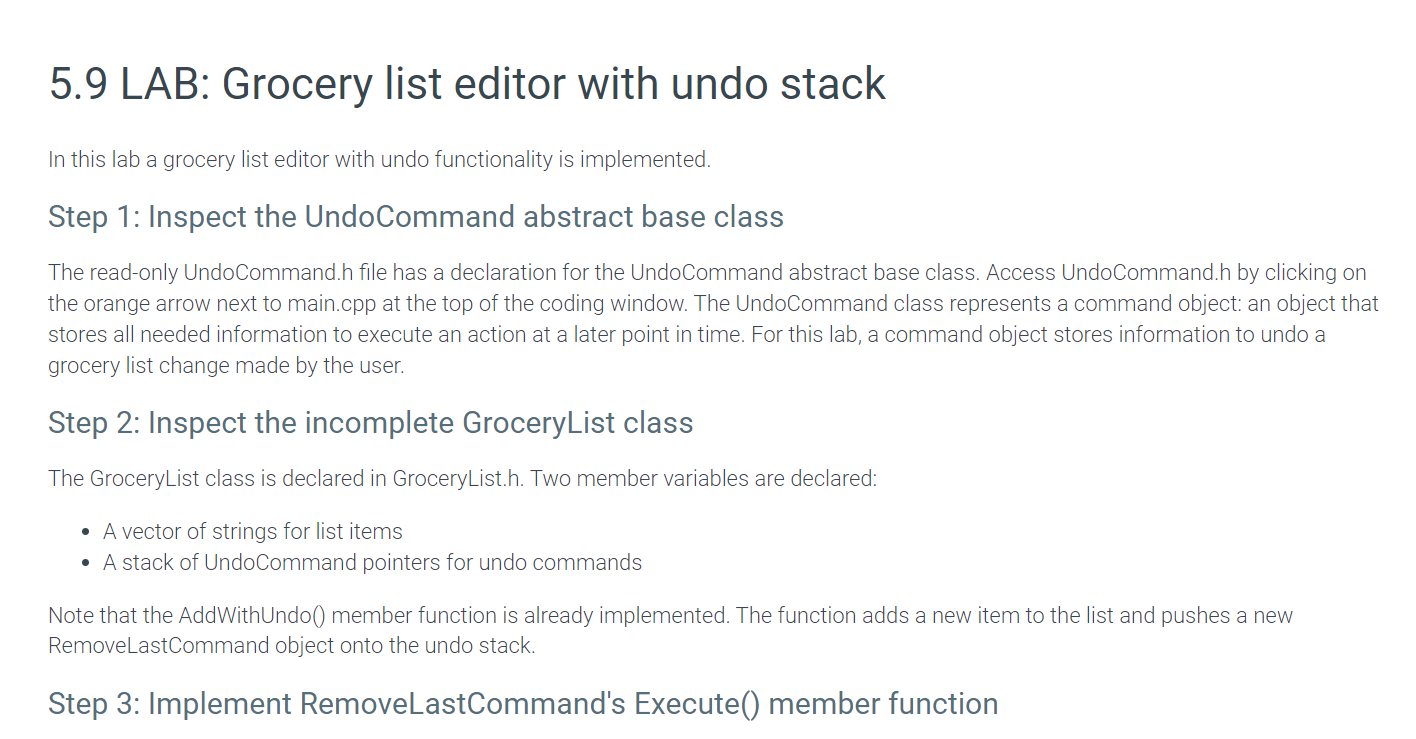
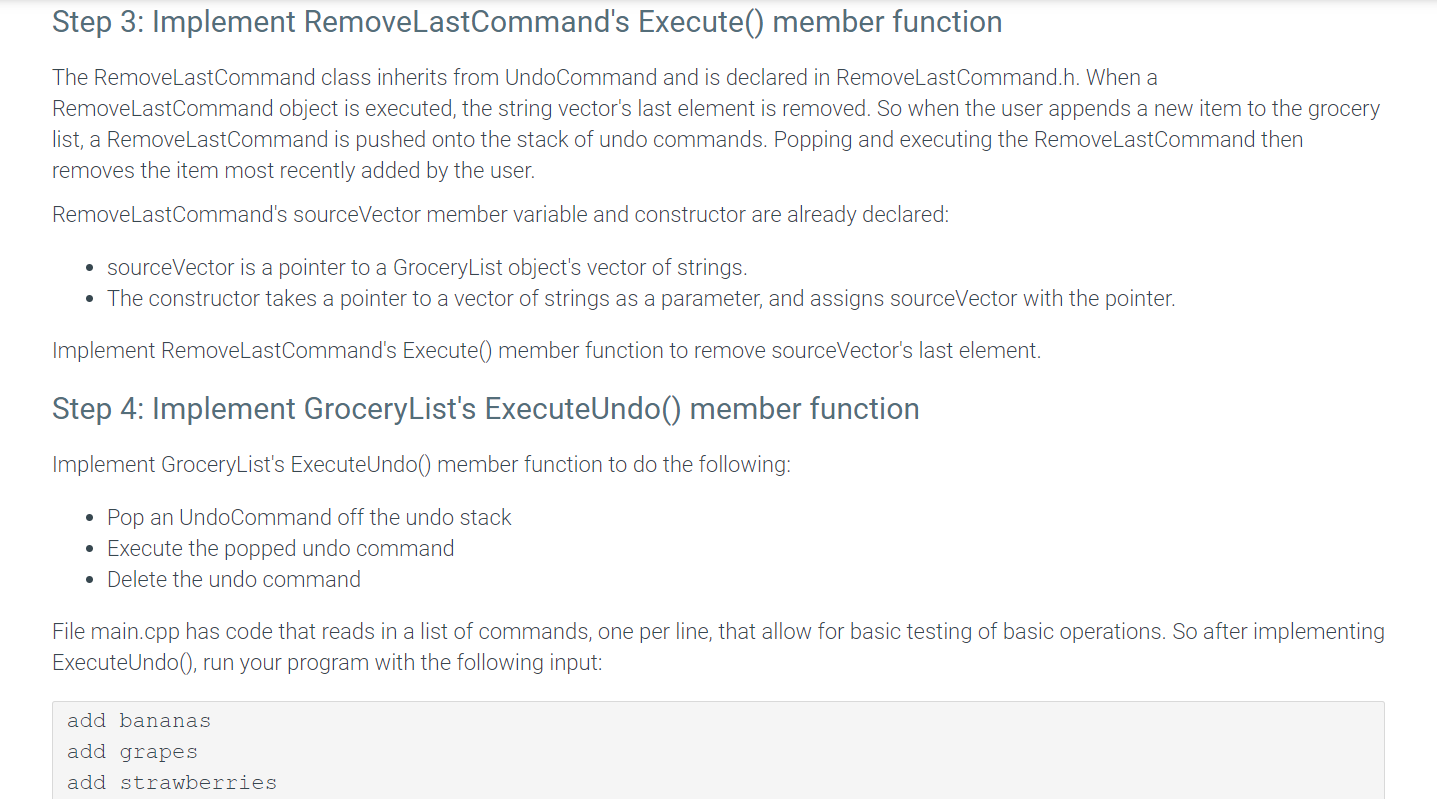
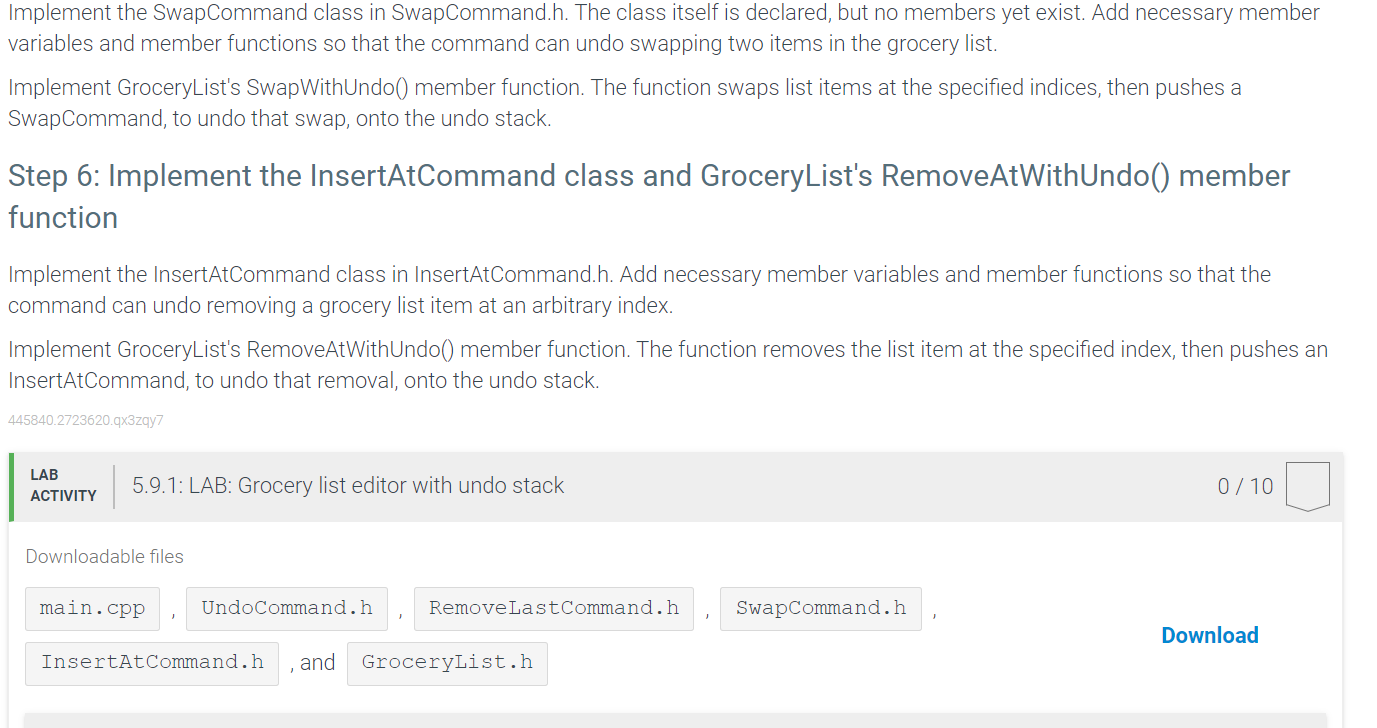
In this lab a grocery list editor with undo functionality is implemented. Step 1: Inspect the UndoCommand abstract base class The read-only UndoCommand.h file has a declaration for the UndoCommand abstract base class. Access UndoCommand.h by clicking on the orange arrow next to main.cpp at the top of the coding window. The UndoCommand class represents a command object: an object that stores all needed information to execute an action at a later point in time. For this lab, a command object stores information to undo a grocery list change made by the user. Step 2: Inspect the incomplete GroceryList class The GroceryList class is declared in GroceryList.h. Two member variables are declared: - A vector of strings for list items - A stack of UndoCommand pointers for undo commands Note that the AddWithUndo() member function is already implemented. The function adds a new item to the list and pushes a new RemoveLastCommand object onto the undo stack. Step 3: Implement RemoveLastCommand's Execute() member function Step 3: Implement RemoveLastCommand's Execute() member function The RemoveLastCommand class inherits from UndoCommand and is declared in RemoveLastCommand.h. When a RemoveLastCommand object is executed, the string vector's last element is removed. So when the user appends a new item to the grocery list, a RemoveLastCommand is pushed onto the stack of undo commands. Popping and executing the RemoveLastCommand then removes the item most recently added by the user. RemoveLastCommand's sourceVector member variable and constructor are already declared: - sourceVector is a pointer to a GroceryList object's vector of strings. - The constructor takes a pointer to a vector of strings as a parameter, and assigns sourceVector with the pointer. Implement RemoveLastCommand's Execute() member function to remove sourceVector's last element. Step 4: Implement GroceryList's ExecuteUndo() member function Implement GroceryList's ExecuteUndo() member function to do the following: - Pop an UndoCommand off the undo stack - Execute the popped undo command - Delete the undo command File main.cpp has code that reads in a list of commands, one per line, that allow for basic testing of basic operations. So after implementing ExecuteUndo(), run your program with the following input: add bananas add grapes add strawberries print undo print undo print quit Verify that the corresponding output is: 0. bananas 1. grapes 2. strawberries 0 . bananas 1. grapes 0 . bananas The program's output does not affect grading, so additional test cases can be added, if desired. Submitting code written so far to obtain partial credit is recommended before proceeding to the next step. Step 5: Implement the SwapCommand class and GroceryList's SwapWithUndo() member function Implement the SwapCommand class in SwapCommand.h. The class itself is declared, but no members yet exist. Add necessary member variables and member functions so that the command can undo swapping two items in the grocery list. Implement GroceryList's SwapWithUndo() member function. The function swaps list items at the specified indices, then pushes a SwapCommand, to undo that swap, onto the undo stack. Step 6: Implement the InsertAtCommand class and GroceryList's RemoveAtWithUndo() member function Implement the InsertAtCommand class in InsertAtCommand.h. Add necessary member variables and member functions so that the command can undo removing a grocery list item at an arbitrary index. Implement GroceryList's RemoveAtWithUndo() member function. The function removes the list item at the specified index, then pushes an InsertAtCommand, to undo that removal, onto the undo stack. 445840.2723620.93zqy7 0/10 Downloadable files , and









 Study Help