







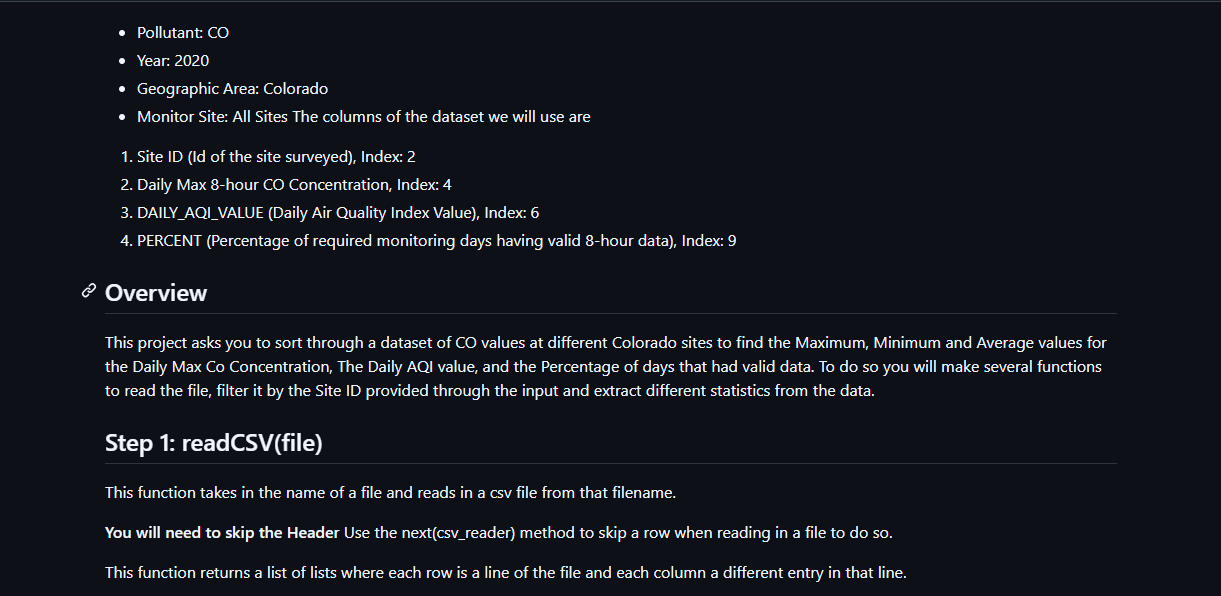
Question: - Pollutant: CO - Year: 2 0 2 0 - Geographic Area: Colorado - Monitor Site: All Sites The columns of the dataset we will
Pollutant: CO
Year:
Geographic Area: Colorado
Monitor Site: All Sites The columns of the dataset we will use are
Site ID Id of the site surveyed Index:
Daily Max hour CO Concentration, Index:
DAILYAQIVALUE Daily Air Quality Index Value Index:
PERCENT Percentage of required monitoring days having valid hour data Index:
@ Overview
This project asks you to sort through a dataset of CO values at different Colorado sites to find the Maximum, Minimum and Average values for the Daily Max Co Concentration, The Daily AQI value, and the Percentage of days that had valid data. To do so you will make several functions to read the file, filter it by the Site ID provided through the input and extract different statistics from the data.
Step : readCSVfile
This function takes in the name of a file and reads in a csv file from that filename.
You will need to skip the Header Use the nextcsvreader method to skip a row when reading in a file to do so
This function returns a list of lists where each row is a line of the file and each column a different entry in that line. Step : filterCSVdata filterby
This function takes in a list of lists returned from the readCSV function and selects rows from it based on what the filterby is
To do so loop through the data and compare the Site ID column to filterby, if they are equal, add that row to a empty list and move to the next row.
This function returns a list of lists where the Site ID of each list is equal to filterby.
Step : calcAllMaxsdata
This function takes in filtered data and returns the maximum value for three seperate columns.
Daily Max hour CO Concentration, Index:
DAILYAQIVALUE Daily Air Quality Index Value Index:
PERCENT Percentage of required monitoring days having valid hour data Index: To do so it is useful to use the helper function calcMax. To find the max you should loop through the file and keep a variable that keeps track of the maximum for each column, updating it whenever there is a larger value. This function returns a tuple in the order Daily Max, Daily AQI, Percent
calcMaxdata columnindex
This is a helper function that takes in data, and the number of a specific column and finds the maximum value in that column.
It may be useful to loop through the data and keep track of the max then return it at the end. Step : calcAllMinsdata
This function takes in filtered data and returns the minimum value for three seperate columns.
Daily Max hour CO Concentration, Index:
DAILYAQIVALUE Daily Air Quality Index Value Index:
PERCENT Percentage of required monitoring days having valid hour data Index: To do so it is useful to use the helper function calcMin. To find the min you should loop through the file and keep a variable that keeps track of the minimum for each column, updating it whenever there is a smaller value. This function returns a tuple in the order Daily Max, Daily AQl, Percent
calcMindata columnindex
This is a helper function that takes in data, and the number of a specific column and finds the minimum value in that column.
It may be useful to loop through the data and keep track of the min then return it at the end.
Step : calcAllAvgsdata
This function takes in filtered data and returns the Average value for three seperate columns.
Daily Max hour CO Concentration, Index:
DAILYAQIVALUE Daily Air Quality Index Value Index:
PERCENT Percentage of required monitoring days having valid hour data Index: To do so it is useful to use the helper function calcAvg. To find the max you should loop through the file and keep a variable that keeps track of the total for each column, dividing it by the number of rows at the end. This function returns a tuple in the order Daily Max, Daily AQI, Percent
calcAvgdata columnindex
This is a helper function that takes in data, and the number of a specific column and finds the average value in that column. Step : printstatsuserinput, stattype, stats
This function takes in the ID of the site that was used for filtering, the type of statistic to display, and the numbers for that statistic. It then prints out the statistics for each part of the stats. Remember that index can be used to access parts of a tuple
All Statistics should be printed as formatted strings, with only two decimals using : f
For example If the function is called like:
printstats "Maximum", calcAllMaxsfiltered
Then the output would be:
Site : Maximum for Daily Max is
Site : Maximum for Daily AQI is
Site : Maximum for Percent Complete is
However if the function is called like:
printstats "Average", calcAllAvgsfiltered
The output would be:
Site : Average for Daily Max is
Site : Average for Daily AQI is
Site : Average for Percent Complete is Step : Main
This is the driver of your program, it will call your other functions and is where you will do most of your testing.
In this
Step by Step Solution
There are 3 Steps involved in it
1 Expert Approved Answer
Step: 1 Unlock

Question Has Been Solved by an Expert!
Get step-by-step solutions from verified subject matter experts
Step: 2 Unlock
Step: 3 Unlock
 Study Help