







Question: PostgreSQL/ PSQL ============================================================================ Here is the question: The required database is too long to be posted here. I could copy and paste it in the
PostgreSQL/ PSQL
============================================================================
Here is the question:

The required database is too long to be posted here. I could copy and paste it in the form, but I can't submit it because it is too long. The Northwind database (among others) is publicy available and free from Microsoft as a sample database...I guess that's why my teacher chose it so there wouldn't be any copyright infringement. Please use a search engine to find the database for the question above. I would rather just copy and paste a link for everyone to get it, but I don't know how Chegg would feel about that even though it is publicly available from Microsoft.
Thank you!
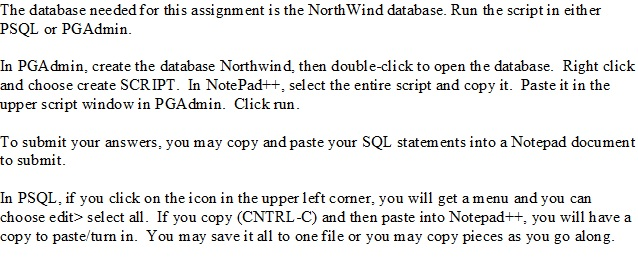
The database needed for this assignment is the North Wind database. Run the script in either PSQL or PG Admin. In PGAdmin, create the database Northwind, then double-click to open the database. Right click and choose create SCRIPT. In NotePad++, select the entire script and copy it. Paste it in the upper script window in PGAdmin. Click run To submit your answers, you may copy and paste your SQL statements into a Notepad document to submit. In PSQL, if you click on the icon in the upper left corner, you will get a menu and you can choose edit select all. If you copy (CNTRL-C and then paste into Notepad++, you will have a copy to paste/turn in. You may save it all to one file or you may copy pieces as you go along
Step by Step Solution
There are 3 Steps involved in it

Get step-by-step solutions from verified subject matter experts
 Study Help