







Question: Practical 9 - Automation, using OS Today we will explore Python as an automation tool to help us automate repetitive tasks with files and the
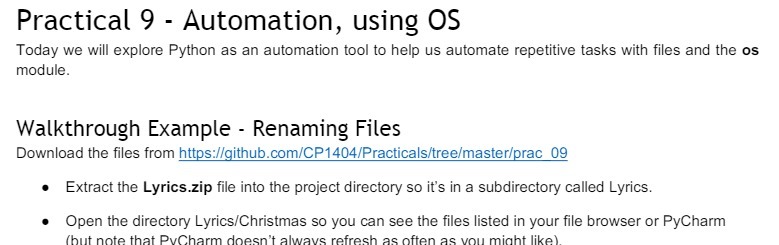
Practical 9 - Automation, using OS Today we will explore Python as an automation tool to help us automate repetitive tasks with files and the os module. Walkthrough Example - Renaming Files Download the files from https://github.com/CP1404/Practicals/tree/master/prac 09 . Extract the Lyrics.zip file into the project directory so it's in a subdirectory called Lyrics. . Open the directory Lyrics/Christmas so you can see the files listed in your file browser or PyCharm (but note that PvCharm doesn't always refresh as often as you might like)
Step by Step Solution
There are 3 Steps involved in it
1 Expert Approved Answer
Step: 1 Unlock

Question Has Been Solved by an Expert!
Get step-by-step solutions from verified subject matter experts
Step: 2 Unlock
Step: 3 Unlock
 Study Help