







Question: Practical applications of differential equations require technical tools. For this course, the technical tool employed is MATLAB. MATLAB is an interpreted language. Programs may be
Practical applications of differential equations require technical tools. For this course, the technical tool employed is MATLAB. MATLAB is an interpreted language. Programs may be easily written and modified with the built-in integrated development environment and debugger. If you are unfamiliar with MATLAB, the activities in the class have been designed to introduce you slowly to key concepts and operations.
What is the input or codes?
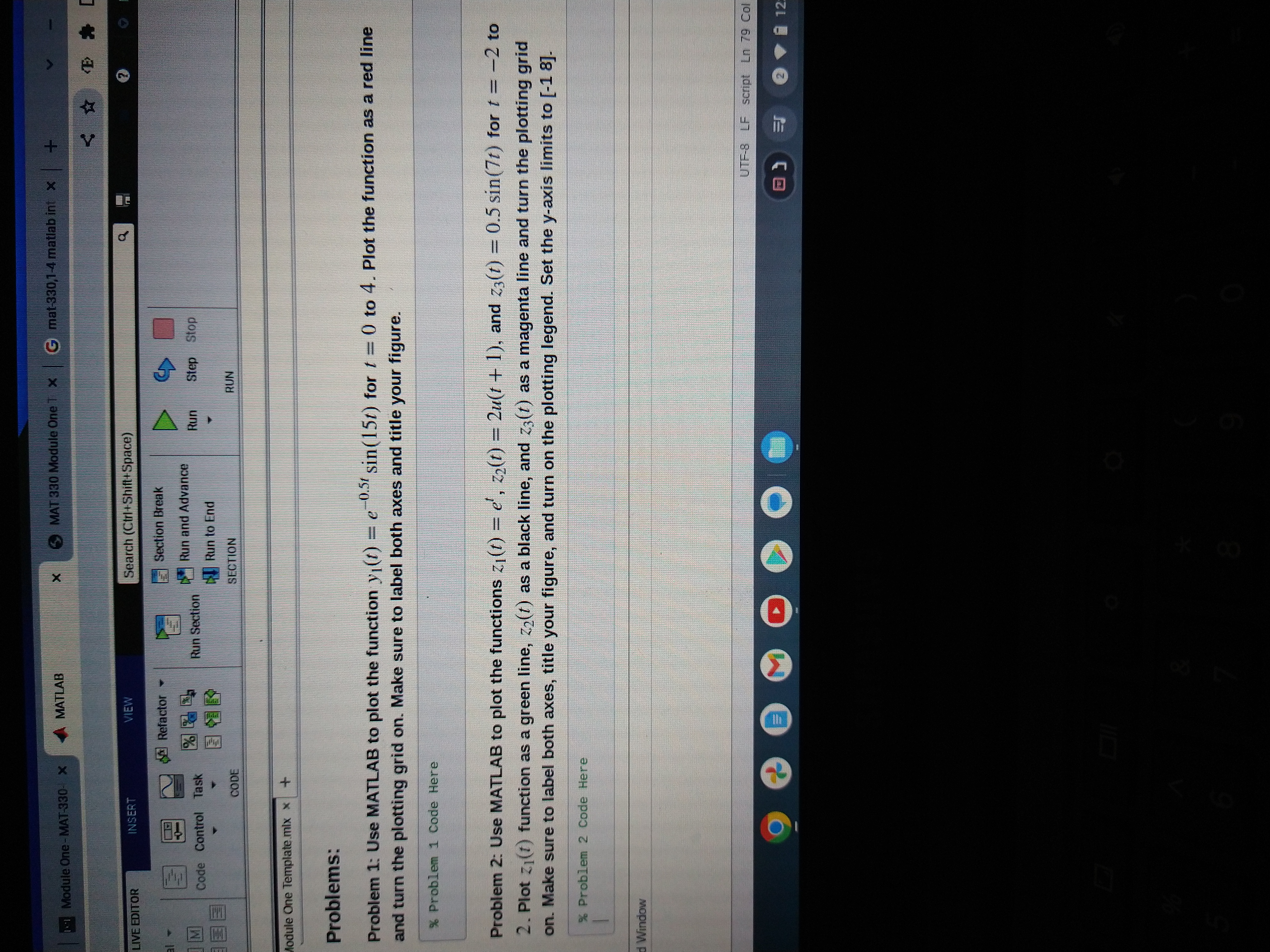
11 Module One - MAT-330- X LIVE EDITOR 31 - M INSERT Code Control Task Module One Template.mlx x CODE d Window + % Problem 1 Code Here MATLAB VIEW Refactor Run Section X Search (Ctrl+Shift+Space) MAT 330 Module One T X G mat-330,1-4 matlab int x + Section Break Run and Advance Run to End SECTION 8 D Run Problems: -0.51 Problem 1: Use MATLAB to plot the function y(t) = e sin(15t) for t = 0 to 4. Plot the function as a red line and turn the plotting grid on. Make sure to label both axes and title your figure. Step Stop O RUN Problem 2: Use MATLAB to plot the functions z(t) = e, 2(t) = 2u(t+1), and z3(t) = 0.5 sin(7t) for t= -2 to 2. Plot z (1) function as a green line, z(t) as a black line, and z3(t) as a magenta line and turn the plotting grid on. Make sure to label both axes, title your figure, and turn on the plotting legend. Set the y-axis limits to [-18]. % Problem 2 Code Here < E [ UTF-8 LF script Ln 79 Col 2 12:
Step by Step Solution
There are 3 Steps involved in it

Get step-by-step solutions from verified subject matter experts
 Study Help