







Question: Practice It 11-2 1. Open the data file Functions located in the Chapter 11Practice It folder. Save the document as Hotel Functions. 2. Replace all
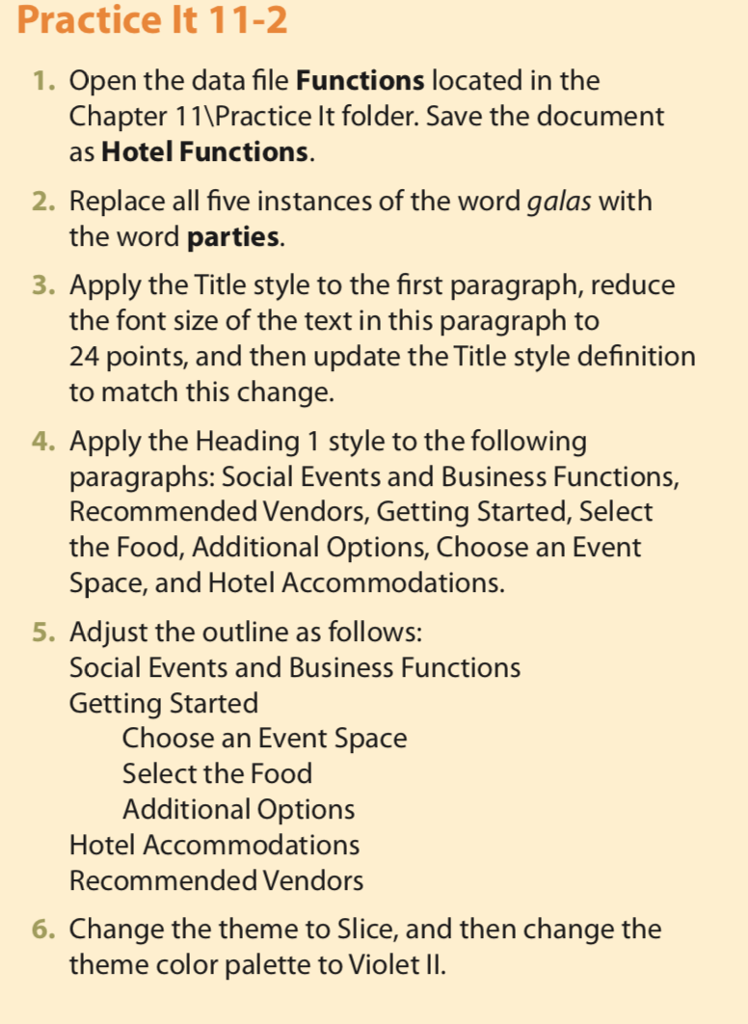
Practice It 11-2 1. Open the data file Functions located in the Chapter 11\Practice It folder. Save the document as Hotel Functions. 2. Replace all five instances of the word galas with the word parties. . Apply the Title style to the first paragraph, reduce the font size of the text in this paragraph to 24 points, and then update the Title style definition to match this change. Apply the Heading 1 style to the following paragraphs: Social Events and Business Functions, Recommended Vendors, Getting Started, Select the Food, Additional Options, Choose an Event Space, and Hotel Accommodations 5. Adjust the outline as follows: Social Events and Business Functions Getting Started Choose an Event Space Select the Food Additional Options Hotel Accommodations Recommended Vendors 6. Change the theme to Slice, and then change the theme color palette to Violet lI. Practice It 11-2 1. Open the data file Functions located in the Chapter 11\Practice It folder. Save the document as Hotel Functions. 2. Replace all five instances of the word galas with the word parties. . Apply the Title style to the first paragraph, reduce the font size of the text in this paragraph to 24 points, and then update the Title style definition to match this change. Apply the Heading 1 style to the following paragraphs: Social Events and Business Functions, Recommended Vendors, Getting Started, Select the Food, Additional Options, Choose an Event Space, and Hotel Accommodations 5. Adjust the outline as follows: Social Events and Business Functions Getting Started Choose an Event Space Select the Food Additional Options Hotel Accommodations Recommended Vendors 6. Change the theme to Slice, and then change the theme color palette to Violet lI
Step by Step Solution
There are 3 Steps involved in it

Get step-by-step solutions from verified subject matter experts
 Study Help