







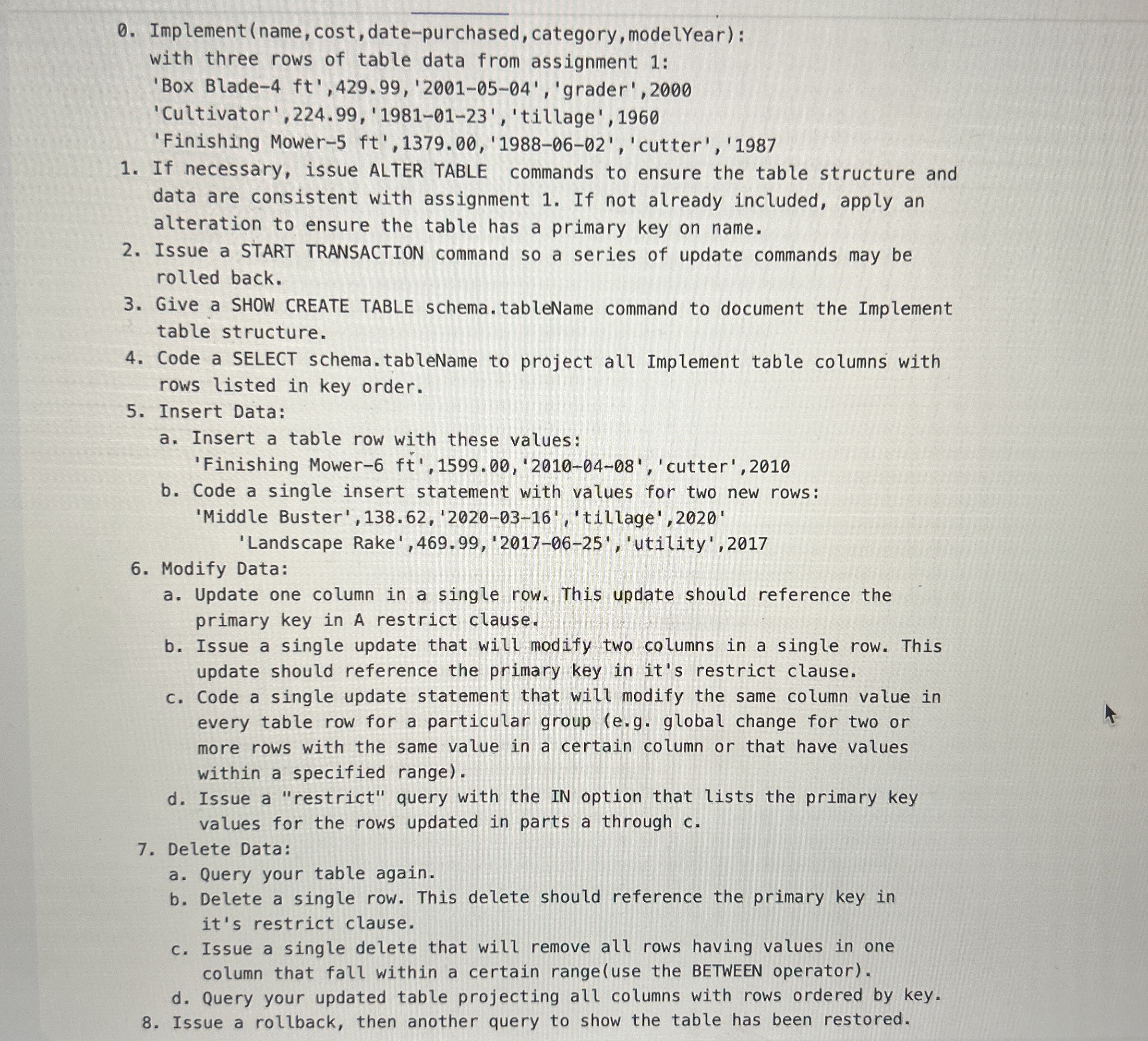
Question: Prepare SQL to update your implement database table from assignment one Implement ( name , cost , date - purchased, category, modelYear ) : with
Prepare SQL to update your implement database table from assignment one
Implementname cost datepurchased, category, modelYear:
with three rows of table data from assignment :
'Box Blade'grader',
'Cultivator', 'tillage',
'Finishing Mower 'cutter',
If necessary, issue ALTER TABLE commands to ensure the table structure and
data are consistent with assignment If not already included, apply an
alteration to ensure the table has a primary key on name.
Issue a START TRANSACTION command so a series of update commands may be
rolled back.
Give a SHOW CREATE TABLE schema.tableName command to document the Implement
table structure.
Code a SELECT schema.tableName to project all Implement table columns with
rows listed in key order.
Insert Data:
a Insert a table row with these values:
'Finishing Mower ft'cutter',
b Code a single insert statement with values for two new rows:
'Middle Buster','tillage',
'Landscape Rake','utility',
Modify Data:
a Update one column in a single row. This update should reference the
primary key in A restrict clause.
b Issue a single update that will modify two columns in a single row. This
update should reference the primary key in it's restrict clause.
c Code a single update statement that will modify the same column value in
every table row for a particular group eg global change for two or
more rows with the same value in a certain column or that have values
within a specified range
d Issue a "restrict" query with the IN option that lists the primary key
values for the rows updated in parts a through
Delete Data:
a Query your table again.
b Delete a single row. This delete should reference the primary key in
it's restrict clause.
c Issue a single delete that will remove all rows having values in one
column that fall within a certain rangeuse the BETWEEN operator
d Query your updated table projecting all columns with rows ordered by key.
Issue a rollback, then another query to show the table has been restored.
Step by Step Solution
There are 3 Steps involved in it
1 Expert Approved Answer
Step: 1 Unlock

Question Has Been Solved by an Expert!
Get step-by-step solutions from verified subject matter experts
Step: 2 Unlock
Step: 3 Unlock
 Study Help