







Question: Press the x , T , , n key. What do you see? Press the Y = key. If anything is in there, clear it
Press the key. What do you see?
Press the key. If anything is in there, clear it out. Enter for
Press the WINDOW key.
If any of the values are different from the ones listed below, change them.
xmin
xmax
Ymin
Ymax
Xres
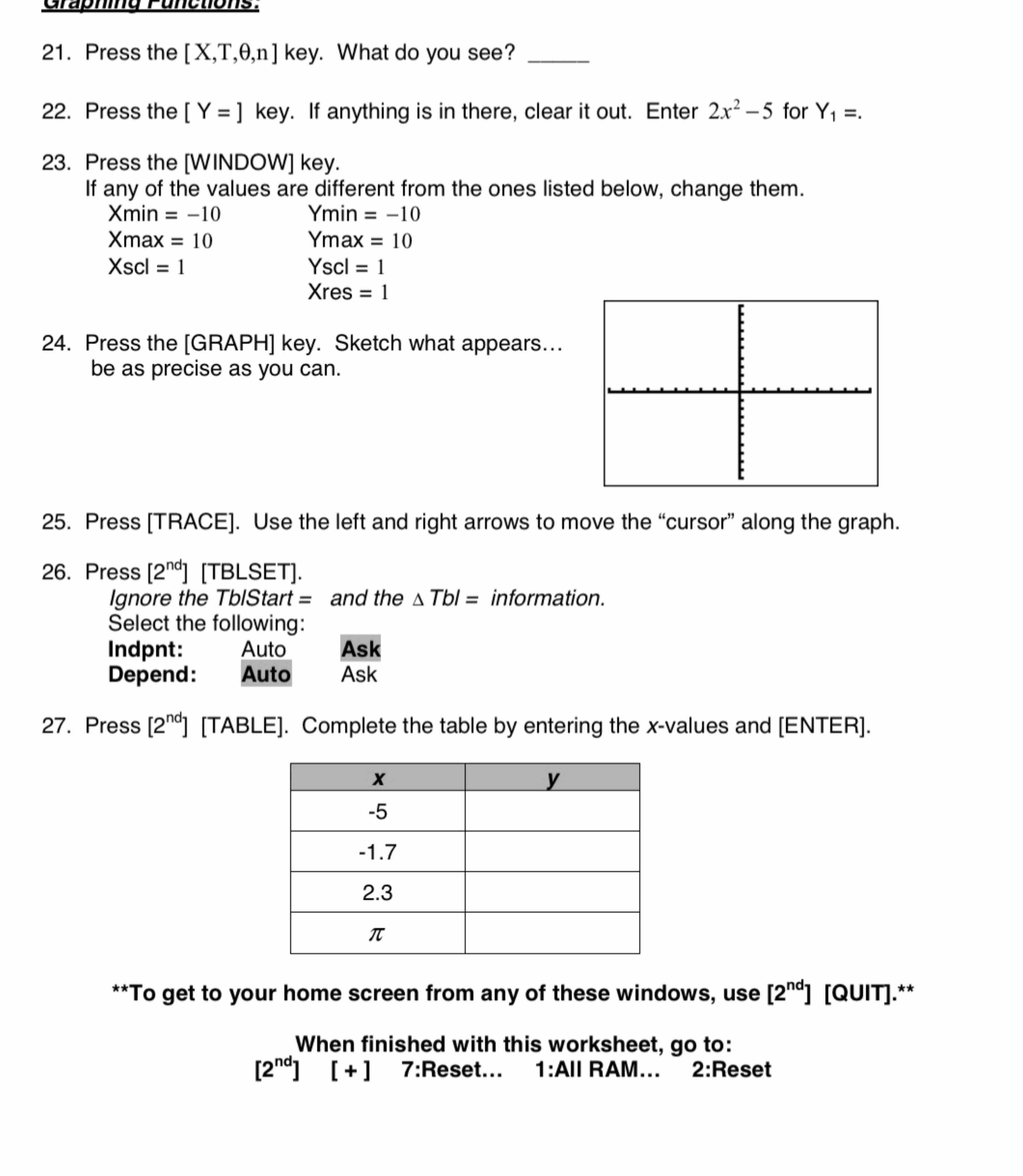
Press the GRAPH key. Sketch what appears...
be as precise as you can.
Press TRACE Use the left and right arrows to move the "cursor" along the graph.
Press
Ignore the TbStart and the information.
Select the following:
Ask
Depend: Auto Ask
Press Complete the table by entering the values and ENTER
To get to your home screen from any of these windows, use QUIT
When finished with this worksheet, go to:
:Reset... :All RAM... :Reset
Step by Step Solution
There are 3 Steps involved in it
1 Expert Approved Answer
Step: 1 Unlock

Question Has Been Solved by an Expert!
Get step-by-step solutions from verified subject matter experts
Step: 2 Unlock
Step: 3 Unlock
 Study Help