







Question: PrintUpper Exercise Make the following programs in sequence. Be sure to save the programs in the same directory as where you start the idle shortcut
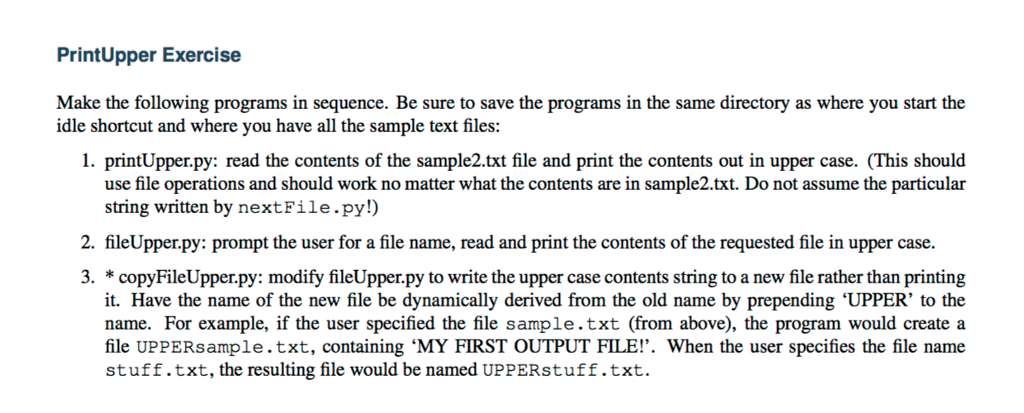
PrintUpper Exercise Make the following programs in sequence. Be sure to save the programs in the same directory as where you start the idle shortcut and where you have all the sample text files: 1. printUpper.py: read the contents of the sample2.txt file and print the contents out in upper case. (This should use file operations and should work no matter what the contents are in sample2.txt. Do not assume the particular string written by nextFile.py!]) 2. fileUpper.py: prompt the user for a file name, read and print the contents of the requested file in upper case. 3. *copyFileUpper.py: modify fileUpper.py to write the upper case contents string to a new file rather than printing it. Have the name of the new file be dynamically derived from the old name by prepending 'UPPER' to the name. For example, if the user specified the file sample.txt (from above), the program would create a file UPPERsample.txt, containing 'MY FIRST OUTPUT FILE!'. When the user specifies the file name stuff.txt, the resulting file would be named UPPERstuff.txt
Step by Step Solution
There are 3 Steps involved in it

Get step-by-step solutions from verified subject matter experts
 Study Help