







Question: Problem 1 Cat in street(45 pts): for Python 3.9 Fill in the blank in cat in street.ipynb, to add the cat in the street as
Problem 1 Cat in street(45 pts): for Python 3.9 Fill in the blank in cat in street.ipynb, to add the cat in the street as follows:
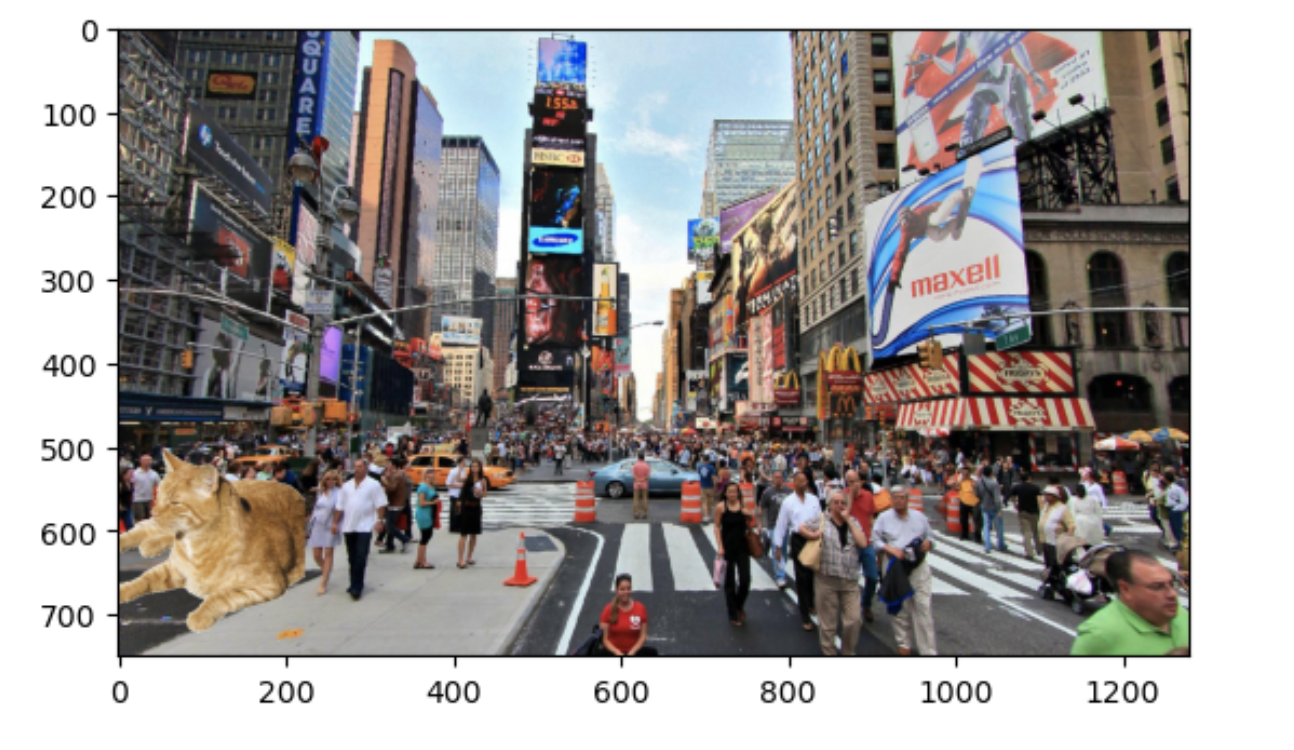
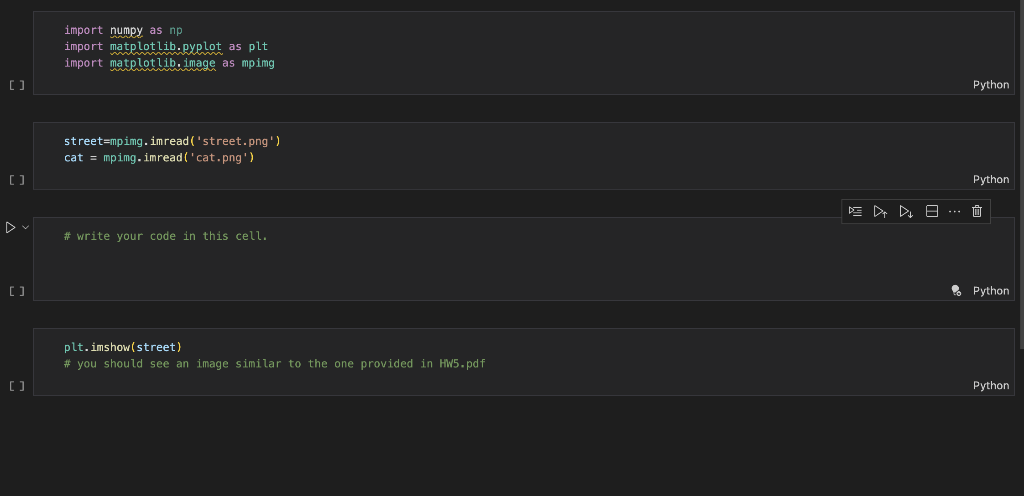
Please write your code in the notebook cell I indicated. Do not change other codes. You should remove the background of the cat. The cat should be in the bottom left corner of the street image. The exact position is flexible. As long as your result looks like the image above, you will be fine. Put cat in street.ipynb, cat.png, street.png in the same folder in your own ma- chine. You should submit the modified cat in street.ipynb in the end. You dont need to submit the images.
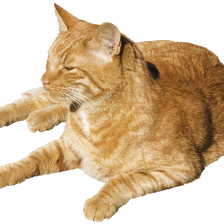
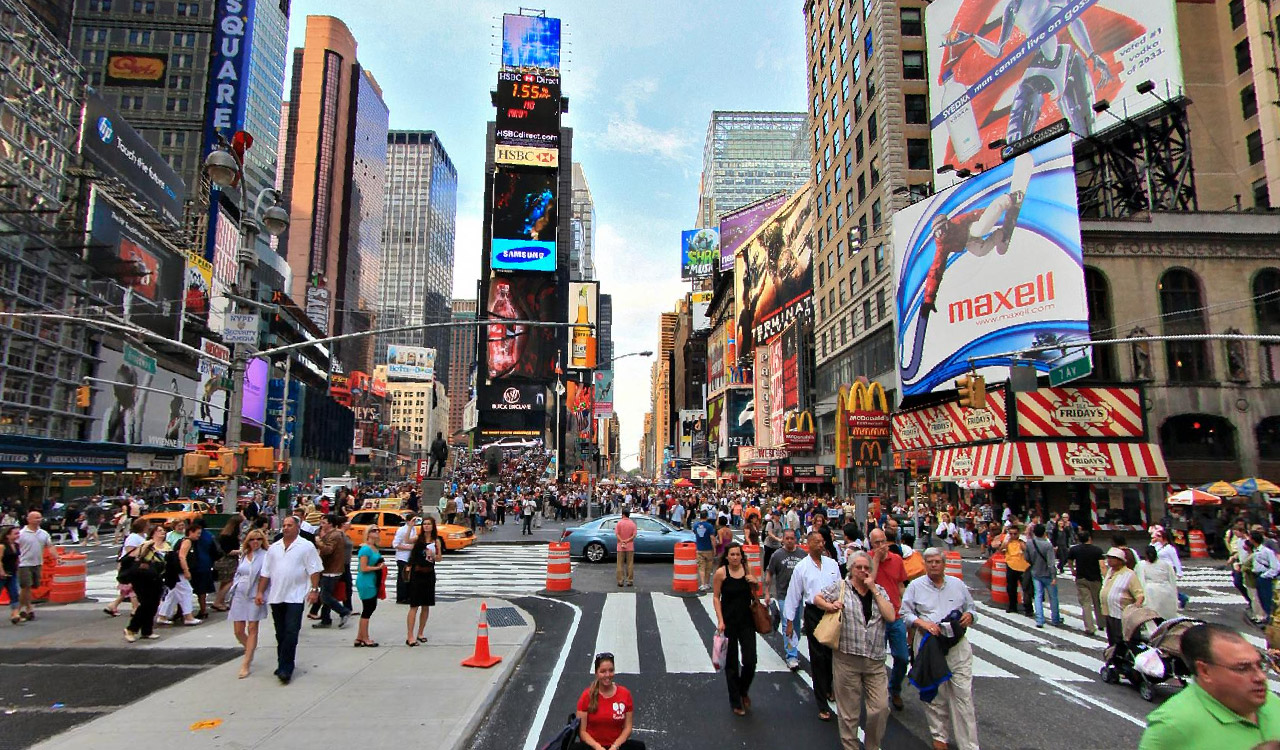
Hope there is an explanation! Thank you
import numpy as np import matplotlib.pyplot as plt import matplotlib.image as mping [] street=mpimg. imread ( street.png') cat = mpimg. imread('cat.png') [] \# write your code in this cell. [] plt.imshow (street) \# you should see an image similar to the one provided in HW5.pdf [] Python
Step by Step Solution
There are 3 Steps involved in it

Get step-by-step solutions from verified subject matter experts
 Study Help