







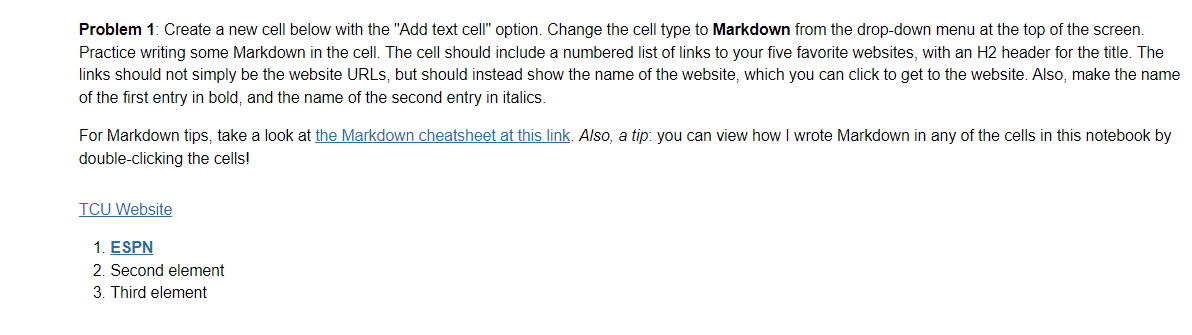
Question: Problem 1 : Create a new cell below with the Add text cell option. Change the cell type to Markdown from the drop - down
Problem : Create a new cell below with the "Add text cell" option. Change the cell type to Markdown from the dropdown menu at the top of the screen.
Practice writing some Markdown in the cell. The cell should include a numbered list of links to your five favorite websites, with an header for the title. The
links should not simply be the website URLs, but should instead show the name of the website, which you can click to get to the website. Also, make the name
of the first entry in bold, and the name of the second entry in italics.
For Markdown tips, take a look at the Markdown cheatsheet at this link. Also, a tip: you can view how I wrote Markdown in any of the cells in this notebook by
doubleclicking the cells!
TCU Website
ESPN
Second element
Third element
Step by Step Solution
There are 3 Steps involved in it
1 Expert Approved Answer
Step: 1 Unlock

Question Has Been Solved by an Expert!
Get step-by-step solutions from verified subject matter experts
Step: 2 Unlock
Step: 3 Unlock
 Study Help