Question: Problem 3: We often want to simulate a random variable. This often involves starting with a uniformly distributed random variable between 0 and 1. We
Problem 3: We often want to simulate a randomProblem 3: We often want to simulate a randomProblem 3: We often want to simulate a randomProblem 3: We often want to simulate a random

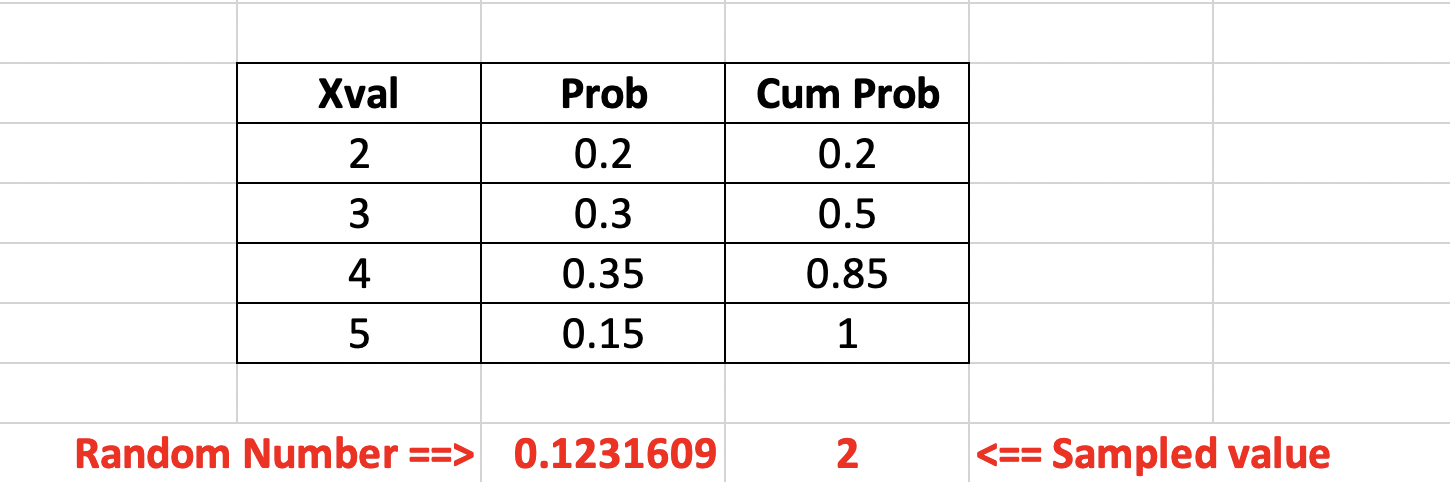
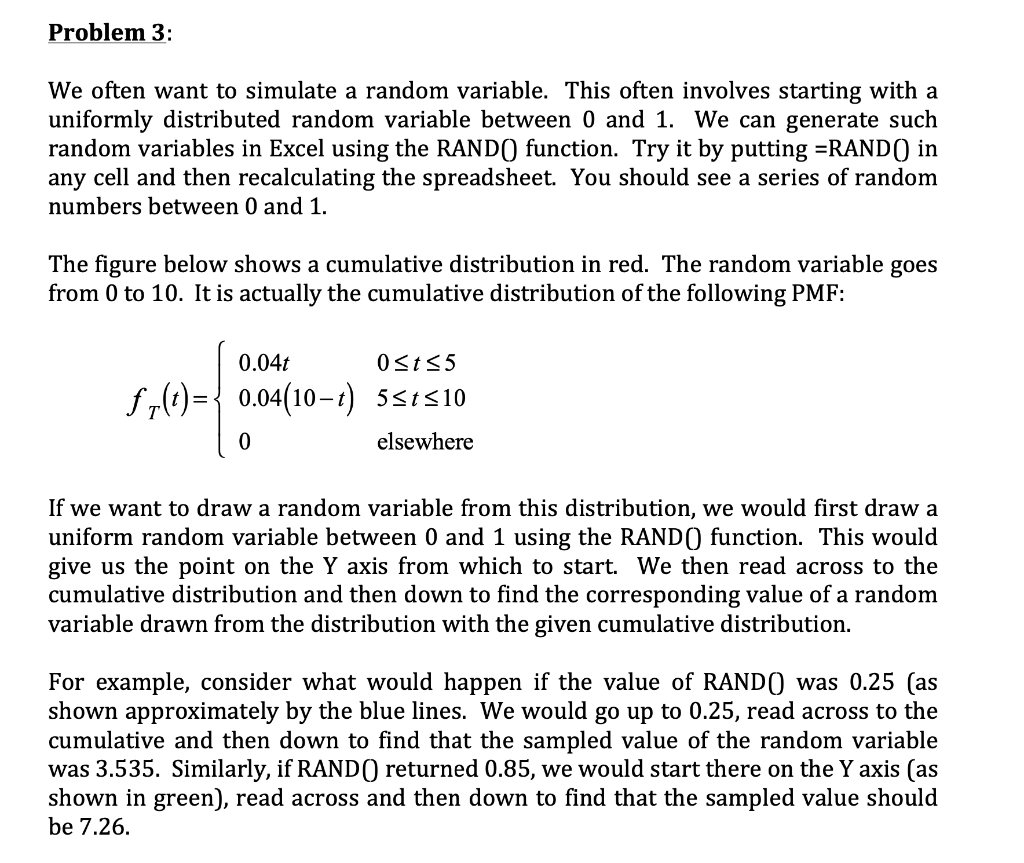
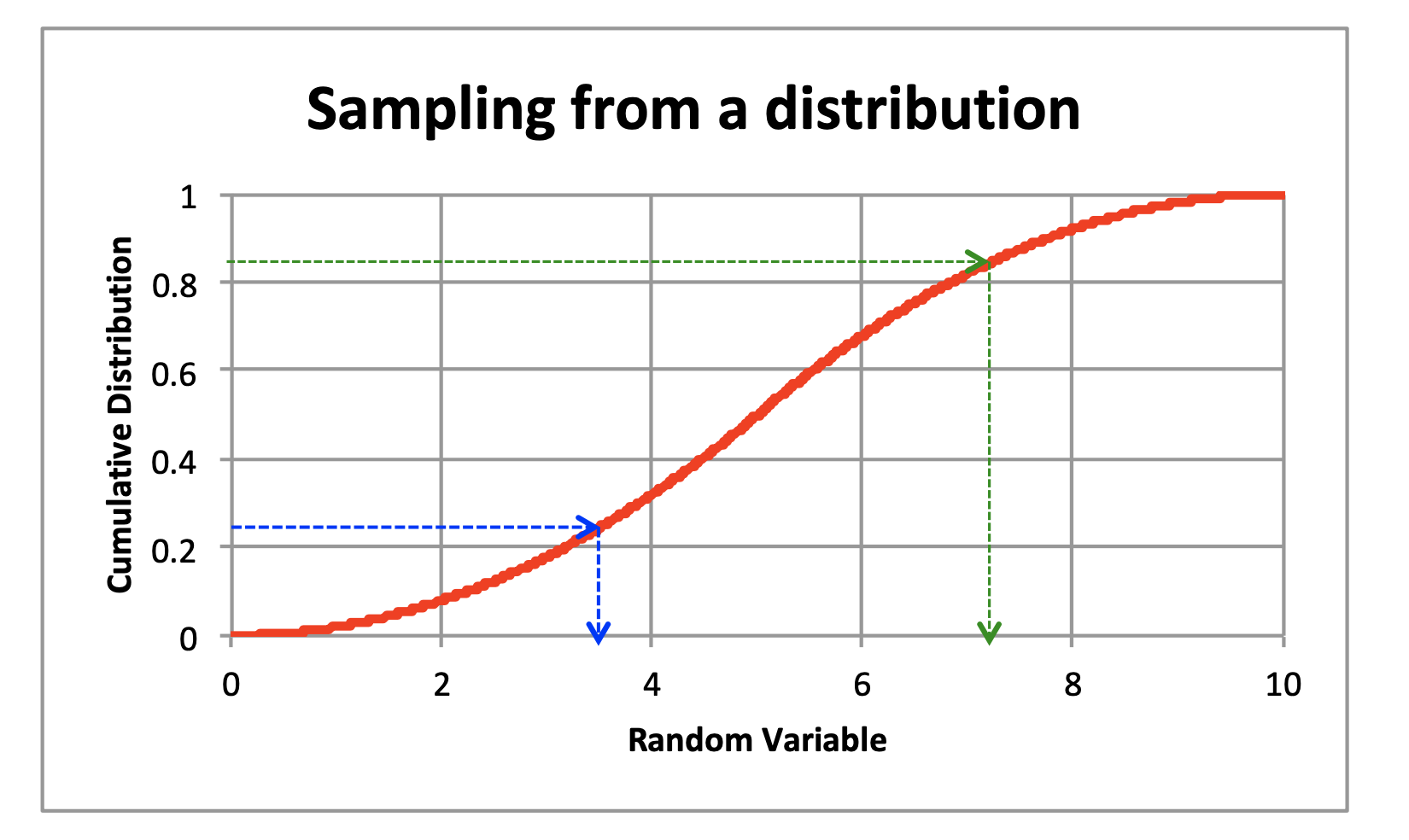
Problem 3: We often want to simulate a random variable. This often involves starting with a uniformly distributed random variable between 0 and 1. We can generate such random variables in Excel using the RAND() function. Try it by putting =RAND() in any cell and then recalculating the spreadsheet. You should see a series of random numbers between 0 and 1. The figure below shows a cumulative distribution in red. The random variable goes from 0 to 10. It is actually the cumulative distribution of the following PMF: 0.04t 0 0.1231609 2 0.1231609 2
Step by Step Solution

There are 3 Steps involved in it

1 Expert Approved Answer
Step: 1 Unlock blur-text-image

Question Has Been Solved by an Expert!

Get step-by-step solutions from verified subject matter experts

Step: 2 Unlock
Step: 3 Unlock

Students Have Also Explored These Related General Management Questions!