







Question: Problem C1. The HTML/CSS/JavaScript app for this problem is supposed to dynamically load and display four blurred images. When the mouse cursor enters an image,
Problem C1. The HTML/CSS/JavaScript app for this problem is supposed to dynamically load and display four blurred images. When the mouse cursor enters an image, that image changes to the corresponding unblurred image. When the cursor leaves the image, it changes back to the blurred version. When the Clear All button is clicked, all images change to unblurred. Refresh the browser to start over.
Here are the images:
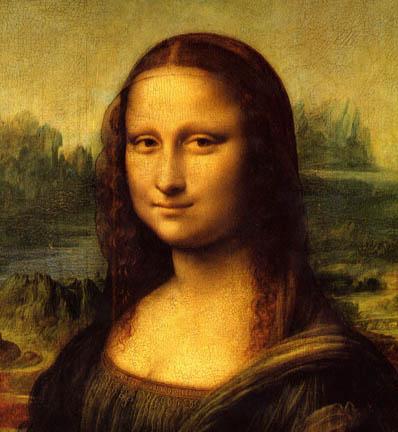



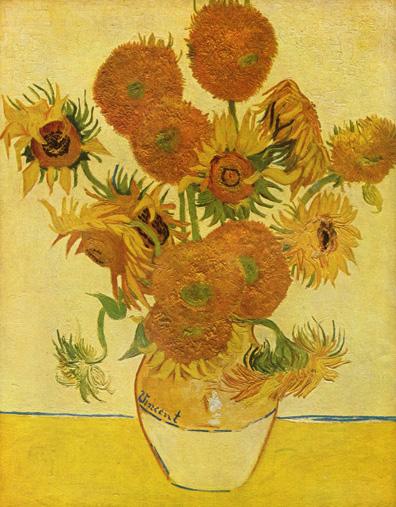
Fix the error in the code:
HTML:
Problem C1 -- Image Unblur/Blur
CSS:
body {
font-family: Arial Helvetica sans-serif;
background-color: #ffe0e0;
}
img {
margin: 5px;
border: 5px solid #000080;
width: 150px;
}
JavaScript:
var unblurImage = function (ev) {
var imageTag = eventObj.target;
var newFileName = "images/" + imageTag.id + ".jpg";
imageTag.src = newFileName;
};
var blurImage = function (eventObj) {
var imageTag = target.eventObj;
var newFileName = "images/" + imageTag.id + "blur.jpg";
imageTag.src = newFileName;
};
var unblurAll = function (eventObj) {
var images = document.getElementByTagName("img");
for (let imageTag in images) {
var newFileName = "images/" + imageTag.id + ".jpg";
imageTag.src = newFileName;
imageTag.style.borderColor = "red";
}
};
window.onload = () => {
function init() {
// Load images
var para = document.getElementById("#images");
for (let i = 1; i
let imageCell = document.createElement("img");
imageCell.setAttribute("id", i);
para.appendChild(imageCell);
let imgName = "images/" + i + "blur.jpg";
imageCell.src = imgName;
imageCell.addEventListener("mouseenter", unblurImage);
imageCell.addEventHandler("mouseleave", blurImage);
}
// Attach event handler to button
var button = document.getElementById("btn1");
button.addEventListener("click", unblurAll);
}
};
Transcribed image text
Step by Step Solution
There are 3 Steps involved in it

Get step-by-step solutions from verified subject matter experts
 Study Help