







Question: Problem Description and Given Info Complete a Java program that takes a first name as the input, and outputs a welcome message to that name
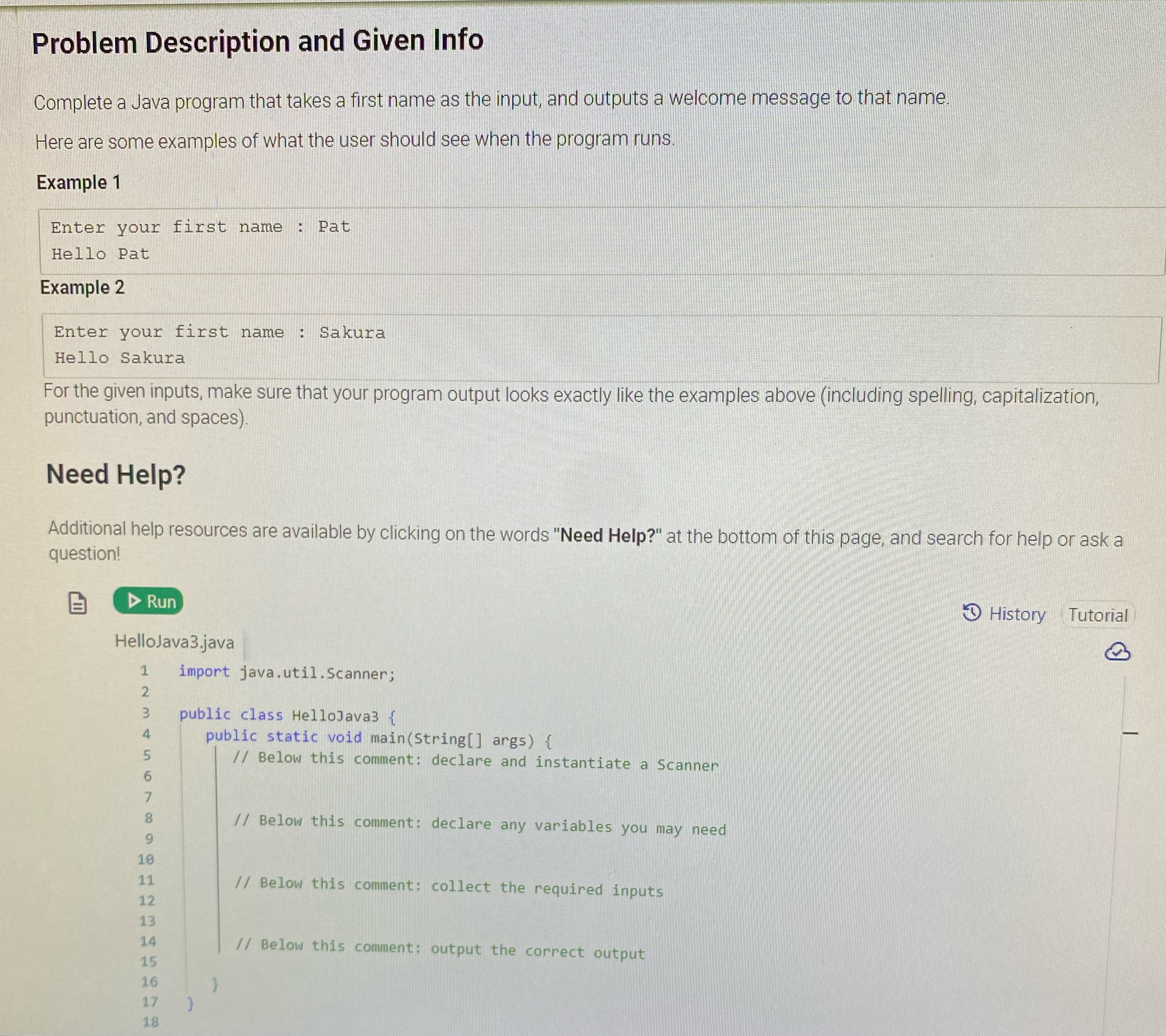
Problem Description and Given Info Complete a Java program that takes a first name as the input, and outputs a welcome message to that name Here are some examples of what the user should see when the program runs. Example 1 Enter your first name : Pat Hello Pat Example 2 Enter your first name : Sakura Hello Sakura For the given inputs, make sure that your program output looks exactly like the examples above (including spelling, capitalization, punctuation, and spaces Need Help? Additional help resources are available by clicking on the words "Need Help?" at the bottom of this page, and search for help or ask a question! Run History Tutorial HelloJava3.java 1 import java. util . Scanner; public class HelloJava3 { public static void main(String args) { // Below this comment: declare and instantiate a Scanner 8 // Below this comment: declare any variables you may need 9 10 11 // Below this comment: collect the required inputs 12 13 14 // Below this comment: output the correct output 15 16 17 18
Step by Step Solution
There are 3 Steps involved in it

Get step-by-step solutions from verified subject matter experts
 Study Help