







Question: PROBLEM STATEMENT A small airline has just purchased a new ticketing system. The president of the company has asked you to write a program to
PROBLEM STATEMENT
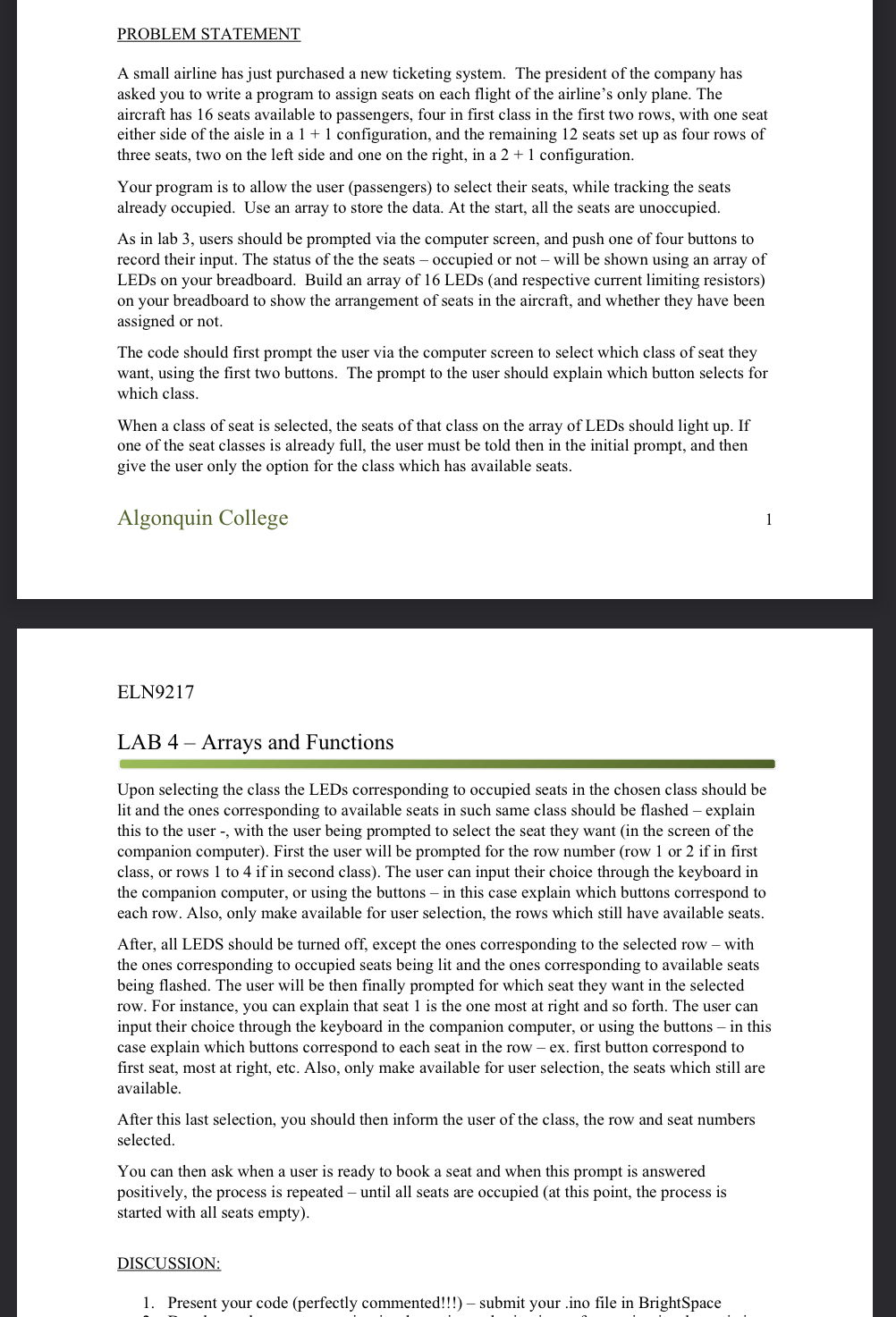
A small airline has just purchased a new ticketing system. The president of the company has asked you to write a program to assign seats on each flight of the airline's only plane. The aircraft has seats available to passengers, four in first class in the first two rows, with one seat either side of the aisle in a configuration, and the remaining seats set up as four rows of three seats, two on the left side and one on the right, in a configuration.
Your program is to allow the user passengers to select their seats, while tracking the seats already occupied. Use an array to store the data. At the start, all the seats are unoccupied.
As users should be prompted via the computer screen, and push one of four buttons to record their input. The status of the the seats occupied or not will be shown using an array of LEDs on your breadboard. Build an array of LEDs and respective current limiting resistors on your breadboard to show the arrangement of seats in the aircraft, and whether they have been assigned or not.
The code should first prompt the user via the computer screen to select which class of seat they want, using the first two buttons. The prompt to the user should explain which button selects for which class.
When a class of seat is selected, the seats of that class on the array of LEDs should light up If one of the seat classes is already full, the user must be told then in the initial prompt, and then give the user only the option for the class which has available seats.
Arrays and Functions
Upon selecting the class the LEDs corresponding to occupied seats in the chosen class should be lit and the ones corresponding to available seats in such same class should be flashed explain this to the user with the user being prompted to select the seat they want in the screen of the companion computer First the user will be prompted for the row number row or if in first class, or rows to if in second class The user can input their choice through the keyboard in the companion computer, or using the buttons in this case explain which buttons correspond to each row. Also, only make available for user selection, the rows which still have available seats.
After, all LEDS should be turned off, except the ones corresponding to the selected row with the ones corresponding to occupied seats being lit and the ones corresponding to available seats being flashed. The user will be then finally prompted for which seat they want in the selected row. For instance, you can explain that seat is the one most at right and so forth. The user can input their choice through the keyboard in the companion computer, or using the buttons in this case explain which buttons correspond to each seat in the row ex first button correspond to first seat, most at right, etc. Also, only make available for user selection, the seats which still are available.
After this last selection, you should then inform the user of the class, the row and seat numbers selected.
You can then ask when a user is ready to book a seat and when this prompt is answered positively, the process is repeated until all seats are occupied at this point, the process is started with all seats empty
DISCUSSION:
Present your code perfectly commented!!!
Code for arduino IDE
Step by Step Solution
There are 3 Steps involved in it
1 Expert Approved Answer
Step: 1 Unlock

Question Has Been Solved by an Expert!
Get step-by-step solutions from verified subject matter experts
Step: 2 Unlock
Step: 3 Unlock
 Study Help