







Question: Problem: Using the vi/vim editor, specify how to execute the following actions: 1.- Create a document named doc0l.txt with 10 lines each containing the sentence
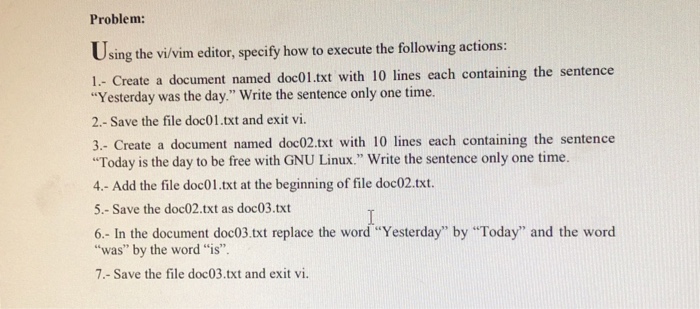
Problem: Using the vi/vim editor, specify how to execute the following actions: 1.- Create a document named doc0l.txt with 10 lines each containing the sentence "Yesterday was the day." Write the sentence only one time 2.- Save the file doc01.txt and exit vi. 3.- Create a document named doc02.txt with 10 lines each containing the sentence Today is the day to be free with GNU Linux." Write the sentence only one time 4.- Add the file doc01.txt at the beginning of file doc02.txt. 5. - Save the doc02.txt as doc03.txt 6.- In the document doc03.txt replace the word "Yesterday" by Today" and the word "was" by the word "is" 7.- Save the file doc03.txt and exit vi
Step by Step Solution
There are 3 Steps involved in it

Get step-by-step solutions from verified subject matter experts
 Study Help