







Question: PROCEDURE 1. Type program1.c into Arduino IDE and flash your development board. 2. Connect the illustrated circuit. Test circuit and monitor serial data on host
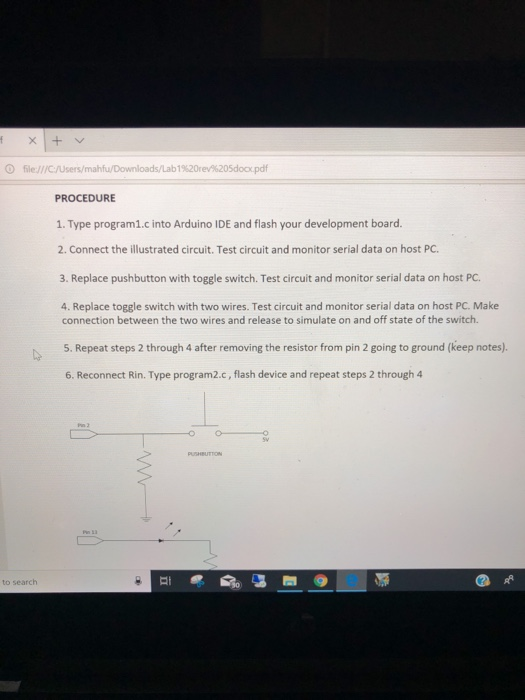
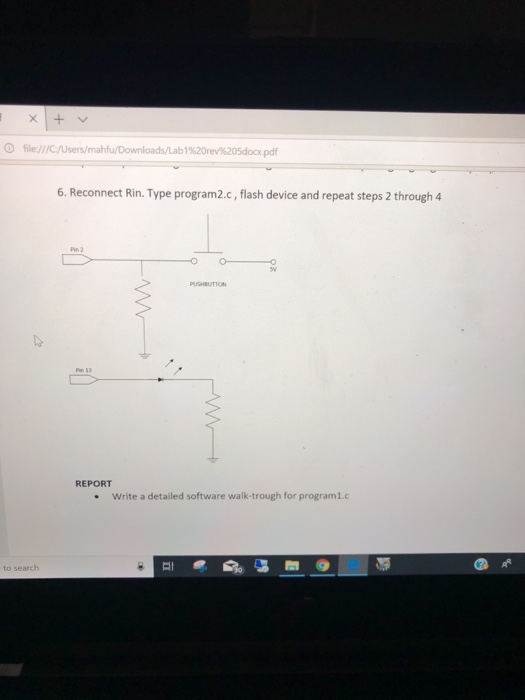
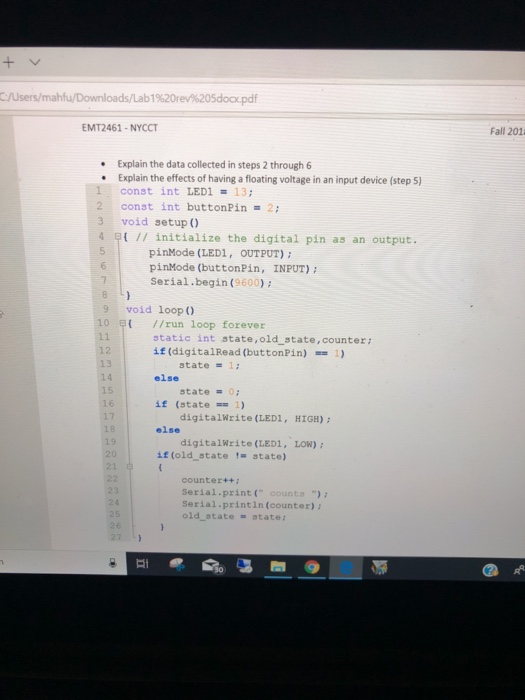
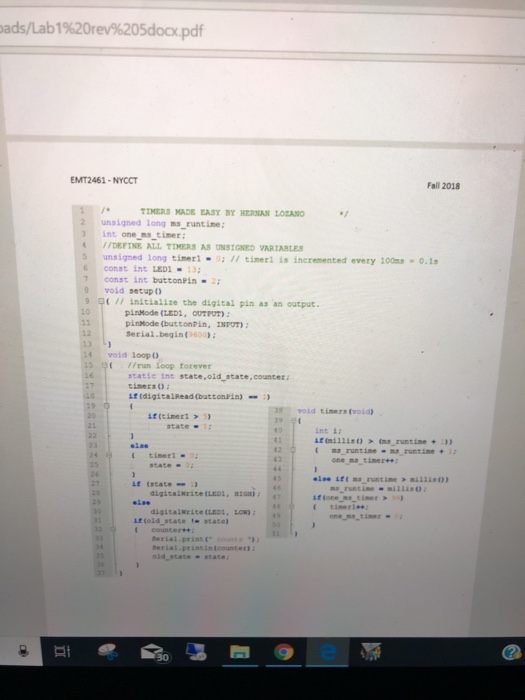
PROCEDURE 1. Type program1.c into Arduino IDE and flash your development board. 2. Connect the illustrated circuit. Test circuit and monitor serial data on host PC a. Replace pushbutton with toggle switch. Test circuit and 4. Replace toggle switch with two wires. Test circuit and monitor serial data on host PC. Make connection between the two wires and release to simulate on and off state of the switch. 5. Repeat steps 2 through 4 after removing the resistor from pin 2 going to ground (keep notes). 6. Reconnect Rin. Type program2.c, flash device and repeat steps 2 through 4 to search PROCEDURE 1. Type program1.c into Arduino IDE and flash your development board. 2. Connect the illustrated circuit. Test circuit and monitor serial data on host PC a. Replace pushbutton with toggle switch. Test circuit and 4. Replace toggle switch with two wires. Test circuit and monitor serial data on host PC. Make connection between the two wires and release to simulate on and off state of the switch. 5. Repeat steps 2 through 4 after removing the resistor from pin 2 going to ground (keep notes). 6. Reconnect Rin. Type program2.c, flash device and repeat steps 2 through 4 to search
Step by Step Solution
There are 3 Steps involved in it

Get step-by-step solutions from verified subject matter experts
 Study Help