







Question: Program: Terminal Calculator Write a Python program that implements a calculator in the terminal. Your program should accept an entire expression as input. You can
Program: Terminal Calculator
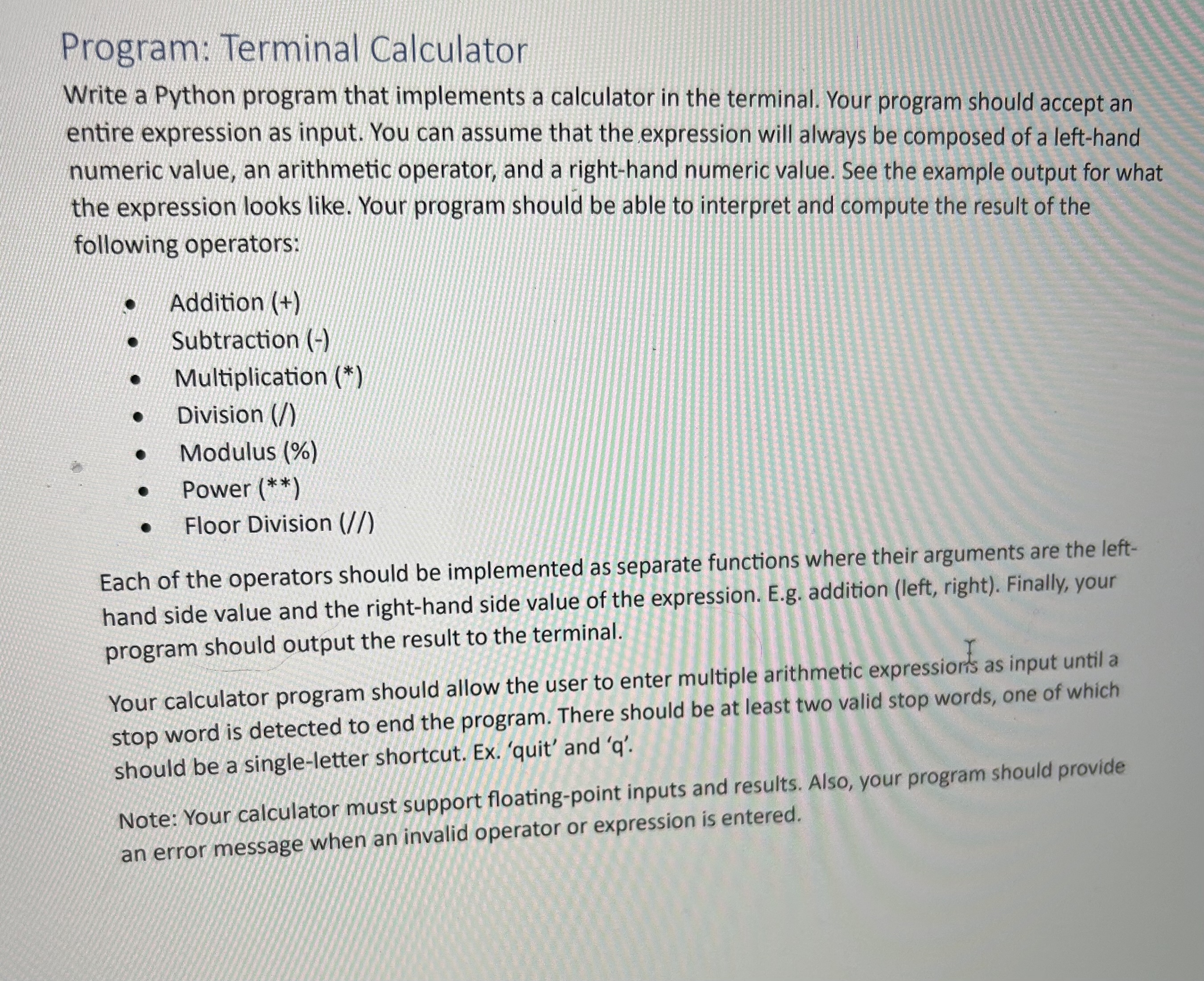
Write a Python program that implements a calculator in the terminal. Your program should accept an entire expression as input. You can assume that the expression will always be composed of a lefthand numeric value, an arithmetic operator, and a righthand numeric value. See the example output for what the expression looks like. Your program should be able to interpret and compute the result of the following operators:
Addition
Subtraction
Multiplication
Division
Modulus
Power
Floor Division
Each of the operators should be implemented as separate functions where their arguments are the lefthand side value and the righthand side value of the expression. Eg addition left right Finally, your program should output the result to the terminal.
Your calculator program should allow the user to enter multiple arithmetic expressiorts as input until a stop word is detected to end the program. There should be at least two valid stop words, one of which should be a singleletter shortcut. Ex 'quit' and
Note: Your calculator must support floatingpoint inputs and results. Also, your program should provide an error message when an invalid operator or expression is entered
Step by Step Solution
There are 3 Steps involved in it
1 Expert Approved Answer
Step: 1 Unlock

Question Has Been Solved by an Expert!
Get step-by-step solutions from verified subject matter experts
Step: 2 Unlock
Step: 3 Unlock
 Study Help