







Question: Programming Assignment 2 - Smart Home continued . . You may have noticed that the Smart Home application we built in the last assignment was
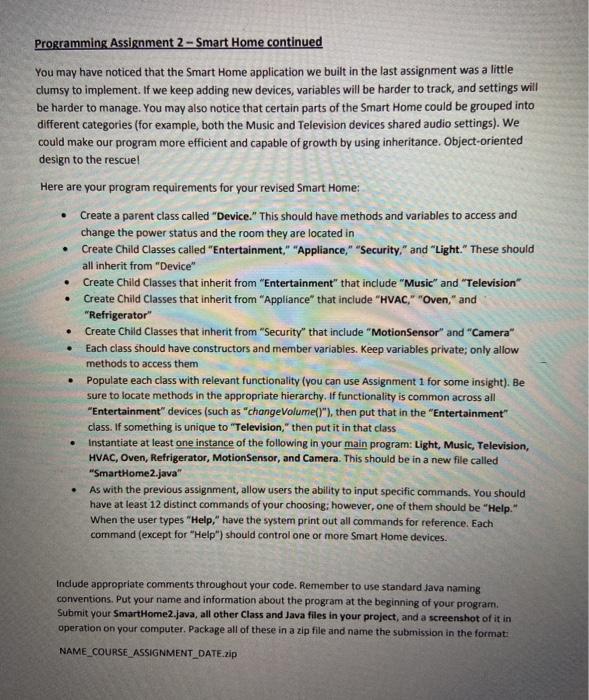
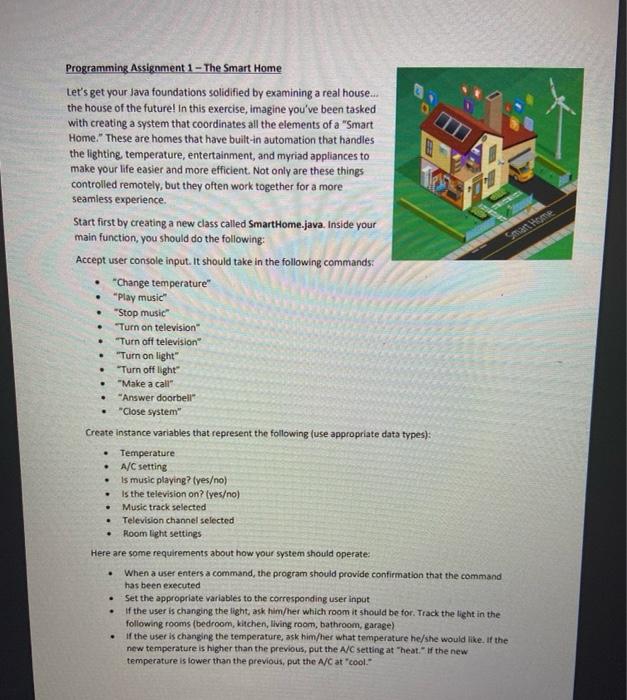
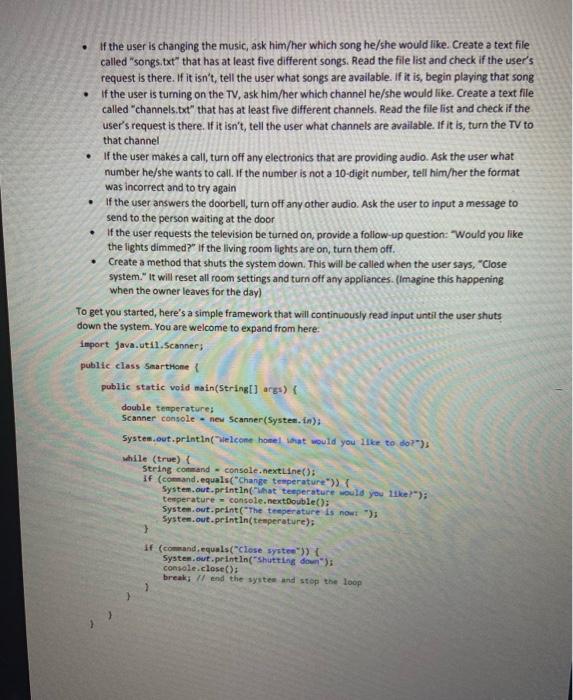
Programming Assignment 2 - Smart Home continued . . You may have noticed that the Smart Home application we built in the last assignment was a little clumsy to implement. If we keep adding new devices, variables will be harder to track, and settings will be harder to manage. You may also notice that certain parts of the Smart Home could be grouped into different categories (for example, both the Music and Television devices shared audio settings). We could make our program more efficient and capable of growth by using inheritance. Object-oriented design to the rescuel Here are your program requirements for your revised Smart Home: Create a parent class called "Device." This should have methods and variables to access and change the power status and the room they are located in Create Child Classes called "Entertainment." "Appliance," "Security," and "Light. These should all inherit from "Device" Create Child Classes that inherit from "Entertainment" that include "Music" and "Television" Create Child Classes that inherit from "Appliance" that include "HVAC," "Oven," and "Refrigerator" Create Child Classes that inherit from "Security" that include "MotionSensor" and "Camera Each class should have constructors and member variables. Keep variables private; only allow methods to access them Populate each class with relevant functionality (you can use Assignment 1 for some insight). Be sure to locate methods in the appropriate hierarchy. If functionality is common across all "Entertainment" devices (such as "change Volume()"), then put that in the "Entertainment" class. If something is unique to "Television," then put it in that class Instantiate at least one instance of the following in your main program: Light, Music, Television, HVAC, Oven, Refrigerator, MotionSensor, and Camera. This should be in a new file called "SmartHome2.java" As with the previous assignment, allow users the ability to input specific commands. You should have at least 12 distinct commands of your choosing: however, one of them should be "Help." When the user types "Help," have the system print out all commands for reference. Each command (except for "Help") should control one or more Smart Home devices. Include appropriate comments throughout your code. Remember to use standard Java naming conventions. Put your name and information about the program at the beginning of your program Submit your Smart Home2.java, all other Class and Java files in your project, and a screenshot of it in operation on your computer. Package all of these in a zip file and name the submission in the format: NAME_COURSE ASSIGNMENT_DATE.zip . . Programming Assignment 1 - The Smart Home Let's get your Java foundations solidified by examining a real house.. the house of the future in this exercise, imagine you've been tasked with creating a system that coordinates all the elements of a "Smart Home." These are homes that have built-in automation that handles the lighting, temperature, entertainment, and myriad appliances to make your life easier and more efficient. Not only are these things controlled remotely, but they often work together for a more seamless experience Start first by creating a new class called SmartHome.java. Inside your main function, you should do the following: Accept user console input. It should take in the following commands: "Change temperature *Play music" "Stop music "Turn on television "Turn off television "Turn on light" "Turn off light" "Make a call" Answer doorbell "Close system" Create instance variables that represent the following use appropriate data types): Temperature A/C setting Is music playing? (yeso) Is the television on? (yeso) Music track selected Television channel selected Room light settings Here are some requirements about how your system should operate: When a user enters a command, the program should provide confirmation that the command has been executed Set the appropriate variables to the corresponding user input If the user is changing the light ask him/her which room it should be for. Track the light in the following rooms (bedroom, kitchen, living room, bathroom, garage) if the user is changing the temperature, ask him/her what temperature he/she would like. If the new temperature is higher than the previous, put the A/C setting at "heat. If the new temperature is lower than the previous, put the A/C at "cool. . . . . . of the user is changing the music, ask him/her which song he/she would like. Create a text file called "songs txt" that has at least five different songs. Read the file list and check if the user's request is there. If it isn't tell the user what songs are available. If it is, begin playing that song If the user is turning on the TV, ask him/her which channel he/she would like. Create a text file called "channels.txt" that has at least five different channels. Read the file list and check if the user's request is there. If it isn't, tell the user what channels are available. If it is, turn the TV to that channel If the user makes a call, turn off any electronics that are providing audio. Ask the user what number he/she wants to call. If the number is not a 10-digit number, tell him/her the format was incorrect and to try again If the user answers the doorbell, turn off any other audio. Ask the user to input a message to send to the person waiting at the door If the user requests the television be turned on provide a follow-up question: "Would you like the lights dimmed?" If the living room lights are on, turn them off. Create a method that shuts the system down. This will be called when the user says, "Close system. It will reset all room settings and turn off any appliances. (Imagine this happening when the owner leaves for the day) To get you started, here's a simple framework that will continuously read input until the user shuts down the system. You are welcome to expand from here: import java.util.Scanners public class SmartHone public static void main(String[] args) { double temperatures Scanner console - new Scanner(System.In); System.out.println(welcome home that would you like to do?) while (true) [ String command - console.nextLine(); if (command.equals("Change temperature>> System.out.println("What temperature would you like?"); temperature = console.nextDouble(); System.out.print("The temperature is now ") System.out.println(temperature) > if ( cand.equals("close system')) { System.out.println("Shutting down console.close(); breaks 11 end the system and stop the loop > Programming Assignment 2 - Smart Home continued . . You may have noticed that the Smart Home application we built in the last assignment was a little clumsy to implement. If we keep adding new devices, variables will be harder to track, and settings will be harder to manage. You may also notice that certain parts of the Smart Home could be grouped into different categories (for example, both the Music and Television devices shared audio settings). We could make our program more efficient and capable of growth by using inheritance. Object-oriented design to the rescuel Here are your program requirements for your revised Smart Home: Create a parent class called "Device." This should have methods and variables to access and change the power status and the room they are located in Create Child Classes called "Entertainment." "Appliance," "Security," and "Light. These should all inherit from "Device" Create Child Classes that inherit from "Entertainment" that include "Music" and "Television" Create Child Classes that inherit from "Appliance" that include "HVAC," "Oven," and "Refrigerator" Create Child Classes that inherit from "Security" that include "MotionSensor" and "Camera Each class should have constructors and member variables. Keep variables private; only allow methods to access them Populate each class with relevant functionality (you can use Assignment 1 for some insight). Be sure to locate methods in the appropriate hierarchy. If functionality is common across all "Entertainment" devices (such as "change Volume()"), then put that in the "Entertainment" class. If something is unique to "Television," then put it in that class Instantiate at least one instance of the following in your main program: Light, Music, Television, HVAC, Oven, Refrigerator, MotionSensor, and Camera. This should be in a new file called "SmartHome2.java" As with the previous assignment, allow users the ability to input specific commands. You should have at least 12 distinct commands of your choosing: however, one of them should be "Help." When the user types "Help," have the system print out all commands for reference. Each command (except for "Help") should control one or more Smart Home devices. Include appropriate comments throughout your code. Remember to use standard Java naming conventions. Put your name and information about the program at the beginning of your program Submit your Smart Home2.java, all other Class and Java files in your project, and a screenshot of it in operation on your computer. Package all of these in a zip file and name the submission in the format: NAME_COURSE ASSIGNMENT_DATE.zip . . Programming Assignment 1 - The Smart Home Let's get your Java foundations solidified by examining a real house.. the house of the future in this exercise, imagine you've been tasked with creating a system that coordinates all the elements of a "Smart Home." These are homes that have built-in automation that handles the lighting, temperature, entertainment, and myriad appliances to make your life easier and more efficient. Not only are these things controlled remotely, but they often work together for a more seamless experience Start first by creating a new class called SmartHome.java. Inside your main function, you should do the following: Accept user console input. It should take in the following commands: "Change temperature *Play music" "Stop music "Turn on television "Turn off television "Turn on light" "Turn off light" "Make a call" Answer doorbell "Close system" Create instance variables that represent the following use appropriate data types): Temperature A/C setting Is music playing? (yeso) Is the television on? (yeso) Music track selected Television channel selected Room light settings Here are some requirements about how your system should operate: When a user enters a command, the program should provide confirmation that the command has been executed Set the appropriate variables to the corresponding user input If the user is changing the light ask him/her which room it should be for. Track the light in the following rooms (bedroom, kitchen, living room, bathroom, garage) if the user is changing the temperature, ask him/her what temperature he/she would like. If the new temperature is higher than the previous, put the A/C setting at "heat. If the new temperature is lower than the previous, put the A/C at "cool. . . . . . of the user is changing the music, ask him/her which song he/she would like. Create a text file called "songs txt" that has at least five different songs. Read the file list and check if the user's request is there. If it isn't tell the user what songs are available. If it is, begin playing that song If the user is turning on the TV, ask him/her which channel he/she would like. Create a text file called "channels.txt" that has at least five different channels. Read the file list and check if the user's request is there. If it isn't, tell the user what channels are available. If it is, turn the TV to that channel If the user makes a call, turn off any electronics that are providing audio. Ask the user what number he/she wants to call. If the number is not a 10-digit number, tell him/her the format was incorrect and to try again If the user answers the doorbell, turn off any other audio. Ask the user to input a message to send to the person waiting at the door If the user requests the television be turned on provide a follow-up question: "Would you like the lights dimmed?" If the living room lights are on, turn them off. Create a method that shuts the system down. This will be called when the user says, "Close system. It will reset all room settings and turn off any appliances. (Imagine this happening when the owner leaves for the day) To get you started, here's a simple framework that will continuously read input until the user shuts down the system. You are welcome to expand from here: import java.util.Scanners public class SmartHone public static void main(String[] args) { double temperatures Scanner console - new Scanner(System.In); System.out.println(welcome home that would you like to do?) while (true) [ String command - console.nextLine(); if (command.equals("Change temperature>> System.out.println("What temperature would you like?"); temperature = console.nextDouble(); System.out.print("The temperature is now ") System.out.println(temperature) > if ( cand.equals("close system')) { System.out.println("Shutting down console.close(); breaks 11 end the system and stop the loop >
Step by Step Solution
There are 3 Steps involved in it

Get step-by-step solutions from verified subject matter experts
 Study Help