



Question: Programming Challenge number 10, Lunar Lander, page 996 in the textbook. Name your file LunarLander.java. You should need only this one code file. Write a
Programming Challenge number 10, Lunar Lander, page 996 in the textbook.
Name your file LunarLander.java. You should need only this one code file.
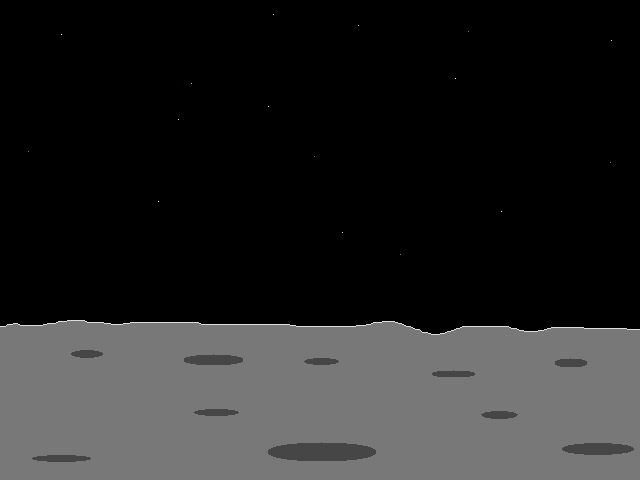
Write a program that initially displays the spacecraft on the on moon's surface. When the user presses the spacebar, the spacecraft should slowly lift off the surface.
I have uploaded the image files and a compiled .class file so you can see what should happen when you run your program.
You will need to use the Scene class setOnKeyPressed method to handle the event object created by
pressing the space bar:
scene.setOnKeyPressed(e
{
. . . . . .
});
javafx/scene/image/Image javafx/scene/image/ImageView ' W $javafx/animation/TranslateTransition javafx/util/Duration ' X ' Y Z X [ X \ X ] X javafx/scene/layout/Pane javafx/scene/Node ' ^ javafx/scene/Scene ' _ BootstrapMethods ` a b c d e f g h i j k ( l ( LunarLander javafx/application/Application launch (Ljava/lang/String;)V (Ljavafx/scene/image/Image;)V (D)V ,(javafx/util/Duration;javafx/scene/Node;) setFromX setFromY setToX setToY ([javafx/scene/Node;) (javafx/scene/Parent;)(javafx/event/Event;) (javafx/scene/input/KeyEvent;)V handle C(javafx/animation/TranslateTransition;) javafx/event/EventHandler; setOnKeyPressed (javafx/event/EventHandler;) javafx/stage/Stage setScene (javafx/scene/Scene;) show play p q u / 0 "java/lang/invoke/ambdaMetafactory metafactory w Lookup InnerClasses (java/lang/invoke/MethodHandles$Lookup;java/lang/String;Ljava/lang/invoke/MethodType;java/lang/invoke/MethodType;Ljava/lang/invoke/MethodHandle;Ljava/lang/invoke/MethodType;)Ljava/lang/invoke/CallSite; x %java/lang/invoke/MethodHandles$Lookup java/lang/invoke/MethodHandles !

Transcribed image text
Step by Step Solution
There are 3 Steps involved in it

Get step-by-step solutions from verified subject matter experts