







Question: Project 1 2 - 3 In this hands - on project, you view and configure the route table on your Fedora Linux virtual machine as
Project
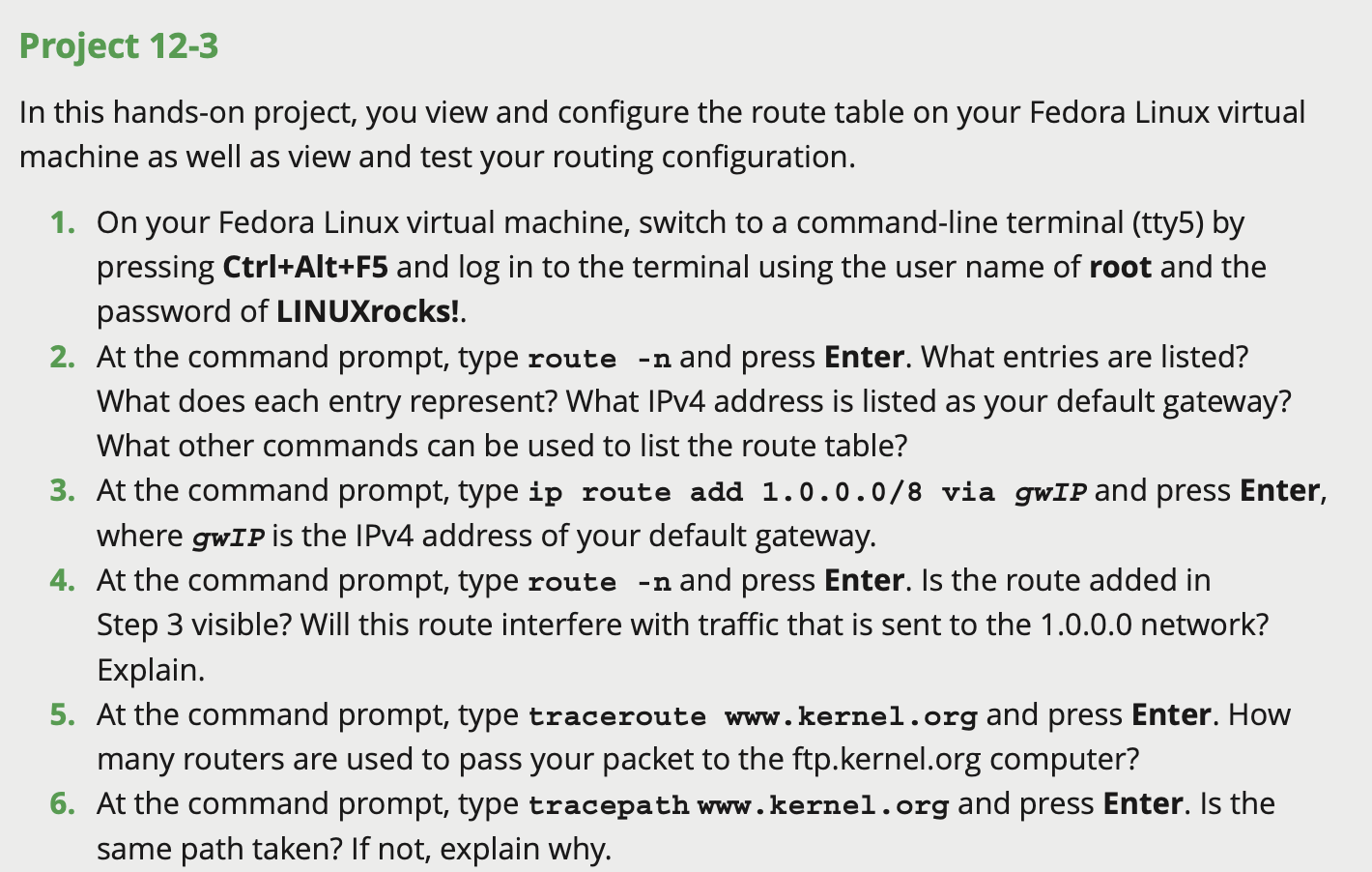
In this handson project, you view and configure the route table on your Fedora Linux virtual machine as well as view and test your routing configuration.
On your Fedora Linux virtual machine, switch to a commandline terminal tty by pressing CtrlAltF and log in to the terminal using the user name of root and the password of LINUXrocks!.
At the command prompt, type route n and press Enter. What entries are listed? What does each entry represent? What IPv address is listed as your default gateway? What other commands can be used to list the route table?
At the command prompt, type ip route add via gwIP and press Enter, where operatornamegwIP is the IPv address of your default gateway.
At the command prompt, type route n and press Enter. Is the route added in Step visible? Will this route interfere with traffic that is sent to the network? Explain.
At the command prompt, type traceroute www kernel.org and press Enter. How many routers are used to pass your packet to the ftpkernel.org computer?
At the command prompt, type tracepath www kernel.org and press Enter. Is the same path taken? If not, explain why.
Step by Step Solution
There are 3 Steps involved in it
1 Expert Approved Answer
Step: 1 Unlock

Question Has Been Solved by an Expert!
Get step-by-step solutions from verified subject matter experts
Step: 2 Unlock
Step: 3 Unlock
 Study Help