







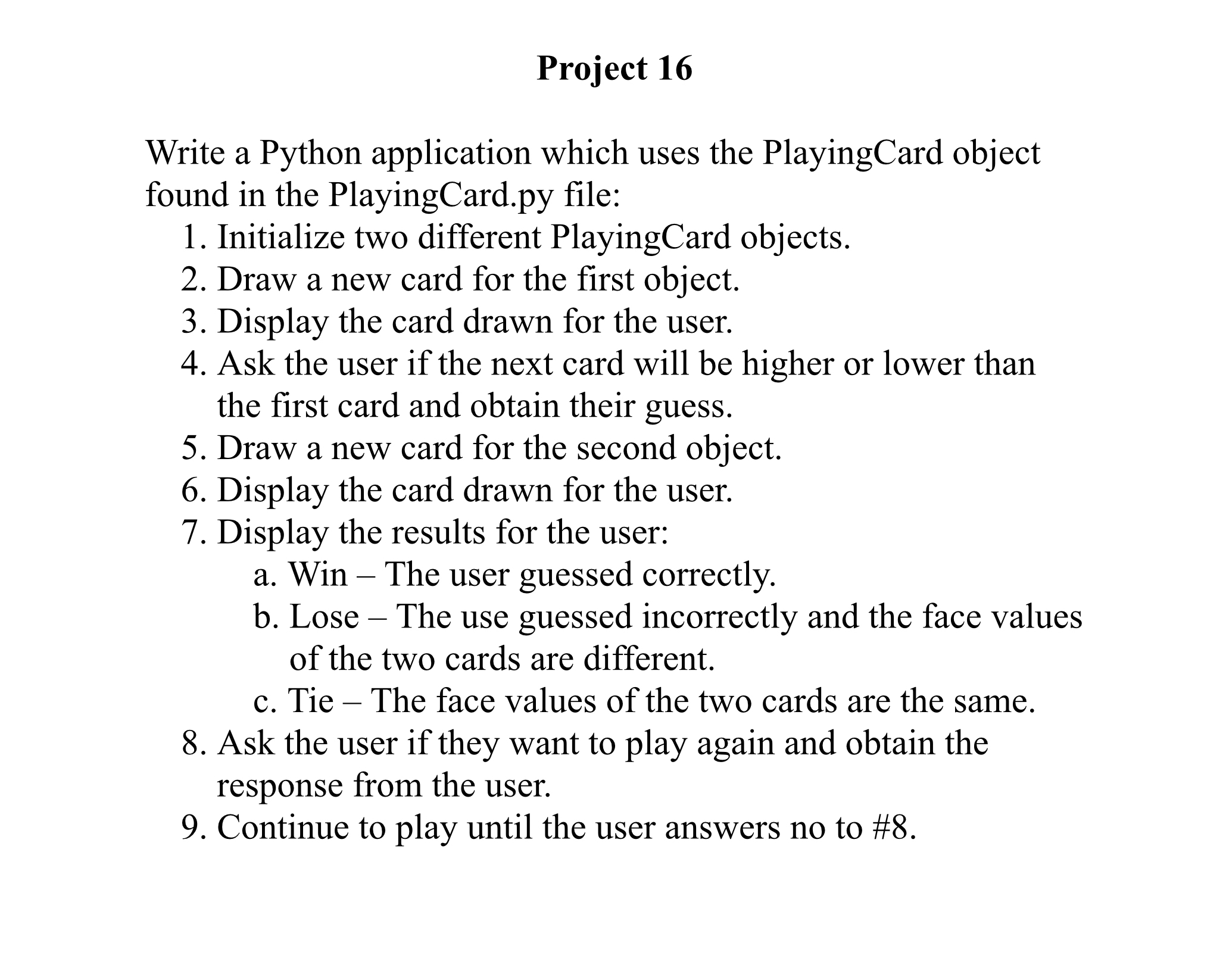
Question: Project 1 6 Write a Python application which uses the PlayingCard object found in the PlayingCard.py file: Initialize two different PlayingCard objects. Draw a new
Project
Write a Python application which uses the PlayingCard object found in the
PlayingCard.py file:
Initialize two different PlayingCard objects.
Draw a new card for the first object.
Display the card drawn for the user.
Ask the user if the next card will be higher or lower than the first card and obtain their guess.
Draw a new card for the second object.
Display the card drawn for the user.
Display the results for the user:
a Win The user guessed correctly.
b Lose The use guessed incorrectly and the face values of the two cards are different.
c Tie The face values of the two cards are the same.
Ask the user if they want to play again and obtain the response from the user.
Continue to play until the user answers no to #
Step by Step Solution
There are 3 Steps involved in it
1 Expert Approved Answer
Step: 1 Unlock

Question Has Been Solved by an Expert!
Get step-by-step solutions from verified subject matter experts
Step: 2 Unlock
Step: 3 Unlock
 Study Help