







Question: Project 1: Com S 352 REMOTE SHELL USING SOCKET PROGRAMMING 100 points Due: Friday, October 12,2018, 11:59pm This project consists of writing a C program
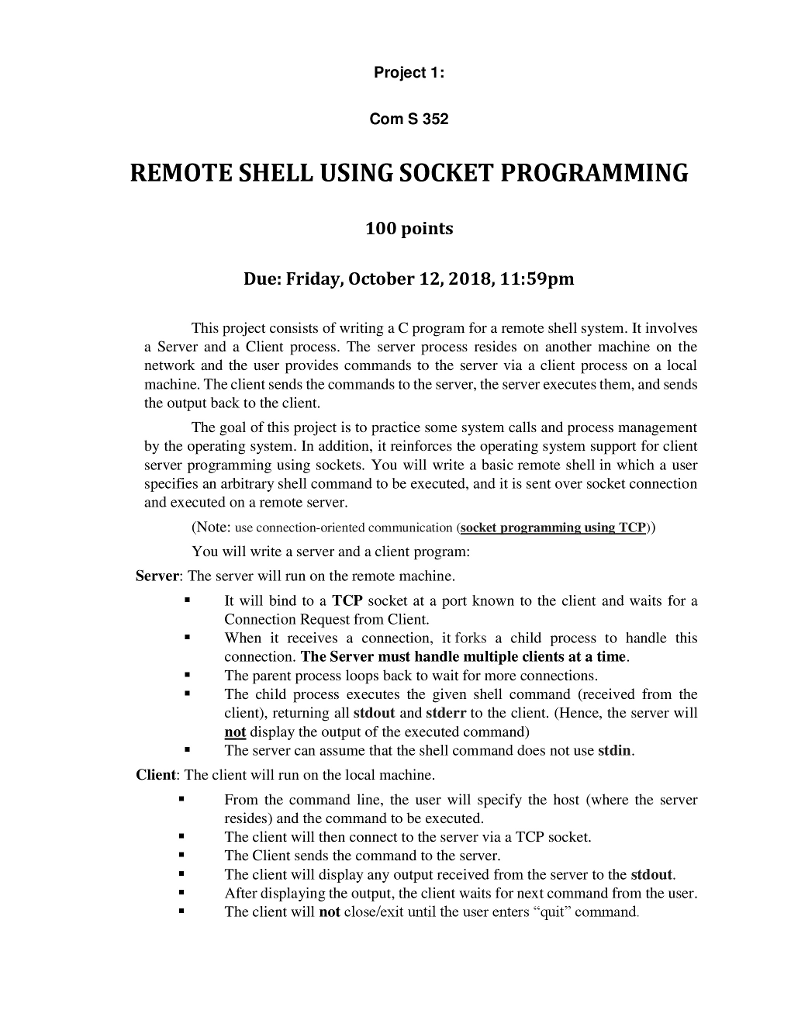
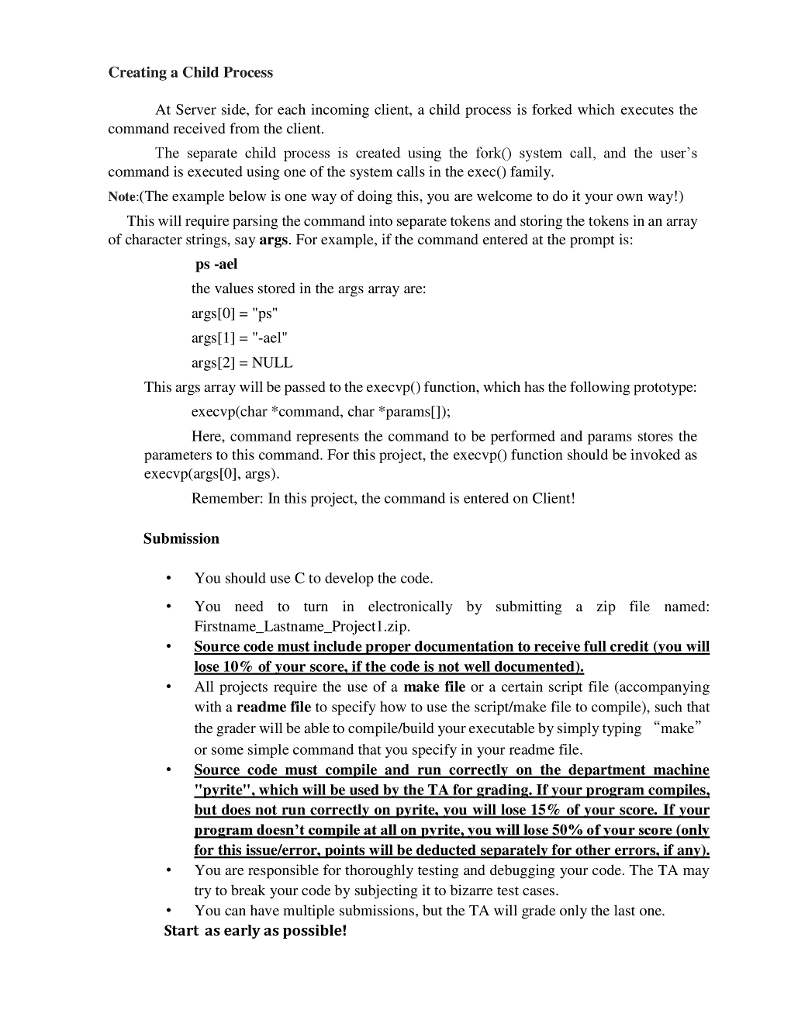
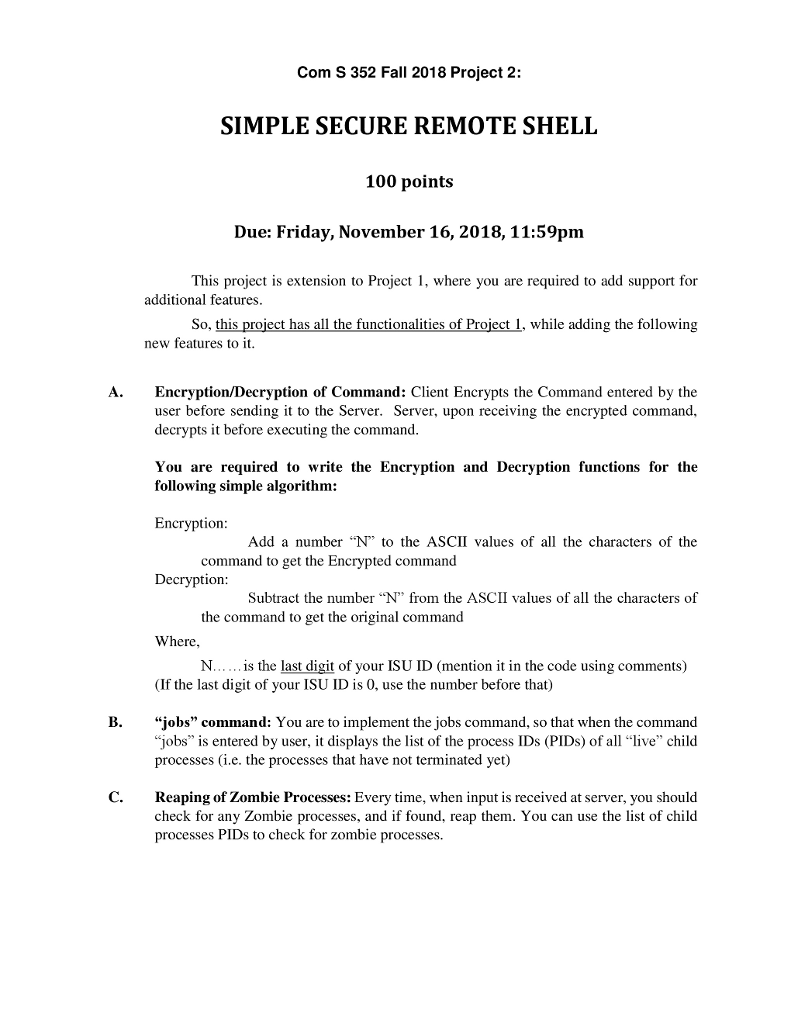
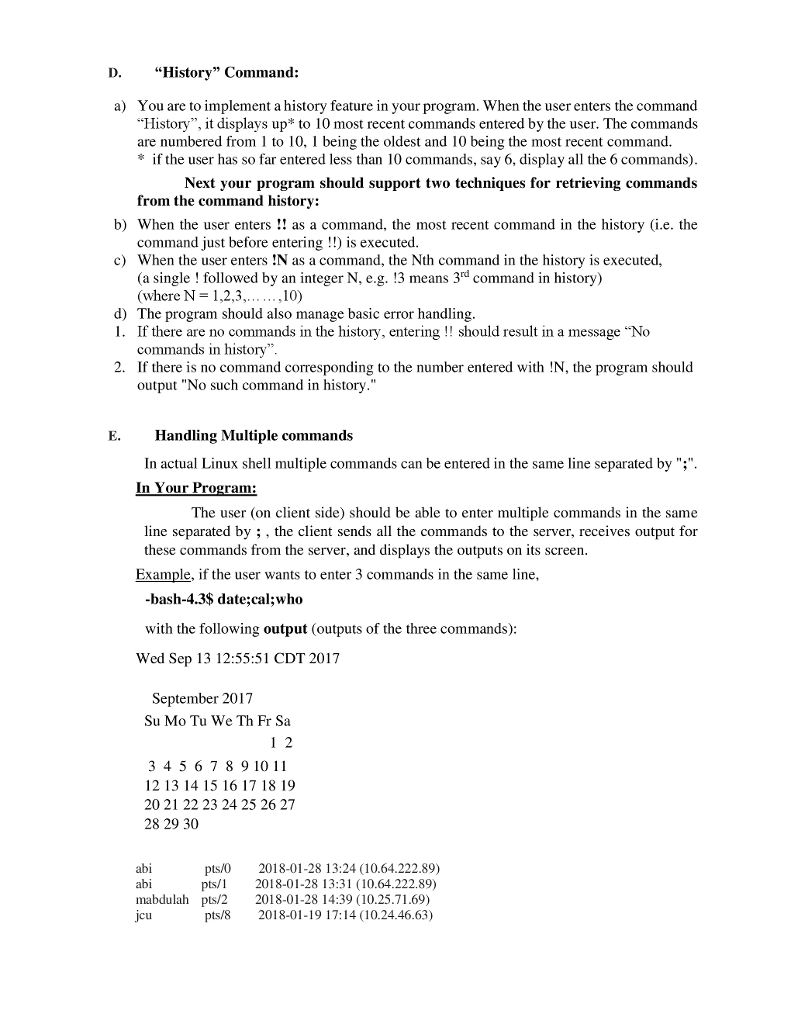
Project 1: Com S 352 REMOTE SHELL USING SOCKET PROGRAMMING 100 points Due: Friday, October 12,2018, 11:59pm This project consists of writing a C program for a remote shell system. It involves a Server and a Client process. The server process resides on another machine on the network and the user provides commands to the server via a client process on a local machine. The client sends the commands to the server, the server executes them, and sends the output back to the client The goal of this project is to practice some system calls and process management by the operating system. In addition, it reinforces the operating system support for client server programming using sockets. You will write a basic remote shell in which a user specifies an arbitrary shell command to be executed, and it is sent over socket connection and executed on a remote server (Note: use connection-oriented communication (socket programming using TCP) You will write a server and a client program Server: The server will run on the remote machine .It will bind to a TCP socket at a port known to the client and waits for a Connection Request from Client. When t receives a connection, forks a child process to handle this connection. The Server must handle multiple clients at a time The parent process loops back to wait for more connections The child process executes the given shell command (received from the client), returning all stdout and stderr to the client. (Hence, the server will not display the output of the executed command) " " The server can assume that the shell command does not use stdin Client: The client will run on the local machine From the command line, the user will specify the host (where the server resides) and the command to be executed The client will then connect to the server via a TCP socket. The Client sends the command to the server The client will display any output received from the server to the stdout After displaying the output, the client waits for next command from the user The client will not close/exit until the user enters "quit command. Project 1: Com S 352 REMOTE SHELL USING SOCKET PROGRAMMING 100 points Due: Friday, October 12,2018, 11:59pm This project consists of writing a C program for a remote shell system. It involves a Server and a Client process. The server process resides on another machine on the network and the user provides commands to the server via a client process on a local machine. The client sends the commands to the server, the server executes them, and sends the output back to the client The goal of this project is to practice some system calls and process management by the operating system. In addition, it reinforces the operating system support for client server programming using sockets. You will write a basic remote shell in which a user specifies an arbitrary shell command to be executed, and it is sent over socket connection and executed on a remote server (Note: use connection-oriented communication (socket programming using TCP) You will write a server and a client program Server: The server will run on the remote machine .It will bind to a TCP socket at a port known to the client and waits for a Connection Request from Client. When t receives a connection, forks a child process to handle this connection. The Server must handle multiple clients at a time The parent process loops back to wait for more connections The child process executes the given shell command (received from the client), returning all stdout and stderr to the client. (Hence, the server will not display the output of the executed command) " " The server can assume that the shell command does not use stdin Client: The client will run on the local machine From the command line, the user will specify the host (where the server resides) and the command to be executed The client will then connect to the server via a TCP socket. The Client sends the command to the server The client will display any output received from the server to the stdout After displaying the output, the client waits for next command from the user The client will not close/exit until the user enters "quit command
Step by Step Solution
There are 3 Steps involved in it

Get step-by-step solutions from verified subject matter experts
 Study Help