



Question: Project 1: Share Your Travel Photos Difficulty Level: Beginner Overview This project updates your existing project from Chapter 3 to add some visual stylistic improvements
Project 1: Share Your Travel Photos
Difficulty Level: Beginner
Overview
This project updates your existing project from Chapter 3 to add some visual stylistic improvements with CSS. Reminder: this (and the other chapter projects) are not meant to be step-by-step tutorials (the separate hands-on exercises available from Pearson using the code at the front of the book perform that function). Rather they are meant as self-guided practise exercises for you to apply and assess your knowledge of the chapter's content.
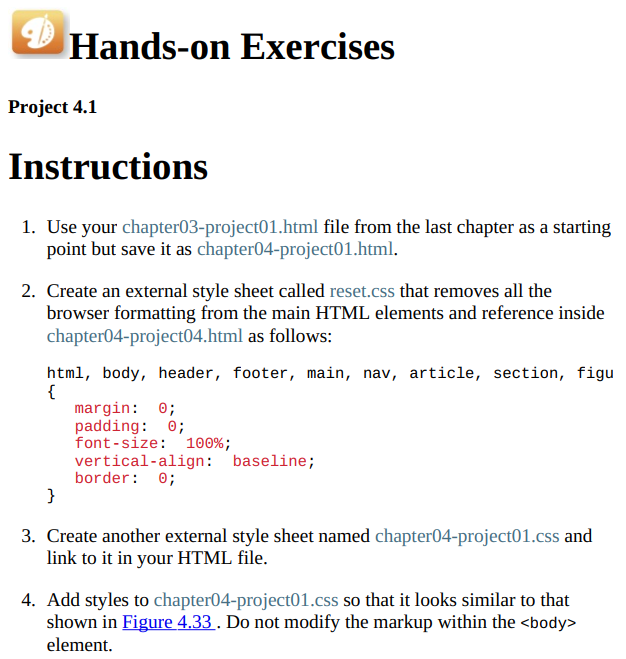
D Hands-on Exercises Project 4.1 Instructions 1. Use your chapter03-project01.html file from the last chapter as a starting point but save it as chapter04-project01.html. 2. Create an external style sheet called reset.css that removes all the browser formatting from the main HTML elements and reference inside chapter04-project04.html as follows: html, body, header, footer, main, nav, article, section, figu { margin: 0; padding: 0; font-size: 100%; vertical-align: baseline; border: 0; } 3. Create another external style sheet named chapter04-project01.css and link to it in your HTML file. 4. Add styles to chapter04-project01.css so that it looks similar to that shown in Figure 4.33. Do not modify the markup within the element
Step by Step Solution
There are 3 Steps involved in it

Get step-by-step solutions from verified subject matter experts