







Question: Project 2 - Grade Book System 1 Overview n software development projects, it is important to be able to identify objects and classes in a
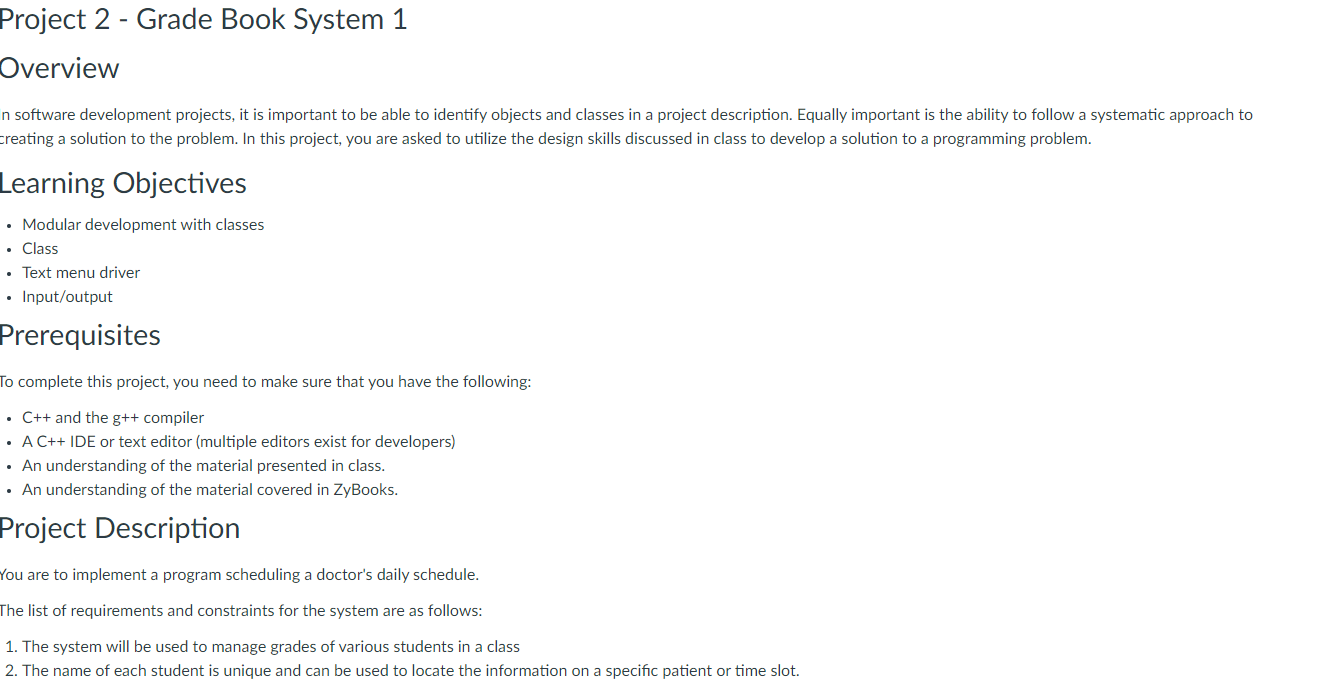
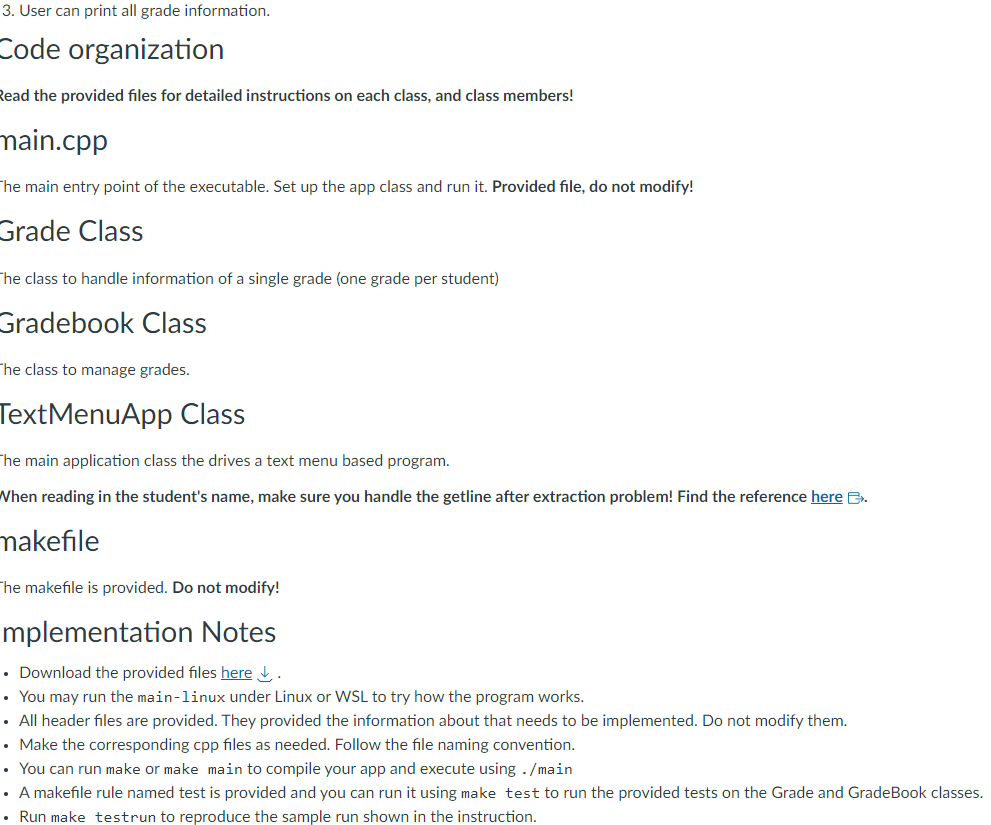
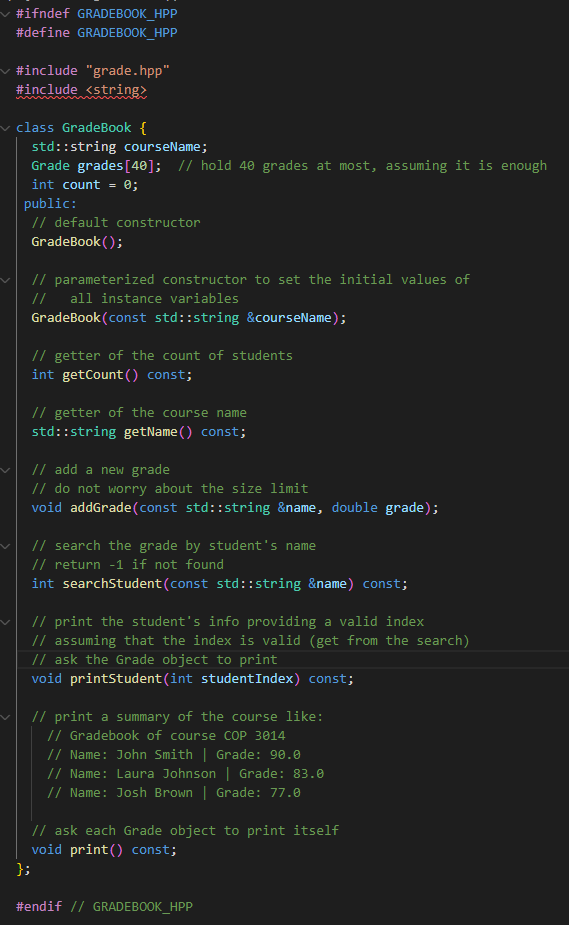
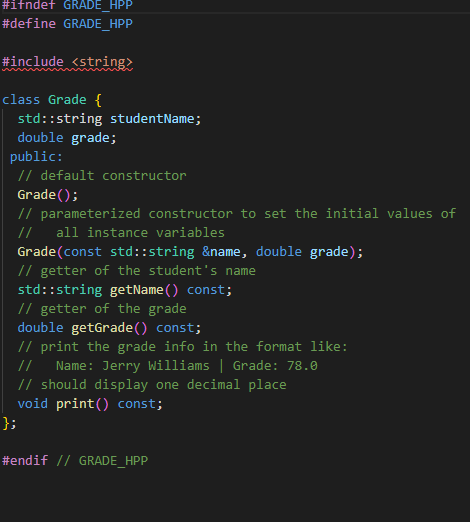
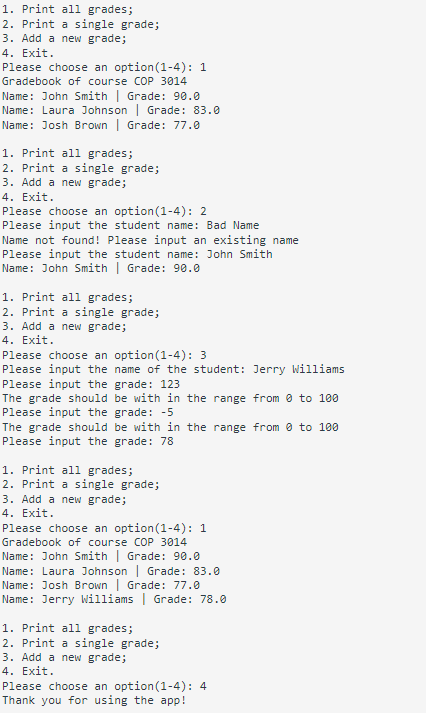
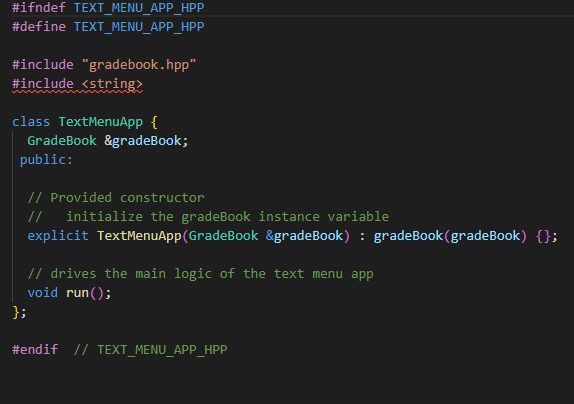
Project 2 - Grade Book System 1 Overview n software development projects, it is important to be able to identify objects and classes in a project description. Equally important is the ability to follow a systematic approach to creating a solution to the problem. In this project, you are asked to utilize the design skills discussed in class to develop a solution to a programming problem. Learning Objectives . Modular development with classes . Class . Text menu driver . Input/output Prerequisites o complete this project, you need to make sure that you have the following: . C++ and the g++ compiler . A C++ IDE or text editor (multiple editors exist for developers) An understanding of the material presented in class. . An understanding of the material covered in ZyBooks. Project Description ou are to implement a program scheduling a doctor's daily schedule. The list of requirements and constraints for the system are as follows: 1. The system will be used to manage grades of various students in a class 2. The name of each student is unique and can be used to locate the information on a specific patient or time slot.3. User can print all grade information. Code organization Read the provided files for detailed instructions on each class, and class members! main.cpp The main entry point of the executable. Set up the app class and run it. Provided file, do not modify! Grade Class he class to handle information of a single grade (one grade per student) Gradebook Class The class to manage grades. TextMenuApp Class the main application class the drives a text menu based program. When reading in the student's name, make sure you handle the getline after extraction problem! Find the reference here Ex. makefile he makefile is provided. Do not modify! mplementation Notes Download the provided files here & . You may run the main-linux under Linux or WSL to try how the program works. All header files are provided. They provided the information about that needs to be implemented. Do not modify them. Make the corresponding cpp files as needed. Follow the file naming convention. You can run make or make main to compile your app and execute using . /main A makefile rule named test is provided and you can run it using make test to run the provided tests on the Grade and GradeBook classes. Run make testrun to reproduce the sample run shown in the instruction.#ifndef GRADEBOOK HPP #define GRADEBOOK HPP #include "grade. hpp" #include
Step by Step Solution
There are 3 Steps involved in it

Get step-by-step solutions from verified subject matter experts
 Study Help