







Question: Project 2 - Product Evaluations and Hardware Support Standards Develop a PowerPoint presentation of 8 - 10 slides (Works cited slide does not count as
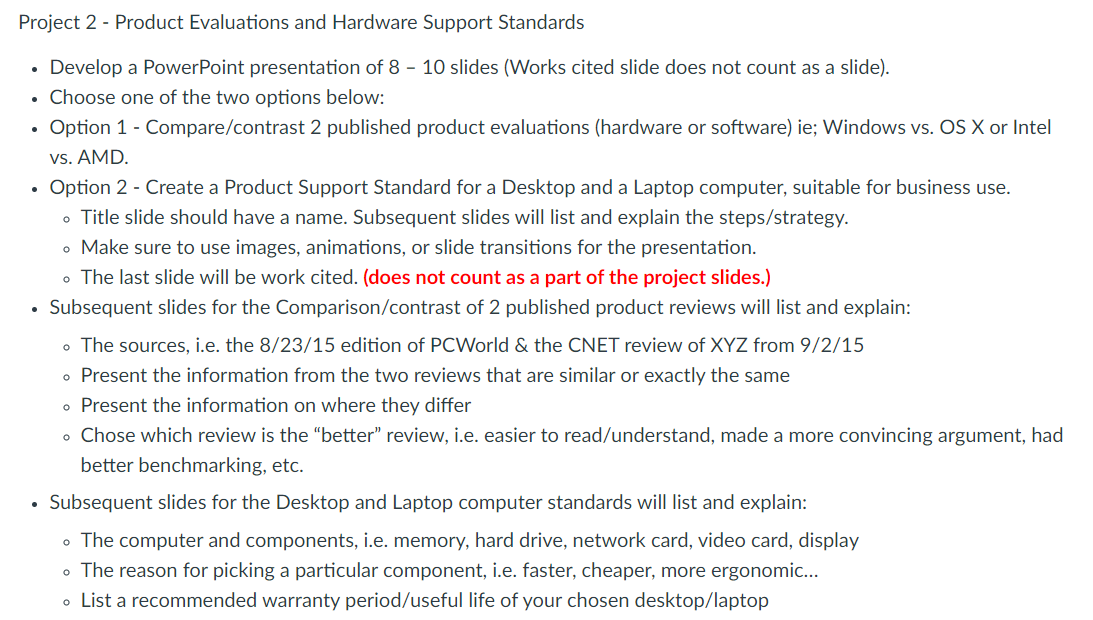
Project 2 - Product Evaluations and Hardware Support Standards Develop a PowerPoint presentation of 8 - 10 slides (Works cited slide does not count as a slide). . Choose one of the two options below: Option 1 - Compare/contrast 2 published product evaluations (hardware or software) ie; Windows vs. OS X or Intel vs. AMD. Option 2 - Create a Product Support Standard for a Desktop and a Laptop computer, suitable for business use. - Title slide should have a name. Subsequent slides will list and explain the steps/strategy. o Make sure to use images, animations, or slide transitions for the presentation. . The last slide will be work cited. (does not count as a part of the project slides.) Subsequent slides for the Comparison/contrast of 2 published product reviews will list and explain: The sources, i.e. the 8/23/15 edition of PCWorld & the CNET review of XYZ from 9/2/15 Present the information from the two reviews that are similar or exactly the same o Present the information on where they differ . Chose which review is the "better review, i.e. easier to read/understand, made a more convincing argument, had better benchmarking, etc. Subsequent slides for the Desktop and Laptop computer standards will list and explain: . The computer and components, i.e. memory, hard drive, network card, video card, display . The reason for picking a particular component, i.e. faster, cheaper, more ergonomic... o List a recommended warranty period/useful life of your chosen desktop/laptop Project 2 - Product Evaluations and Hardware Support Standards Develop a PowerPoint presentation of 8 - 10 slides (Works cited slide does not count as a slide). . Choose one of the two options below: Option 1 - Compare/contrast 2 published product evaluations (hardware or software) ie; Windows vs. OS X or Intel vs. AMD. Option 2 - Create a Product Support Standard for a Desktop and a Laptop computer, suitable for business use. - Title slide should have a name. Subsequent slides will list and explain the steps/strategy. o Make sure to use images, animations, or slide transitions for the presentation. . The last slide will be work cited. (does not count as a part of the project slides.) Subsequent slides for the Comparison/contrast of 2 published product reviews will list and explain: The sources, i.e. the 8/23/15 edition of PCWorld & the CNET review of XYZ from 9/2/15 Present the information from the two reviews that are similar or exactly the same o Present the information on where they differ . Chose which review is the "better review, i.e. easier to read/understand, made a more convincing argument, had better benchmarking, etc. Subsequent slides for the Desktop and Laptop computer standards will list and explain: . The computer and components, i.e. memory, hard drive, network card, video card, display . The reason for picking a particular component, i.e. faster, cheaper, more ergonomic... o List a recommended warranty period/useful life of your chosen desktop/laptop
Step by Step Solution
There are 3 Steps involved in it

Get step-by-step solutions from verified subject matter experts
 Study Help