







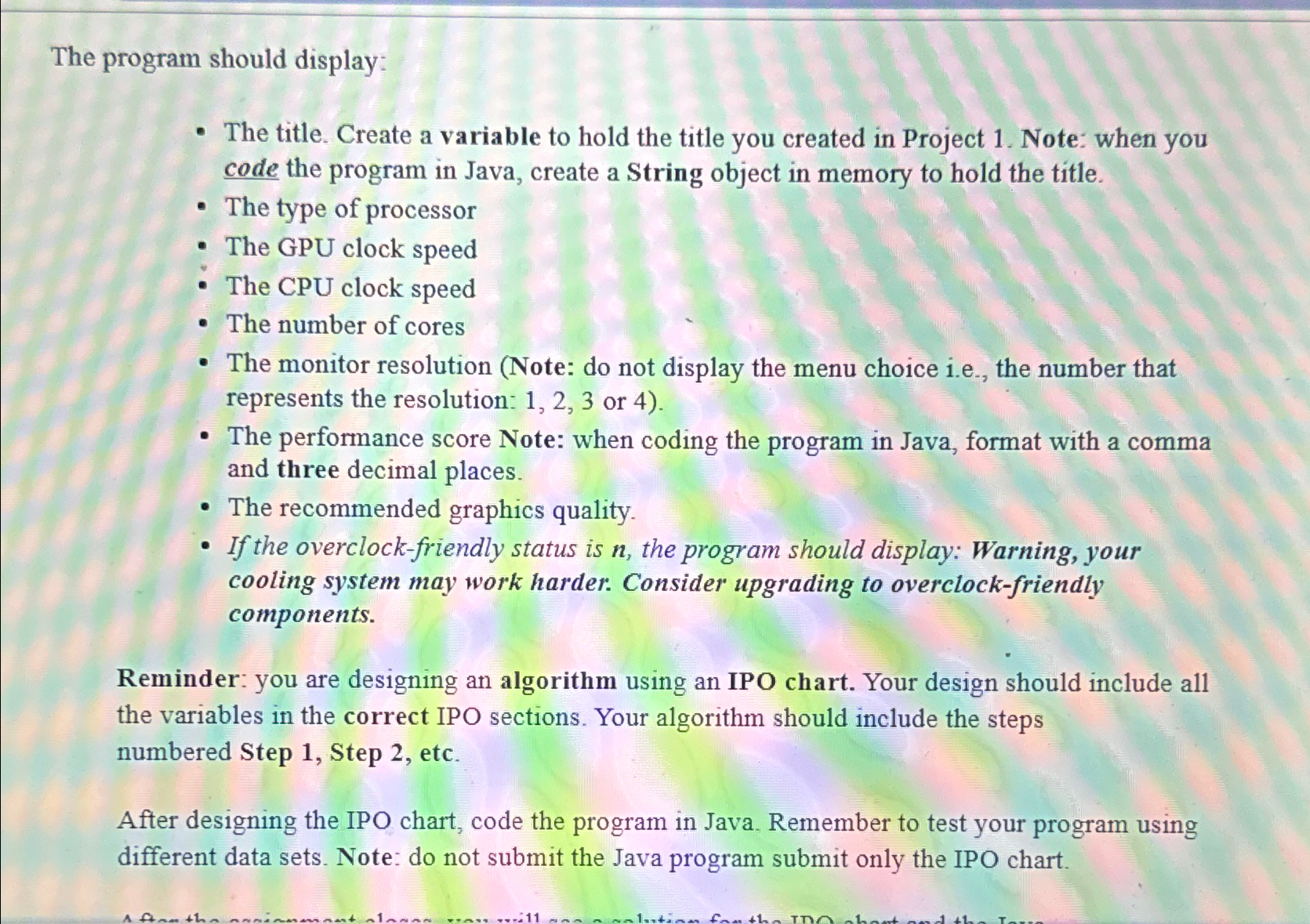
Question: Project 2 - Program Specifications ( Chapters 2 & 3 ) Update the IPO chart you created in Project 1 using the specifications below. The
Project Program Specifications Chapters &
Update the IPO chart you created in Project using the specifications below.
The program should instruct the user to make a choice from a menu selection. A menu should display four options. See the menu below.
After the menu displays, the user should enter a menu choice of or
The program should assign a multiplier to each resolution.
See chart below:
tableResolutionMultiplier
The program should assign a resolution as a String based on the user's input for the monitor resolution. Example: If the user selects the String value is
The program should calculate a "performance score" by using the following formula:
Performance Score GPU Clock Speed
Step by Step Solution
There are 3 Steps involved in it
1 Expert Approved Answer
Step: 1 Unlock

Question Has Been Solved by an Expert!
Get step-by-step solutions from verified subject matter experts
Step: 2 Unlock
Step: 3 Unlock
 Study Help