







Question: Project 3-4: Using Microsoft's Encrypting File System (EFS) Microsoft's Encrypting File System (EFS) is a cryptography system for Windows operating systems that uses the Windows
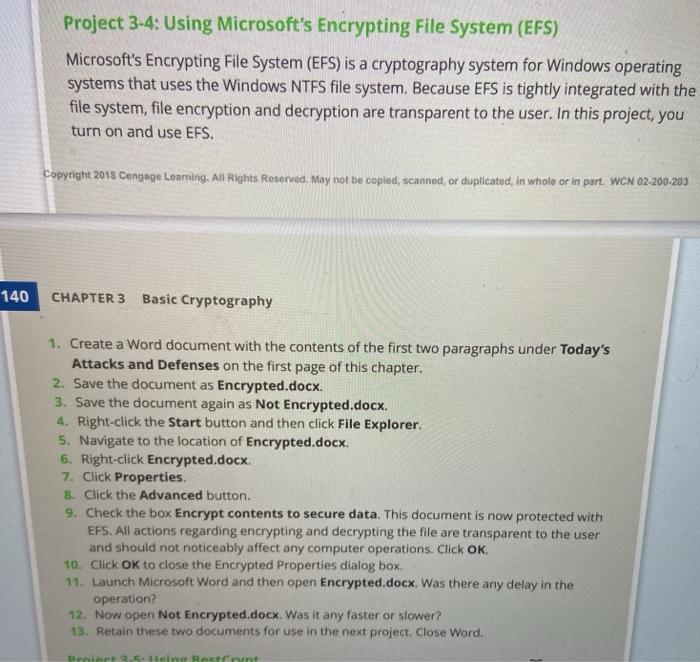
Project 3-4: Using Microsoft's Encrypting File System (EFS) Microsoft's Encrypting File System (EFS) is a cryptography system for Windows operating systems that uses the Windows NTFS file system. Because EFS is tightly integrated with the file system, file encryption and decryption are transparent to the user. In this project, you turn on and use EFS. Copyright 2018 Cengage Learning. All Rights Reserved. May not be copied, scanned, or duplicated, in whole or in part. WCN 02-200-203 140 CHAPTER 3 Basic Cryptography 1. Create a Word document with the contents of the first two paragraphs under Today's Attacks and Defenses on the first page of this chapter. 2. Save the document as Encrypted.docx. 3. Save the document again as Not Encrypted.docx. 4. Right-click the Start button and then click File Explorer. 5. Navigate to the location of Encrypted.docx. 6. Right-click Encrypted.docx 7. Click Properties. 8. Click the Advanced button. 9. Check the box Encrypt contents to secure data. This document is now protected with EFS. All actions regarding encrypting and decrypting the file are transparent to the user and should not noticeably affect any computer operations. Click OK 10. Click OK to close the Encrypted Properties dialog box. 11. Launch Microsoft Word and then open Encrypted.docx. Was there any delay in the operation? 12. Now open Not Encrypted.docx Was it any faster or slower? 13. Retain these two documents for use in the next project. Close Word, Dan Rasent
Step by Step Solution
There are 3 Steps involved in it

Get step-by-step solutions from verified subject matter experts
 Study Help