







Question: Project 4 For Project 4, you will using the starting files Medical Accounting.pptx, Accounting 1.jpg, Accounting 2.jpg, and Accounting 3.jpg. To begin do the following:
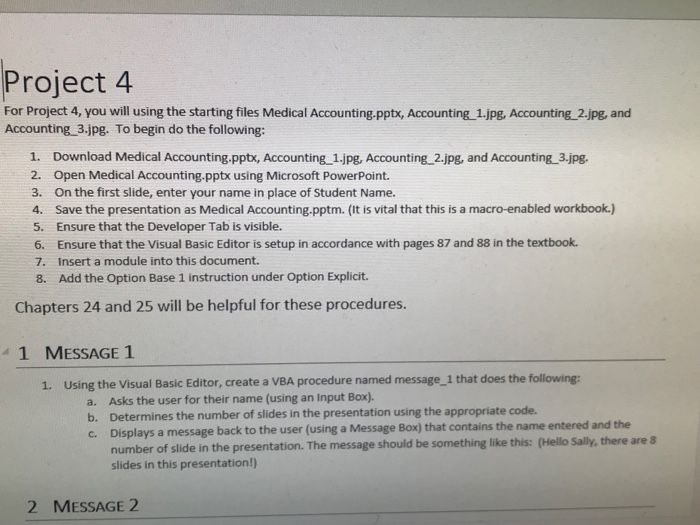
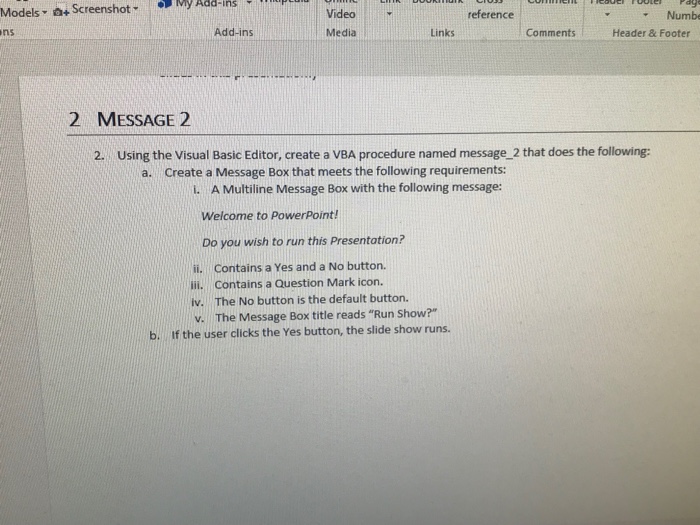
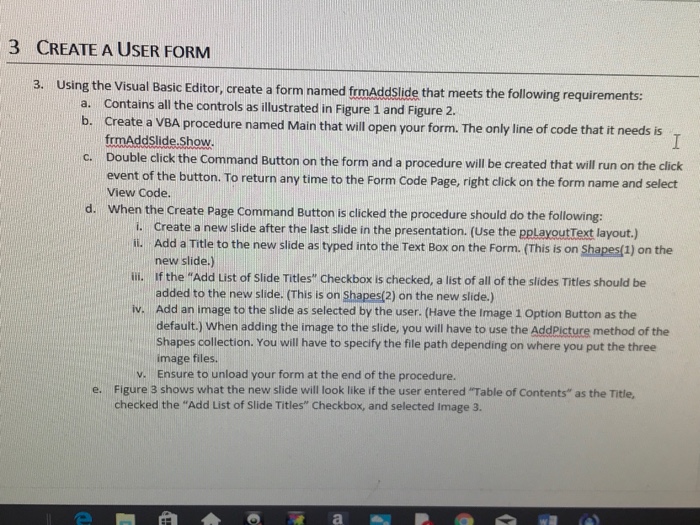
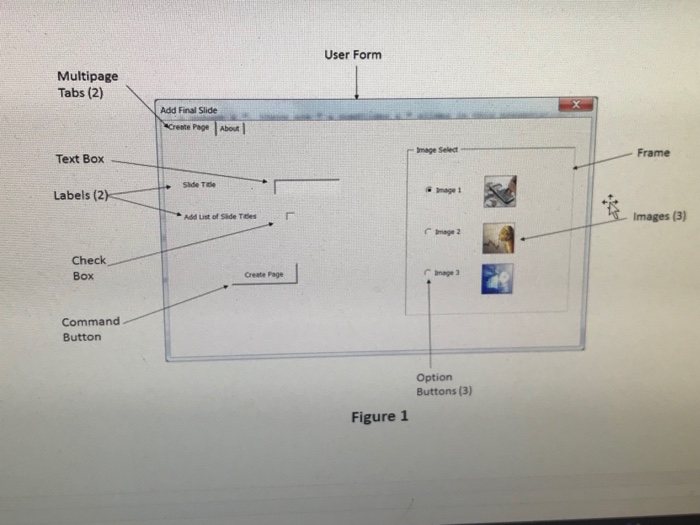
Project 4 For Project 4, you will using the starting files Medical Accounting.pptx, Accounting 1.jpg, Accounting 2.jpg, and Accounting 3.jpg. To begin do the following: 1. Download Medical Accounting.pptx, Accounting 1.jpg, Accounting_2.jpg, and Accounting 3.jpg. 2. Open Medical Accounting.pptx using Microsoft PowerPoint. 3. On the first slide, enter your name in place of Student Name. 4. Save the presentation as Medical Accounting.pptm. (It is vital that this is a macro-enabled workbook.) 5. Ensure that the Developer Tab is visible. 6. Ensure that the Visual Basic Editor is setup in accordance with pages 87 and 88 in the textbook. 7. Insert a module into this document. 8. Add the Option Base 1 instruction under Option Explicit. Chapters 24 and 25 will be helpful for these procedures. 41 MESSAGE 1 1. Using the Visual Basic Editor, create a VBA procedure named message_1 that does the following: Asks the user for their name (using an Input Box). Determines the number of slides in the presentation using the appropriate code. Displays a message back to the user (using a Message Box) that contains the name entered and the number of slide in the presentation. The message should be something like this: (Hello Sally, there are 8 slides in this presentation!) a. b. c. 2 MESSAGE 2
Step by Step Solution
There are 3 Steps involved in it

Get step-by-step solutions from verified subject matter experts
 Study Help