







Question: Project Instructions: For this project you will create a Riemann sum calculator intended for use by another person ( a person not yourself ) .
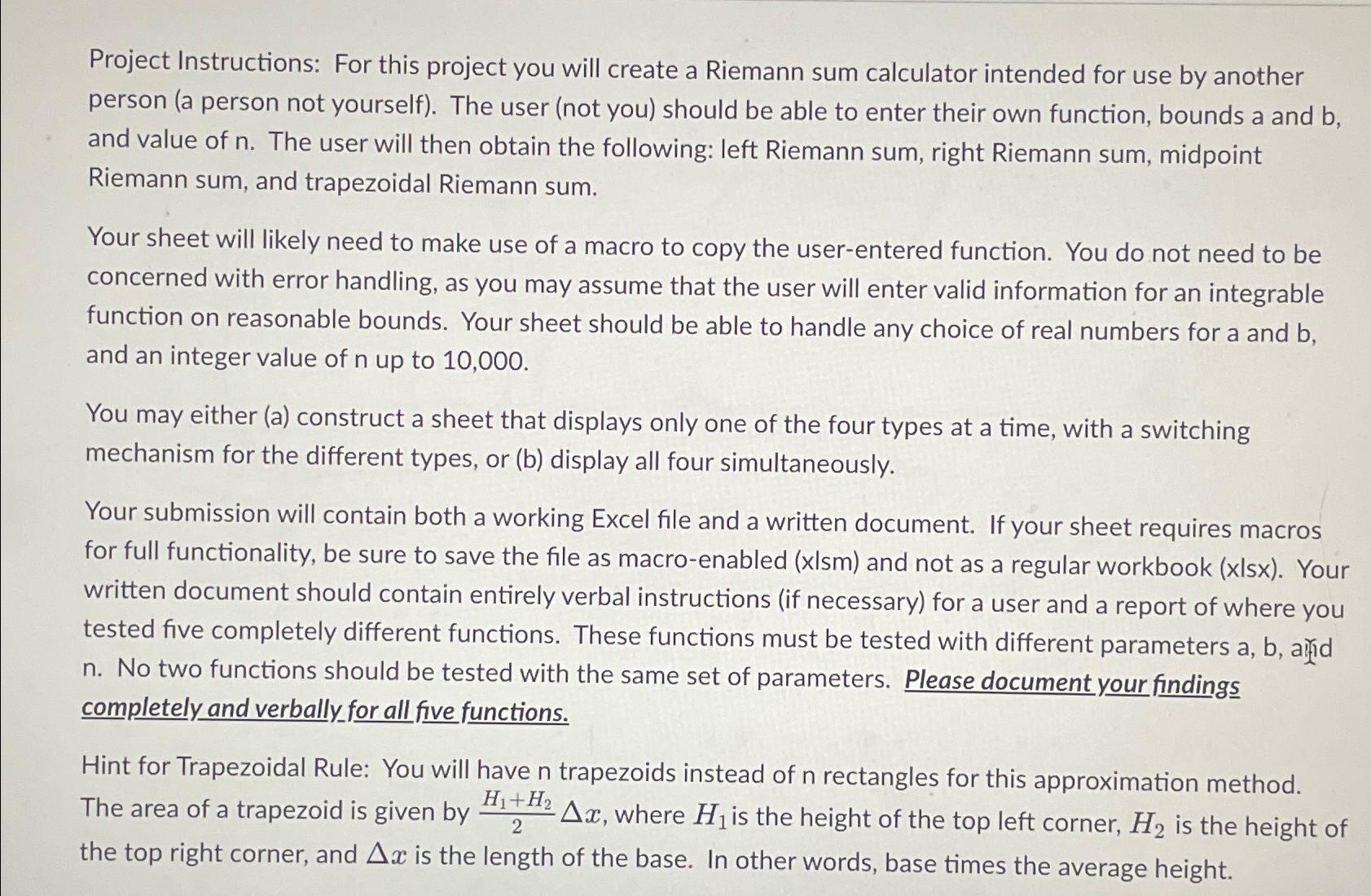
Project Instructions: For this project you will create a Riemann sum calculator intended for use by another person a person not yourself The user not you should be able to enter their own function, bounds a and and value of The user will then obtain the following: left Riemann sum, right Riemann sum, midpoint Riemann sum, and trapezoidal Riemann sum.
Your sheet will likely need to make use of a macro to copy the userentered function. You do not need to be concerned with error handling, as you may assume that the user will enter valid information for an integrable function on reasonable bounds. Your sheet should be able to handle any choice of real numbers for a and and an integer value of up to
You may either a construct a sheet that displays only one of the four types at a time, with a switching mechanism for the different types, or b display all four simultaneously.
Your submission will contain both a working Excel file and a written document. If your sheet requires macros for full functionality, be sure to save the file as macroenabled and not as a regular workbook xIsx Your written document should contain entirely verbal instructions if necessary for a user and a report of where you tested five completely different functions. These functions must be tested with different parameters airid n No two functions should be tested with the same set of parameters. Please document your findings completely and verbally for all five functions.
Hint for Trapezoidal Rule: You will have trapezoids instead of rectangles for this approximation method. The area of a trapezoid is given by where is the height of the top left corner, is the height of the top right corner, and is the length of the base. In other words, base times the average height.
Step by Step Solution
There are 3 Steps involved in it
1 Expert Approved Answer
Step: 1 Unlock

Question Has Been Solved by an Expert!
Get step-by-step solutions from verified subject matter experts
Step: 2 Unlock
Step: 3 Unlock
 Study Help