







Question: Project Setup and Structure Create a new java project in Eclipse and call it homework01. Inside the src folder, create a new java package called
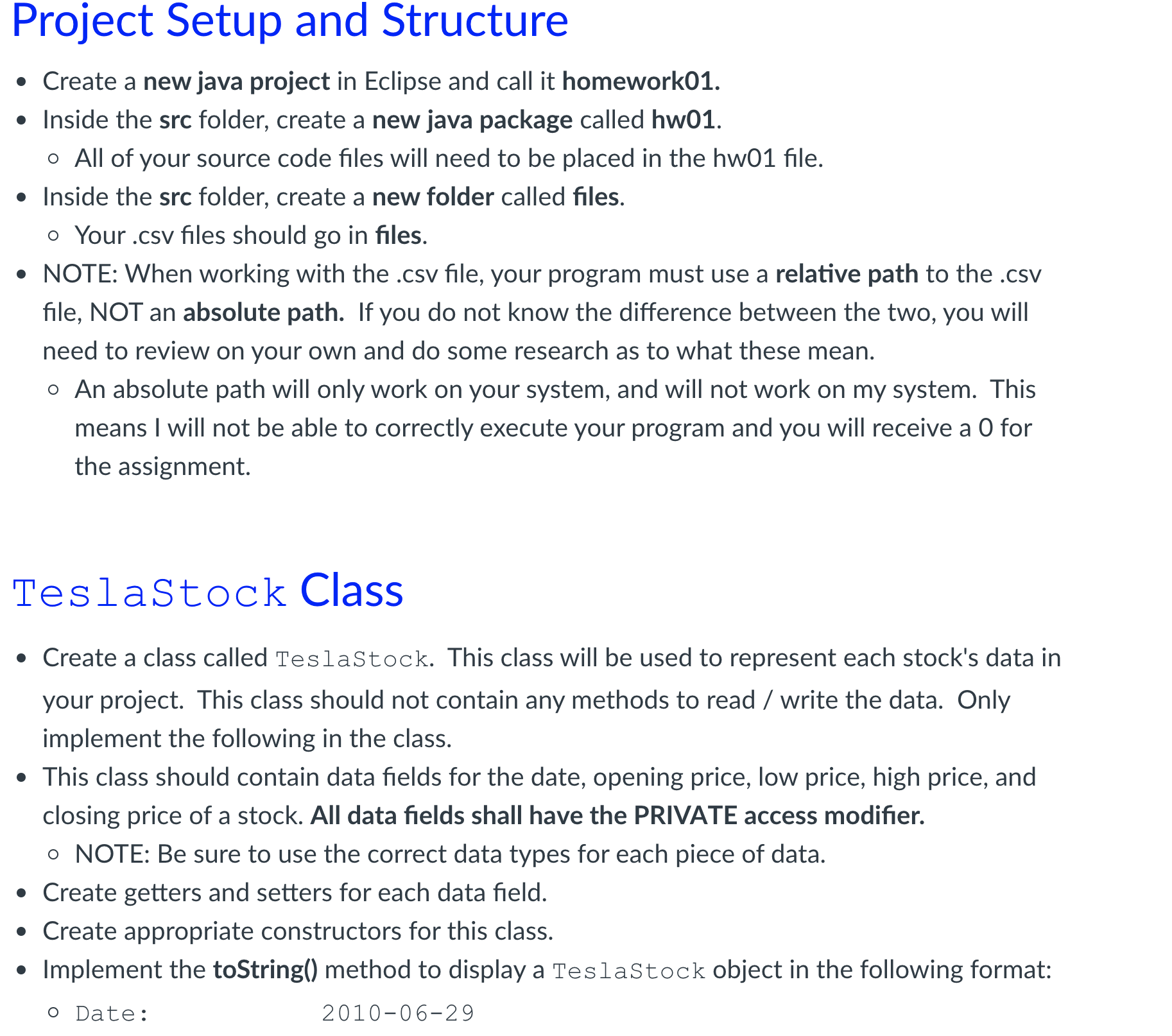
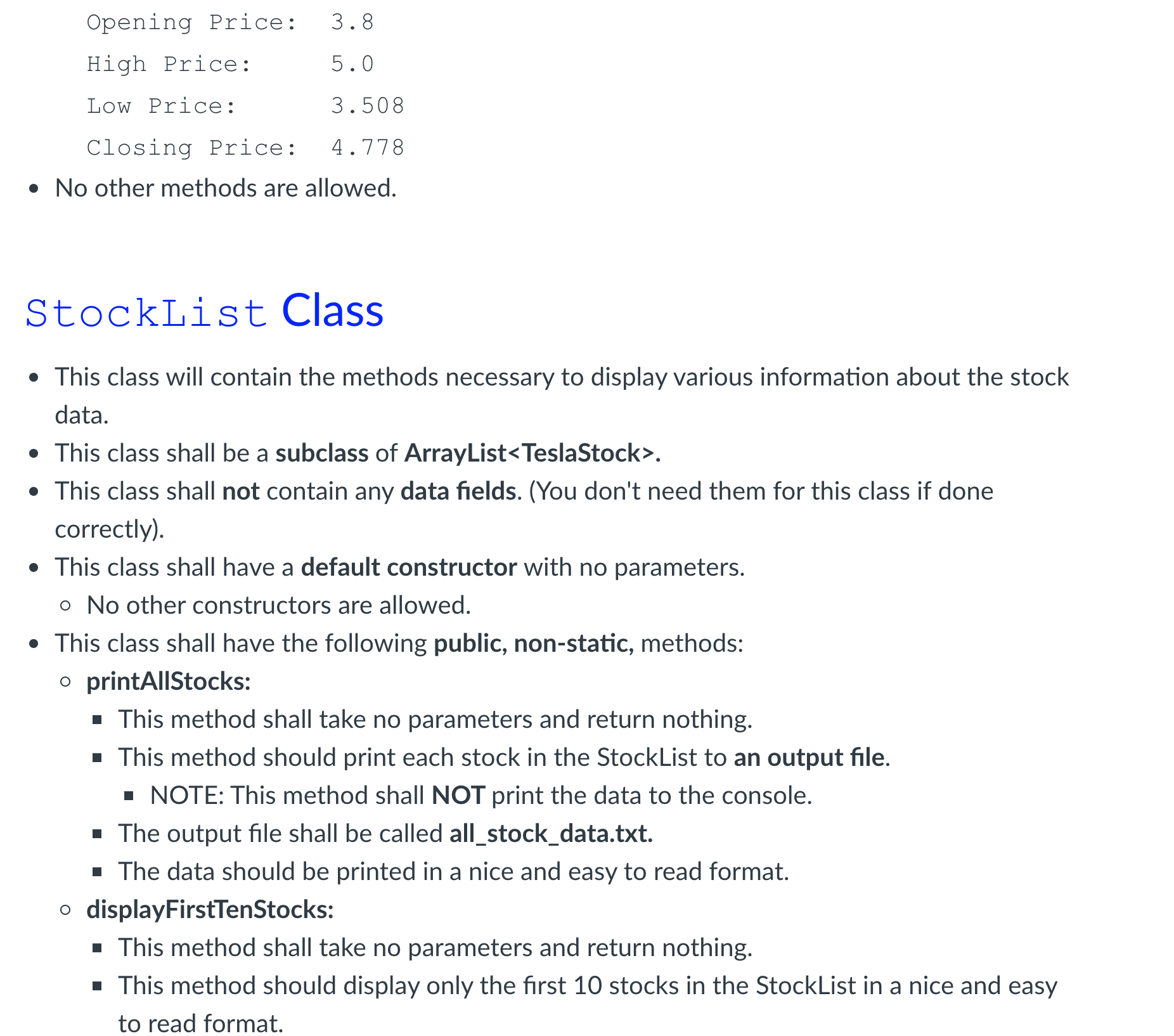
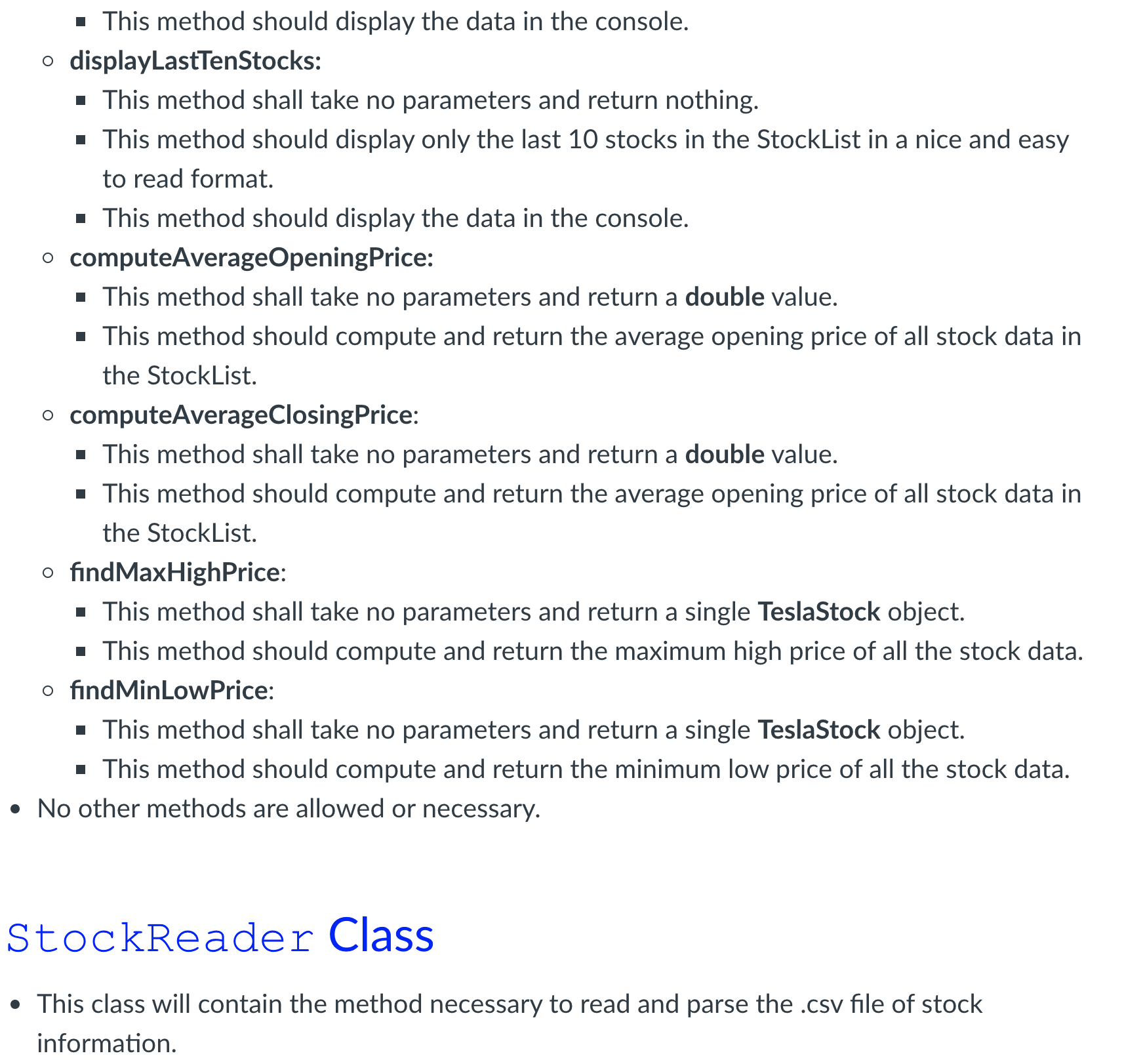
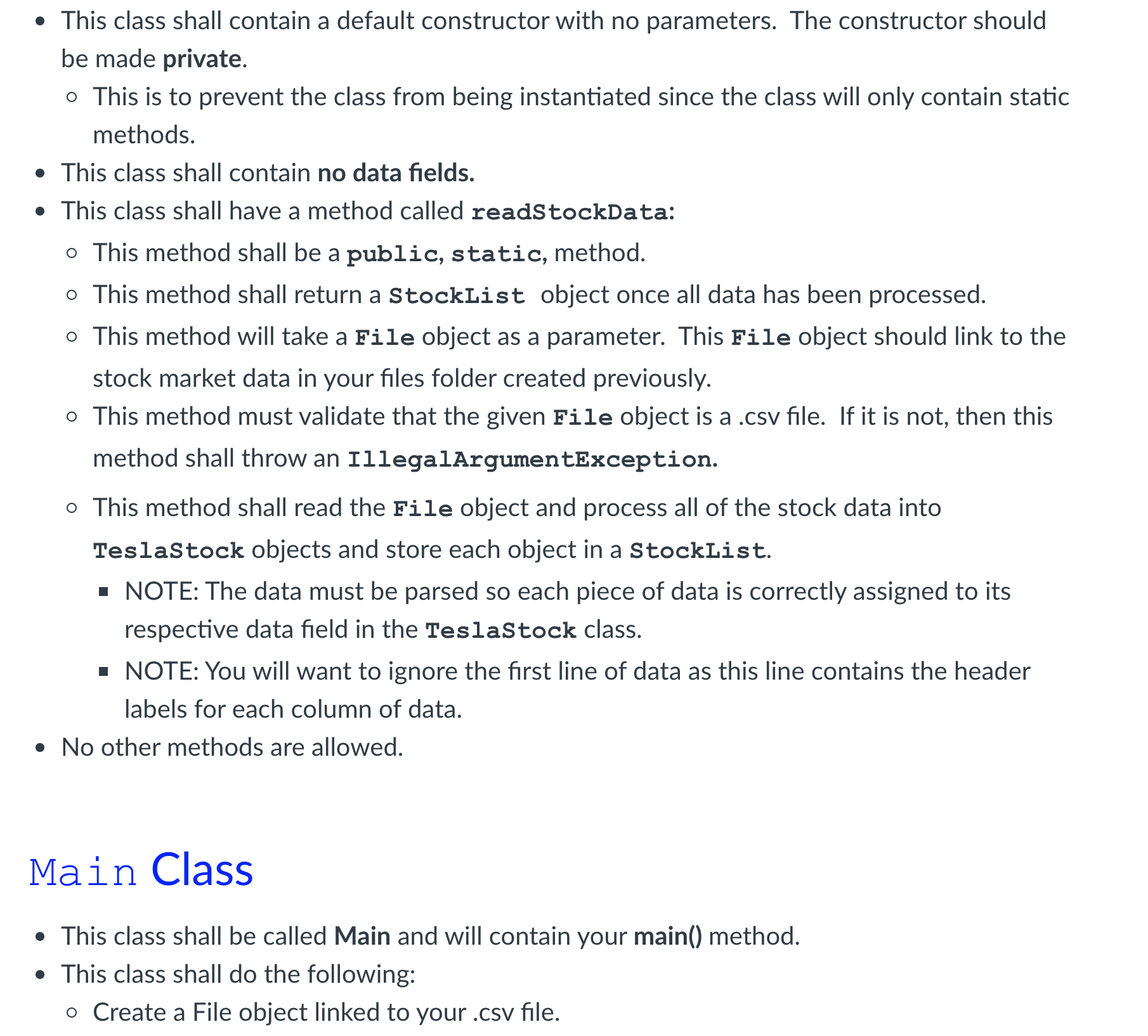
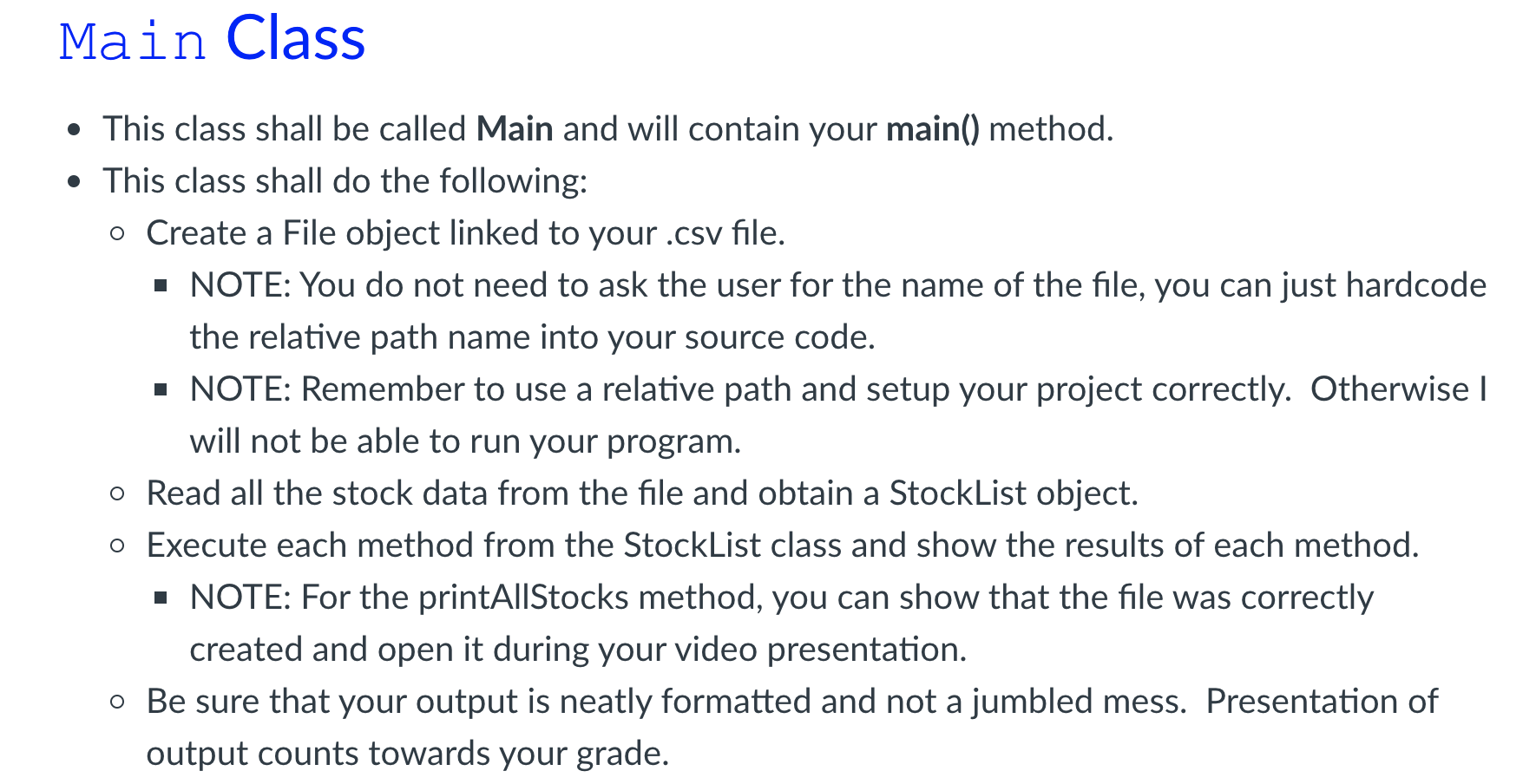
Project Setup and Structure Create a new java project in Eclipse and call it homework01. Inside the src folder, create a new java package called hw01. o All of your source code files will need to be placed in the hw01 file. Inside the src folder, create a new folder called files. o Your .csv files should go in files. NOTE: When working with the .csv file, your program must use a relative path to the .csv file, NOT an absolute path. If you do not know the difference between the two, you will need to review on your own and do some research as to what these mean. o An absolute path will only work on your system, and will not work on my system. This means I will not be able to correctly execute your program and you will receive a O for the assignment. TeslaStock Class Create a class called TeslaStock. This class will be used to represent each stock's data in your project. This class should not contain any methods to read / write the data. Only implement the following in the class. This class should contain data fields for the date, opening price, low price, high price, and closing price of a stock. All data fields shall have the PRIVATE access modifier. o NOTE: Be sure to use the correct data types for each piece of data. Create getters and setters for each data field. Create appropriate constructors for this class. Implement the toString() method to display a TeslaStock object in the following format: o Date: 2010-06-29 3.8 Opening Price: High Price: 5.0 Low Price: 3.508 Closing Price: 4.778 No other methods are allowed. StockList Class This class will contain the methods necessary to display various information about the stock data. This class shall be a subclass of ArrayList
Step by Step Solution
There are 3 Steps involved in it

Get step-by-step solutions from verified subject matter experts
 Study Help