







Question: Prompt Open the file you saved from the Module Three assignment in Android Studio, then edit the MainActivity.java file. Specifically, you must address the following
Prompt
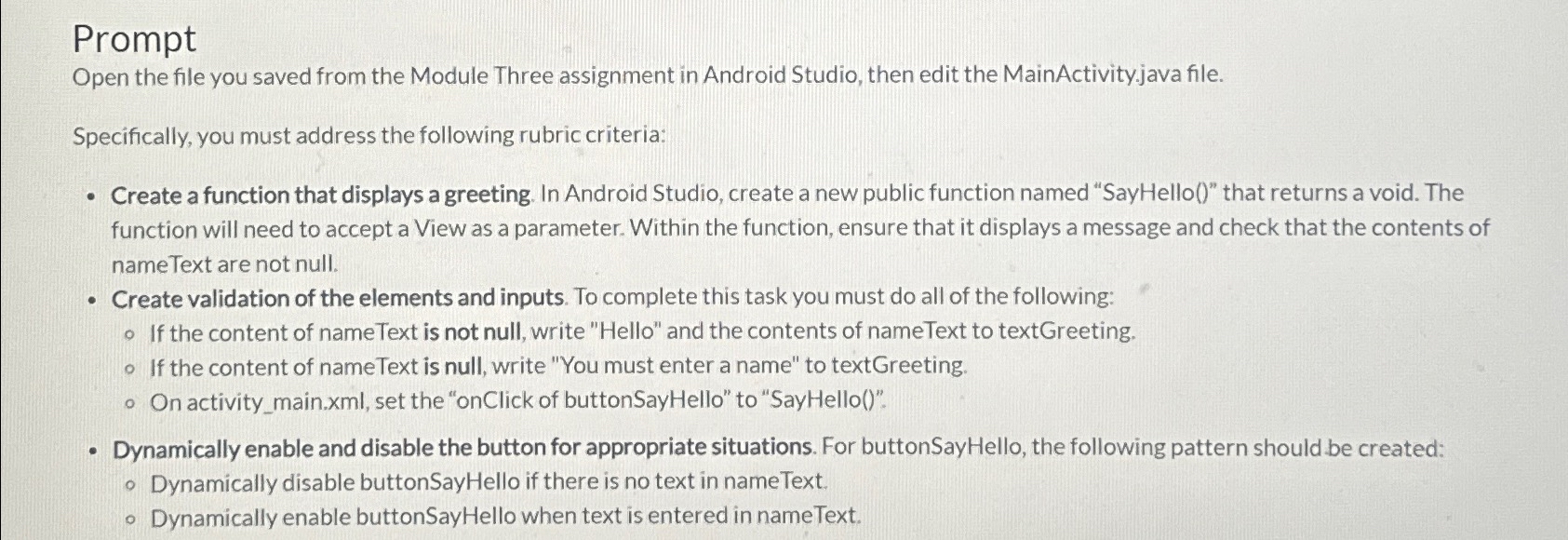
Open the file you saved from the Module Three assignment in Android Studio, then edit the MainActivity.java file.
Specifically, you must address the following rubric criteria:
Create a function that displays a greeting. In Android Studio, create a new public function named "SayHello that returns a void. The function will need to accept a View as a parameter. Within the function, ensure that it displays a message and check that the contents of nameText are not null.
Create validation of the elements and inputs. To complete this task you must do all of the following:
If the content of nameText is not null, write "Hello" and the contents of nameText to textGreeting.
If the content of nameText is null, write "You must enter a name" to textGreeting.
On activitymain.xml set the "onClick of buttonSayHello" to "SayHello
Dynamically enable and disable the button for appropriate situations. For buttonSayHello, the following pattern should be created:
Dynamically disable buttonSayHello if there is no text in nameText.
Dynamically enable buttonSayHello when text is entered in nameText.
Step by Step Solution
There are 3 Steps involved in it
1 Expert Approved Answer
Step: 1 Unlock

Question Has Been Solved by an Expert!
Get step-by-step solutions from verified subject matter experts
Step: 2 Unlock
Step: 3 Unlock
 Study Help