







Question: Provided Code and Test Script #------------------------------------------------------------------ # IT209_LA6_Cart_Container_Class_list_Template # # Template for IT-209 Lab #6. Students are to add code needed to # make the
Provided Code and Test Script
#------------------------------------------------------------------ # IT209_LA6_Cart_Container_Class_list_Template # # Template for IT-209 Lab #6. Students are to add code needed to # make the executable testscript work. # # Hint: add a method to Cart to make the Python 'in' operator work # with the test code. The method will also make the Cart class a # duck type subclass of the built-in Container abstract base class. # # Note that the test code has the flexibility to provide either # an Item object id (type 'Item') or the name of an item object # (type string, e.g. "eggs") as input for the 'in' operation. # The provided code must handle both possibilities. # # Create a simple Cart container class to hold item objects # selected by on-line shoppers. # # Author: Gene Shuman 01/09/2022 #------------------------------------------------------------------- # Mods: # #------------------------------------------------------------------- import datetime class Cart(): """ Cart Class - used to create Employee objects -------------------------------------------- """ seqNo = 0 def __init__(self, custName): self.custName = custName Cart.seqNo += 1 self.cartNo = Cart.seqNo self.contents = [ ] def addItem(self, item_obj): if not isinstance (item_obj, Item): # Ensure correct object type return False, 'Not a valid item' for n in range(len(self.contents)): if self.contents[n][0].eqItem(item_obj): self.contents[n][1] += 1 return True, 'added ' + item_obj.name self.contents.append([item_obj, 1]) return True, 'added ' + item_obj.name def checkout(self): dt = datetime.datetime.now().__str__()[:20] print('Checkout for ', self.custName, ' Cart# ', self.cartNo, ' ', dt[:20], ' ') total = 0 for i in self.contents: print ('\t {0:15s} {1:2d} ${2:8.2f}'. format(i[0].name, i[1], i[1]*i[0].price)) total += i[1]*i[0].price print('') # Add one blank space to separate "Total" line print('\t {0:15s} ${1:8.2f}'.format('Total ', total))
# Add code starting here...
class Item(): def __init__(self, name, price): self.name = name self.price = price def eqItem(self, itemObj): if itemObj.name == self.name: return True return False print(' Start of Lab 6 Cart Container class test code ---------------')
input(' Hit "Enter" for Cart #1 set-up/checkout -------------------- ') c1 = Cart('Mary Smith') i1 = Item('milk', 3.99) # Instantiate individual Item objects... i2 = Item('eggs', 1.99) i3 = Item('salmon', 9.50) i4 = Item('Bass Ale', 7.25)
c1.addItem(i1) # ...add Item objects using variable name c1.addItem(i2) c1.addItem(i3) c1.addItem(i2) c1.checkout()
input(' Hit "Enter" for Cart #2 set-up/checkout -0------------------ ') c2 = Cart('Larry Sherman') c2.addItem(Item('Bass Ale', 7.25)) # Instantiate + add in one statement c2.addItem(Item('milk', 3.99)) c2.addItem(Item('eggs', 1.99)) c2.addItem(Item('salmon', 9.50)) c2.addItem(Item('Bass Ale', 7.25)) c2.addItem(Item('eggs', 1.99)) c2.addItem(Item('Ground Beef', 6.50)) c2.addItem(Item('eggs', 1.99)) c2.checkout()
input(' Hit "Enter" to run four tests, T1 - T4. ') print(' T1. Eggs should be in Cart# ', c1.cartNo) if 'eggs' in c1: print('\t\teggs are in Cart# ', c1.cartNo, ' belonging to ', c1.custName) else: print('\t\teggs are not in cart# ', c1.cartNo, ' belonging to ', c1.custName)
print(' T2. Beef should not be in Cart# ', c1.cartNo) if 'beef' in c1: print('\t\tbeef is in Cart# ', c1.cartNo, ' belonging to ', c1.custName) else: print('\t\tbeef is not in Cart# ', c1.cartNo, ' belonging to ', c1.custName)
print(' T3. ', i3.name, ' should be in Cart# ', c2.cartNo) if i3 in c2: print('\t\t', i3.name, ' is in Cart# ', c2.cartNo, ' belonging to ', c2.custName) else: print('\t\t', i3.name, ' is not in Cart# ', c2.cartNo, ' belonging to ', c2.custName)
print(' T4. ', i4.name, ' should not be in Cart# ', c1.cartNo) if i4 in c1: print('\t\t', i4.name, ' is in Cart# ', c1.cartNo, ' belonging to ', c1.custName) else: print('\t\t', i4.name, ' is not in Cart# ', c1.cartNo, ' belonging to ', c1.custName)
print(' End of Lab 4 Cart container class test')
Need Help ASAP! I WILL RATE
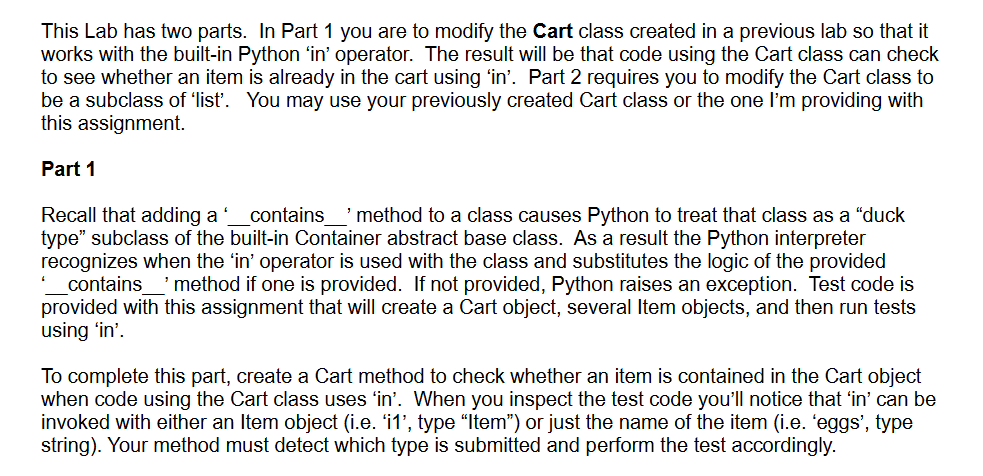
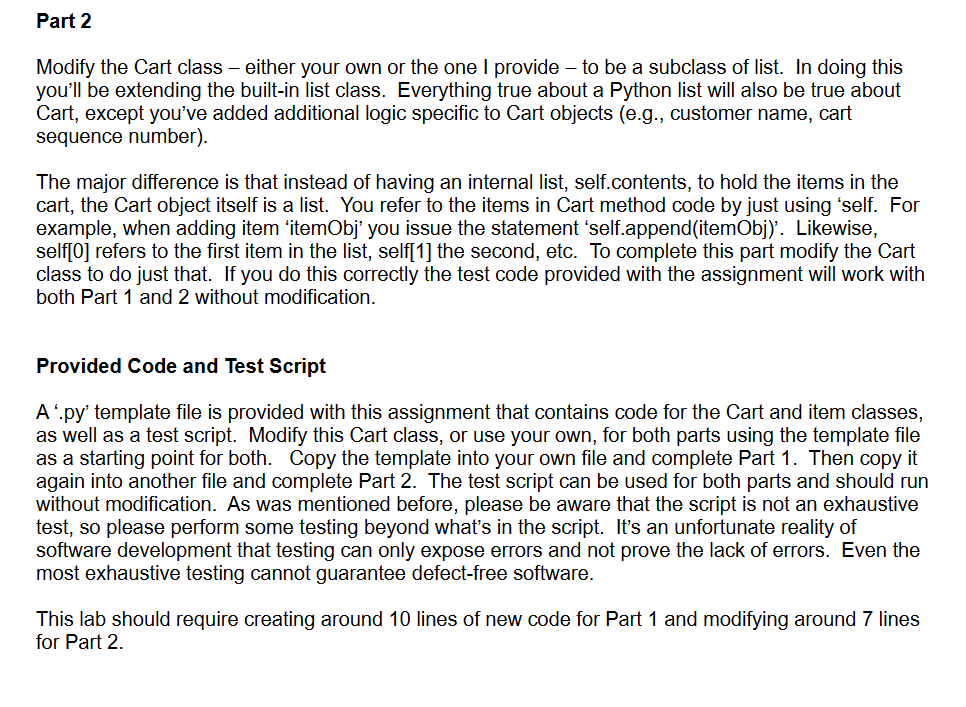
This Lab has two parts. In Part 1 you are to modify the Cart class created in a previous lab so that it works with the built-in Python 'in' operator. The result will be that code using the Cart class can check to see whether an item is already in the cart using 'in'. Part 2 requires you to modify the Cart class to be a subclass of 'list'. You may use your previously created Cart class or the one I'm providing with this assignment. Part 1 Recall that adding a '_contains__ method to a class causes Python to treat that class as a "duck type" subclass of the built-in Container abstract base class. As a result the Python interpreter recognizes when the 'in' operator is used with the class and substitutes the logic of the provided "_contains_. method if one is provided. If not provided, Python raises an exception. Test code is provided with this assignment that will create a Cart object, several Item objects, and then run tests using 'in'. To complete this part, create a Cart method to check whether an item is contained in the Cart object when code using the Cart class uses 'in'. When you inspect the test code you'll notice that 'in' can be invoked with either an Item object (i.e. 'i1', type "Item") or just the name of the item (i.e. 'eggs', type string). Your method must detect which type is submitted and perform the test accordingly. Modify the Cart class - either your own or the one I provide - to be a subclass of list. In doing this you'll be extending the built-in list class. Everything true about a Python list will also be true about Cart, except you've added additional logic specific to Cart objects (e.g., customer name, cart sequence number). The major difference is that instead of having an internal list, self.contents, to hold the items in the cart, the Cart object itself is a list. You refer to the items in Cart method code by just using 'self. For example, when adding item 'itemObj' you issue the statement 'self.append(itemObj)'. Likewise, self[0] refers to the first item in the list, self[1] the second, etc. To complete this part modify the Cart class to do just that. If you do this correctly the test code provided with the assignment will work with both Part 1 and 2 without modification. Provided Code and Test Script A '.py' template file is provided with this assignment that contains code for the Cart and item classes, as well as a test script. Modify this Cart class, or use your own, for both parts using the template file as a starting point for both. Copy the template into your own file and complete Part 1 . Then copy it again into another file and complete Part 2. The test script can be used for both parts and should run without modification. As was mentioned before, please be aware that the script is not an exhaustive test, so please perform some testing beyond what's in the script. It's an unfortunate reality of software development that testing can only expose errors and not prove the lack of errors. Even the most exhaustive testing cannot guarantee defect-free software. This lab should require creating around 10 lines of new code for Part 1 and modifying around 7 lines for Part 2
Step by Step Solution
There are 3 Steps involved in it

Get step-by-step solutions from verified subject matter experts
 Study Help