







Question: PT Activity: 0 0 : 0 8 : 3 3 Instructions Part 1 : Simulated Remote Access using Packet Tracer Step 1 : Telnet access
PT Activity: ::
Instructions
Part : Simulated Remote Access using Packet Tracer
Step : Telnet access to East
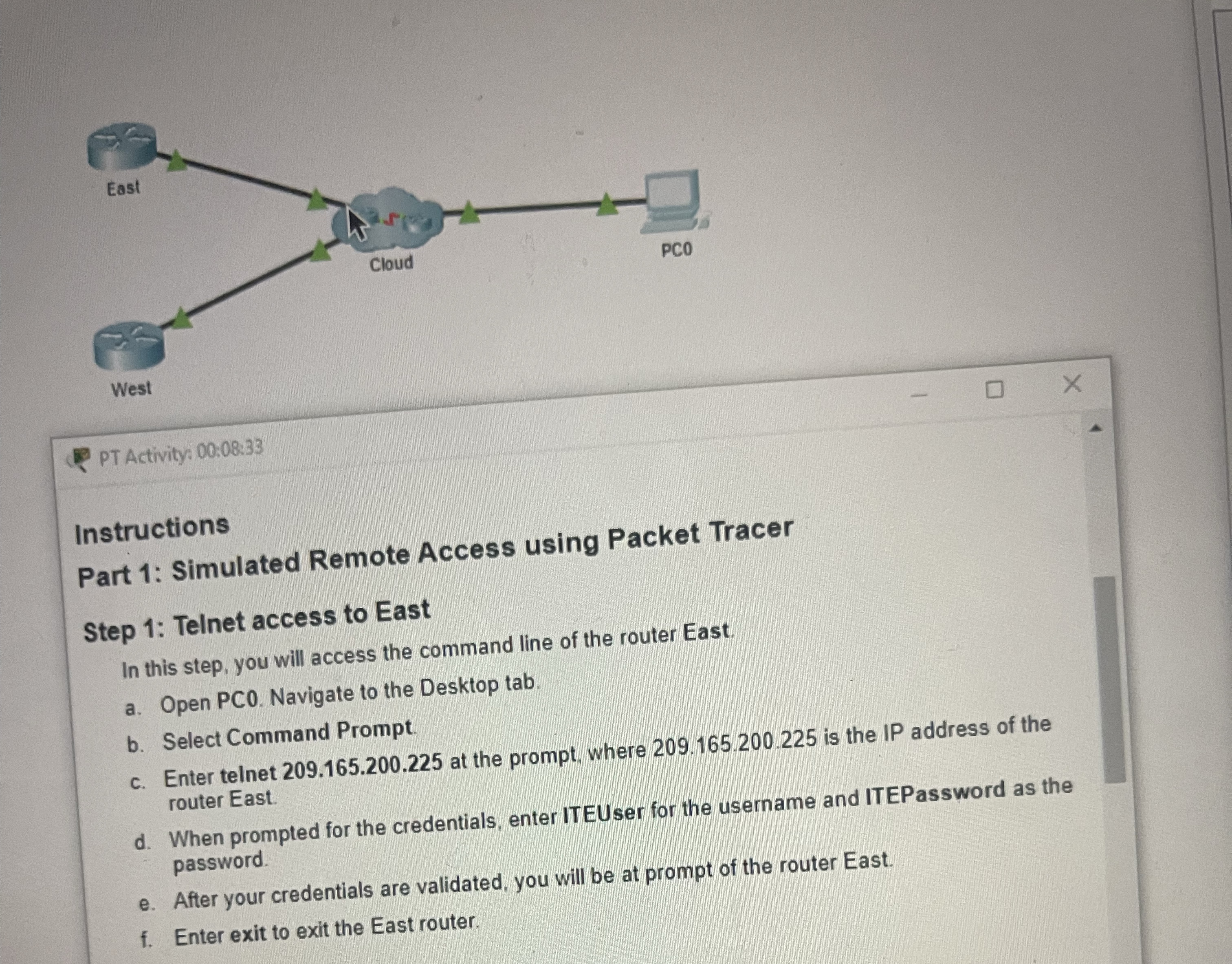
In this step, you will access the command line of the router East.
a Open PC Navigate to the Desktop tab.
b Select Command Prompt.
c Enter telnet at the prompt, where is the IP address of the router East.
d When prompted for the credentials, enter ITEUser for the username and ITEPassword as the password.
e After your credentials are validated, you will be at prompt of the router East.
f Enter exit to exit the East router.
Step by Step Solution
There are 3 Steps involved in it
1 Expert Approved Answer
Step: 1 Unlock

Question Has Been Solved by an Expert!
Get step-by-step solutions from verified subject matter experts
Step: 2 Unlock
Step: 3 Unlock
 Study Help