







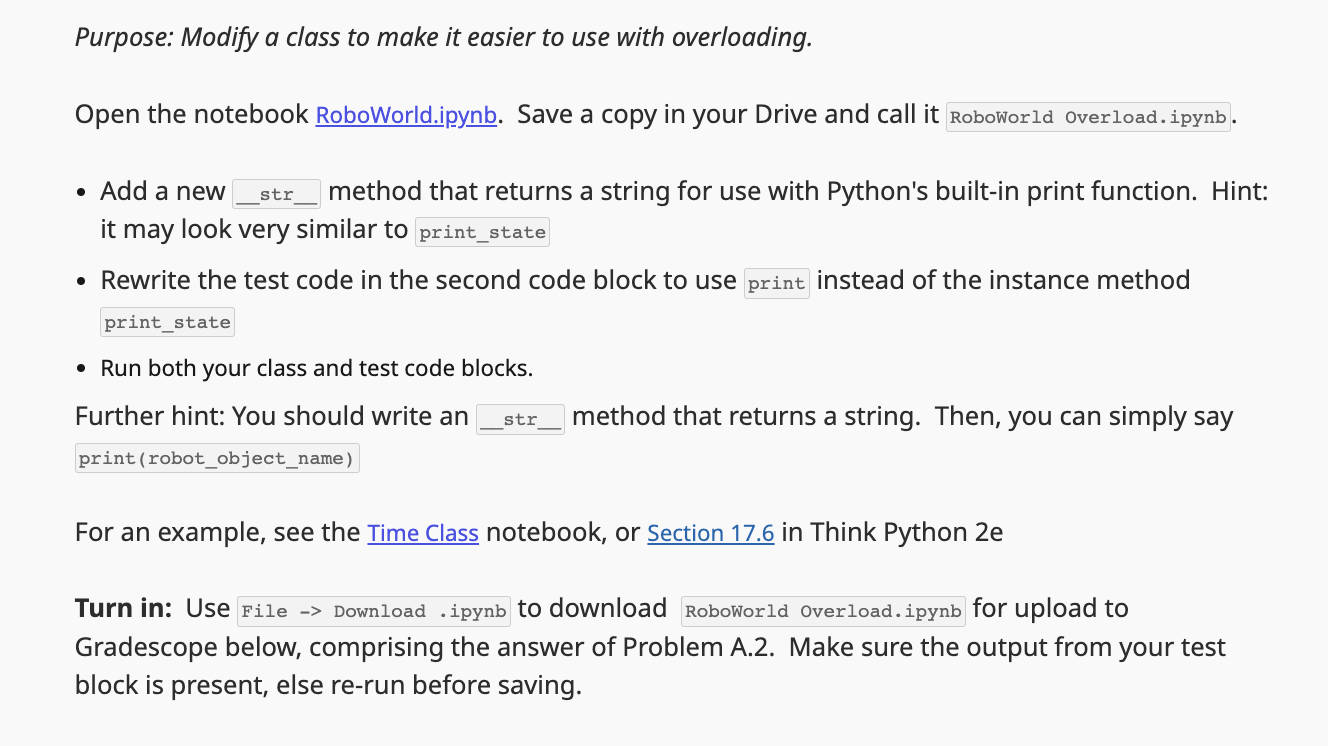
Question: Purpose: Modify a class to make it easier to use with overloading. Open the notebook RoboWorld.ipynb. Save a copy in your Drive and call it
Purpose: Modify a class to make it easier to use with overloading.
Open the notebook RoboWorld.ipynb. Save a copy in your Drive and call it Roboworld overload.ipynb.
Add a new
method that returns a string for use with Python's builtin print function. Hint:
it may look very similar to printstate
Rewrite the test code in the second code block to use print instead of the instance method
Run both your class and test code blocks.
Further hint: You should write an
method that returns a string. Then, you can simply say
For an example, see the Time Class notebook, or Section in Think Python e
Turn in: Use File Download ipynb to download RoboWorld Overload.ipynb for upload to
Gradescope below, comprising the answer of Problem A Make sure the output from your test
block is present, else rerun before saving.
The file:
# Robot Class
# c Michael S Branicky,
class Robot:
# Attributes of each Robot instance: x y dir
# y N
#
# W E
# x v
# S
# Class attributesvariables
NORTH
EAST
SOUTH
WEST
def initself:
self.x
self.y
self.dir Robot.NORTH
def rotaterightself:
self.dir selfdir
def rotateleftself:
self.dir self.dir
if self.dir :
self.dir
def forwardself:
if self.dir Robot.NORTH:
self.y
elif self.dir Robot.SOUTH:
self.y
elif self.dir Robot.EAST:
self.x
elif self.dir Robot.WEST:
self.x
def printstateself:
printstring fRobot at selfxselfy
if self.dir Robot.NORTH:
dirsymbol
elif self.dir Robot.SOUTH:
dirsymbol v
elif self.dir Robot.EAST:
dirsymbol
elif self.dir Robot.WEST:
dirsymbol
printstring dirsymbol
printprintstring
# ALTERNATE :
# dirsymbols v
# dirsymbol dirsymbolsselfdir
# ALTERNATE :
# dirsymbols RobotNORTH: Robot.SOUTH: v Robot.EAST: Robot.WEST:
# dirsymbol dirsymbolsselfdir
Step by Step Solution
There are 3 Steps involved in it
1 Expert Approved Answer
Step: 1 Unlock

Question Has Been Solved by an Expert!
Get step-by-step solutions from verified subject matter experts
Step: 2 Unlock
Step: 3 Unlock
 Study Help