







Question: Purpose: To practice using edit patterns and the SCREEN SECTION in creating a COBOL program that produces a Customer Purchases report. Problem: Write a program
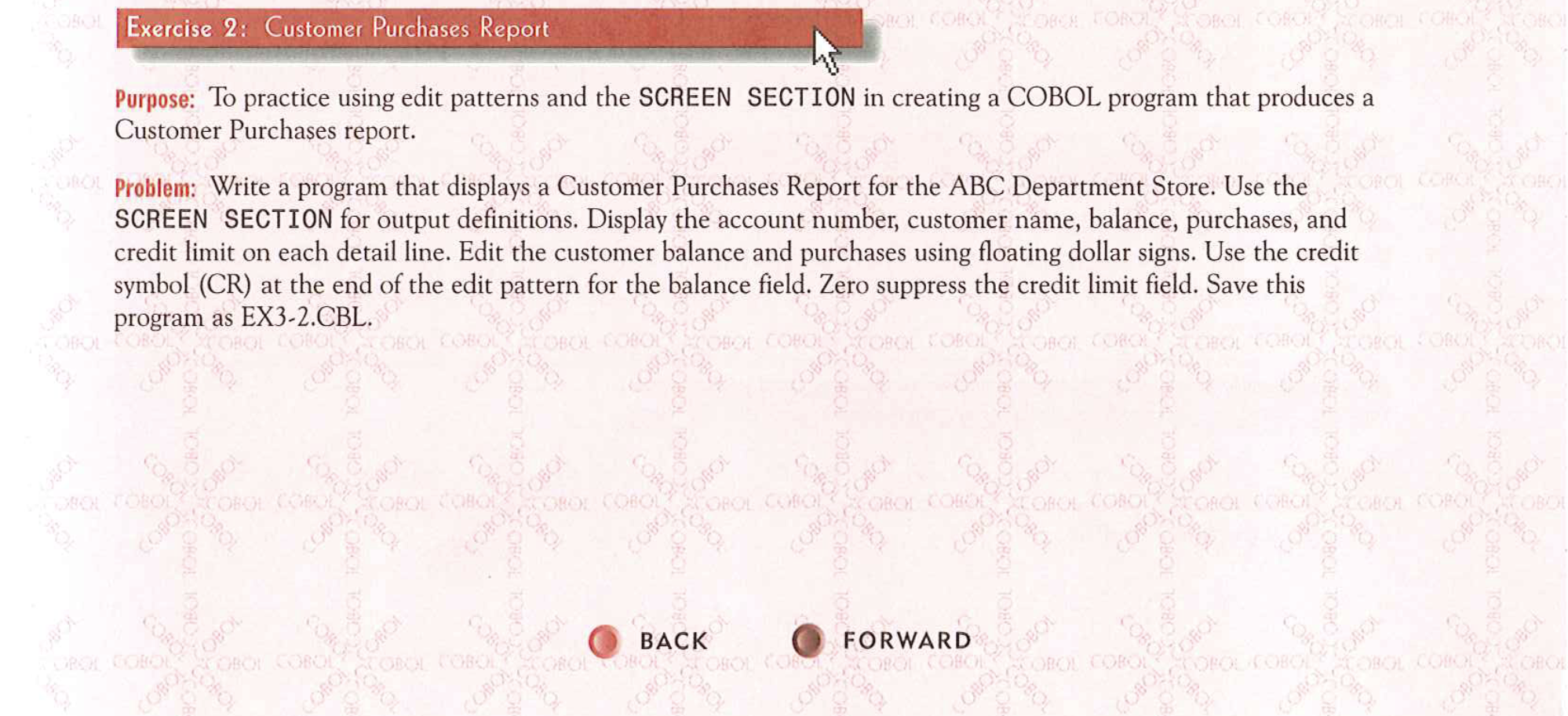
Purpose: To practice using edit patterns and the SCREEN SECTION in creating a COBOL program that produces a
Customer Purchases report.
Problem: Write a program that displays a Customer Purchases Report for the ABC Department Store. Use the
SCREEN SECTION for output definitions. Display the account number, customer name, balance, purchases, and
credit limit on each detail line. Edit the customer balance and purchases using floating dollar signs. Use the credit
symbol CR at the end of the edit pattern for the balance field. Zero suppress the credit limit field. Save this
program as EXCBL
Input Data: Use the Customer file listed in Appendix A as input. This file is named CUSTOMER.DAT and is among the files on the Data Disk. See the inside back cover of this book for instructions for downloading the Data Disk or see your instructor. Customer records have the following layout:
Field Description
Position
Length
Attribute
filler
Alphanumeric
Account Number
Alphanumeric
Customer Name
Alphanumeric
filler
Alphanumeric
Balance
Numeric, SV
Purchases
Numeric, V
Credit Limit
Numeric
filler
Alphanumeric
Record Length
Output Results: Output consists of the Customer Purchases Report that displays the account number, customer name, balance, purchases, and credit limit for each customer. Singlespace detail lines. Count and display the number of customers processed. The report should have a format similar to the following:
DATE: Z
ABC DEPARTMENT STORE
CUSTOMER PURCHASES REPORT
PAGE ZZ
ACCOUNT NUMBER
CUSTOMER NAME
XXXXXX
XXXXXXXXXXXXXXXXXXXX
XXXXXX XXXXXXXXXXXXXXXXXXXX
BALANCE
$$$CR
PURCHASES
$$ $
SS $$$
CREDIT LIMIT
Z
TOTAL NUMBER OF RECORDS DISPLAYED ZZZZ
END OF REPORT
Step by Step Solution
There are 3 Steps involved in it
1 Expert Approved Answer
Step: 1 Unlock

Question Has Been Solved by an Expert!
Get step-by-step solutions from verified subject matter experts
Step: 2 Unlock
Step: 3 Unlock
 Study Help