







Question: python 3 7.(20 pts) For this problem, you will use Tkinter to create a proof of concept for Stipple Something, an app in which the
python 3
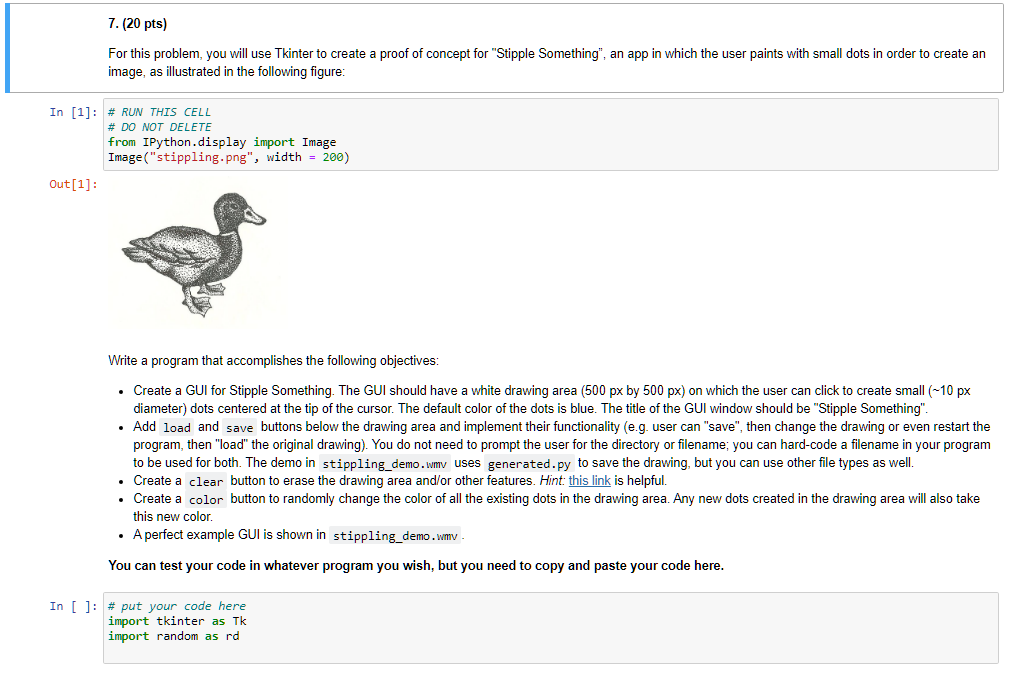
7.(20 pts) For this problem, you will use Tkinter to create a proof of concept for "Stipple Something", an app in which the user paints with small dots in order to create an image, as illustrated in the following figure: In [1]: # RUN THIS CELL # DO NOT DELETE from IPython.display import Image Image("stippling.png", width = 200) Out[1]: Write a program that accomplishes the following objectives: Create a GUI for Stipple Something. The GUI should have a white drawing area (500 px by 500 px) on which the user can click to create small (-10 px diameter) dots centered at the tip of the cursor. The default color of the dots is blue. The title of the GUI window should be "Stipple Something". Add load and save buttons below the drawing area and implement their functionality (e.g. user can "save", then change the drawing or even restart the program, then "load" the original drawing). You do not need to prompt the user for the directory or filename; you can hard-code a filename in your program to be used for oth. The demo in stippling_demo.wmv uses generated.py to save drawing, but you can other e types as Create a clear button to erase the drawing area and/or other features. Hint: this link is helpful. Create a color button to randomly change the color of all the existing dots in the drawing area. Any new dots created in the drawing area will also take this new color. A perfect example GUI is shown in stippling_demo.wmv You can test your code in whatever program you wish, but you need to copy and paste your code here. In [ ]: # put your code here import tkinter as Tk import random as rd 7.(20 pts) For this problem, you will use Tkinter to create a proof of concept for "Stipple Something", an app in which the user paints with small dots in order to create an image, as illustrated in the following figure: In [1]: # RUN THIS CELL # DO NOT DELETE from IPython.display import Image Image("stippling.png", width = 200) Out[1]: Write a program that accomplishes the following objectives: Create a GUI for Stipple Something. The GUI should have a white drawing area (500 px by 500 px) on which the user can click to create small (-10 px diameter) dots centered at the tip of the cursor. The default color of the dots is blue. The title of the GUI window should be "Stipple Something". Add load and save buttons below the drawing area and implement their functionality (e.g. user can "save", then change the drawing or even restart the program, then "load" the original drawing). You do not need to prompt the user for the directory or filename; you can hard-code a filename in your program to be used for oth. The demo in stippling_demo.wmv uses generated.py to save drawing, but you can other e types as Create a clear button to erase the drawing area and/or other features. Hint: this link is helpful. Create a color button to randomly change the color of all the existing dots in the drawing area. Any new dots created in the drawing area will also take this new color. A perfect example GUI is shown in stippling_demo.wmv You can test your code in whatever program you wish, but you need to copy and paste your code here. In [ ]: # put your code here import tkinter as Tk import random as rd
Step by Step Solution
There are 3 Steps involved in it

Get step-by-step solutions from verified subject matter experts
 Study Help