







Question: PYTHON AND OPENCV I need help scaling and centering my image. _____________________________________________________ I have a good starter code, my image is in a folder with
PYTHON AND OPENCV
I need help scaling and centering my image.
_____________________________________________________
I have a good starter code, my image is in a folder with my python file so I am able to read in the image without the relative path. You may use whatever image you want.
THESE CHANGES NEED TO HAPPEN WITH CODE:
SCALING FACTOR BASED ON ORIGINAL IMAGE DIMENSIONS: parameter (1.3,1.5, etc.). Multiply the max dimension (width or height) of the original image by the scaling factor (n=s*maxDim). The new image should have dimensions nxn.
COPY ORIGINAL IMAGE INTO CENTER OF NEW IMAGE USING LOOPS
____________________________________________
import cv2 import numpy as np
# read in an image in opencv image = cv2.imread("dog.png")
# get size of an image numRows = image.shape[0] # height of image numCols = image.shape[1] # width of image print("size: ", numRows, numCols)
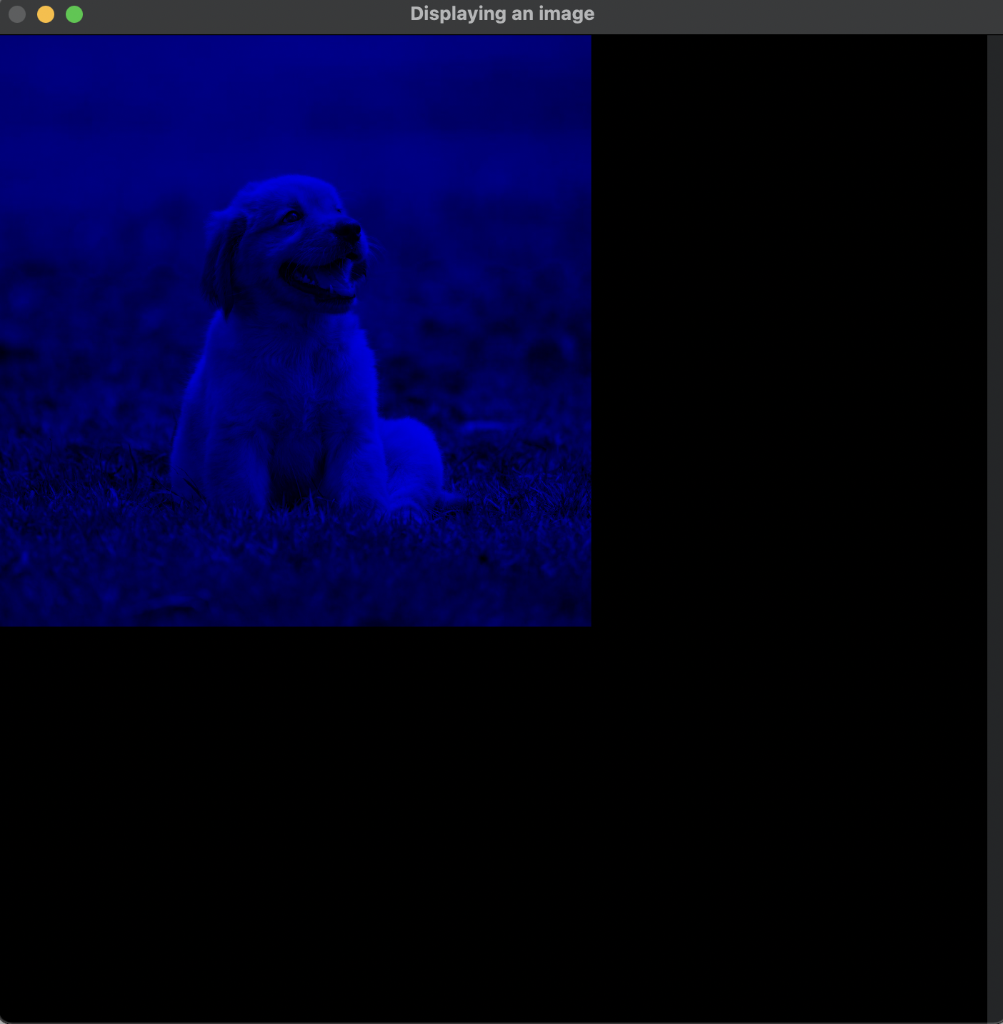
# create an empty image grid - size1: rows, size2: cols, 3 colors size1 = 600 size2 = 600 emptyIm = np.zeros ( (size1, size2, 3), np.float32)
# iterate through pixels and change colors for i in range(numRows): # height of the image, y coordinates for j in range(numCols): # width of the image, x coordinates # image[i][j][0]: blue # image[i][j][1]: green # image[i][j][2]: red # only keep green channel #image[i][j][0] = 0 #image[i][j][2] = 0
# copy blue channel into empty image emptyIm[i][j][0] = image[i][j][0]
# display an image #cv2.imshow("Displaying an image", image)
# display an image created from scratch cv2.imshow("Displaying an image", emptyIm/255.0)
cv2.waitKey(0) # not going to proceed until you hit "enter" cv2.destroyAllWindows() # closes all windows opened with "imshow"
# save an image cv2.imwrite("savedImage.png", emptyIm) print("saved")
Displaying an image
Step by Step Solution
There are 3 Steps involved in it

Get step-by-step solutions from verified subject matter experts
 Study Help