







Question: Python code please Well rated and not so well rated movies In this section, we are providing you with two data files sovies.json and ratings.json
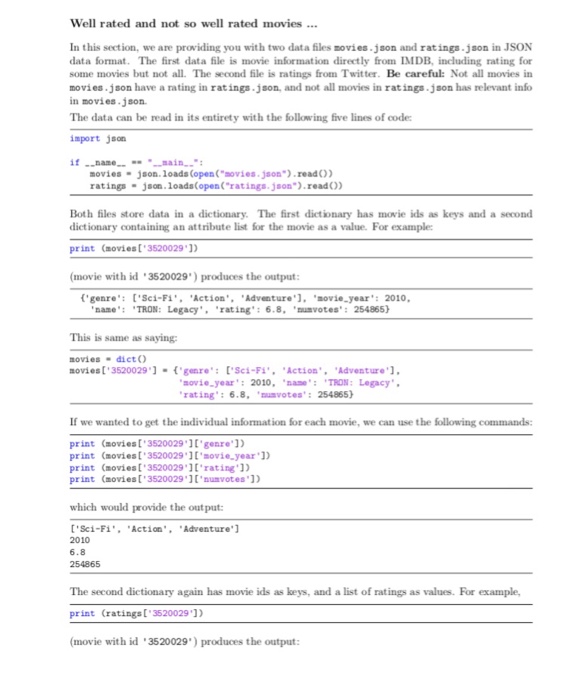
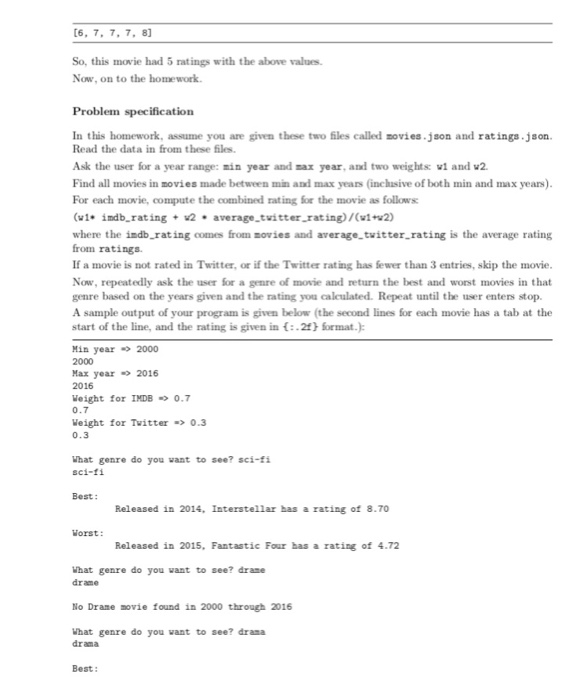
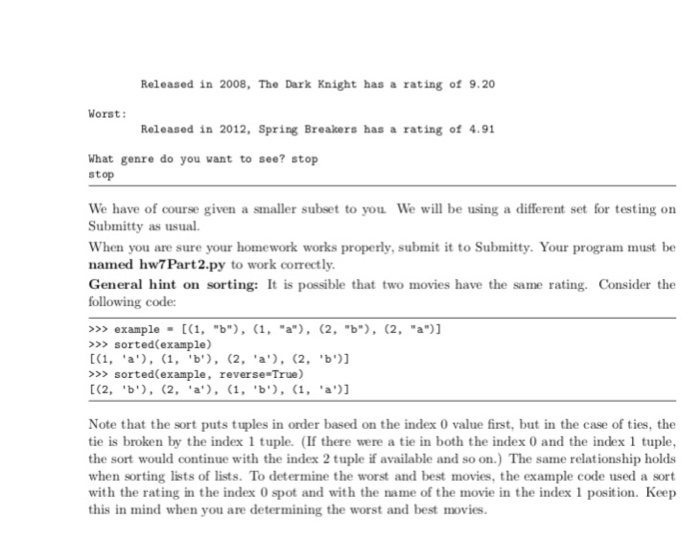
Well rated and not so well rated movies In this section, we are providing you with two data files sovies.json and ratings.json in JSON data format. The first data file is movie information directly from IMDB, including rating for some movies but not all. The second file is ratings from Twitter. Be careful: Not all movies in movies.json have a rating in ratings.json, and not all movies in ratings.json has relevant info in movies.json The data can be read in its entirety with the following five lines of code import json movies json. loads (open("movies.json").readO) ratings- json.loads(open ("ratings.json").read)) Both files store data in a dictionary. The first dictionary has movie ids as keys and a second dictionary containing an attribute list for the movie as a value. For example: print (movies[ 3520029') movie with id 3520029') produces the output 'genre: 'Sci-Fi''Action' Adventure). movie year': 2010, nane: 'TRON: Legacy rating': 6.8 otes": 254865 This is same as saying movies-dictO novies['3520029']-'genre':['Sci-F"Action'Adventure' sovie, year: 2010 ane rating": 6.8, .,u votes": TRON: Legacy 254865) If we wanted to get the individual information for each movie, we can use the following commands print (sovies[ 3520029 ]I'genre ]) print (moviest 3520029 1l sovie.ye print (movies[ 3520029"]'rating'1) print (ovies [ 3520029 unvotes')) ar']) which would provide the output ['Sci-Fi,Action Adventure' 2010 6.8 254865 The second dictionary again has movie ids as keys, and a list of ratings as values. For example, print (ratings[ 3520029'1) movie with id 3520029") produces the output Well rated and not so well rated movies In this section, we are providing you with two data files sovies.json and ratings.json in JSON data format. The first data file is movie information directly from IMDB, including rating for some movies but not all. The second file is ratings from Twitter. Be careful: Not all movies in movies.json have a rating in ratings.json, and not all movies in ratings.json has relevant info in movies.json The data can be read in its entirety with the following five lines of code import json movies json. loads (open("movies.json").readO) ratings- json.loads(open ("ratings.json").read)) Both files store data in a dictionary. The first dictionary has movie ids as keys and a second dictionary containing an attribute list for the movie as a value. For example: print (movies[ 3520029') movie with id 3520029') produces the output 'genre: 'Sci-Fi''Action' Adventure). movie year': 2010, nane: 'TRON: Legacy rating': 6.8 otes": 254865 This is same as saying movies-dictO novies['3520029']-'genre':['Sci-F"Action'Adventure' sovie, year: 2010 ane rating": 6.8, .,u votes": TRON: Legacy 254865) If we wanted to get the individual information for each movie, we can use the following commands print (sovies[ 3520029 ]I'genre ]) print (moviest 3520029 1l sovie.ye print (movies[ 3520029"]'rating'1) print (ovies [ 3520029 unvotes')) ar']) which would provide the output ['Sci-Fi,Action Adventure' 2010 6.8 254865 The second dictionary again has movie ids as keys, and a list of ratings as values. For example, print (ratings[ 3520029'1) movie with id 3520029") produces the output
Step by Step Solution
There are 3 Steps involved in it

Get step-by-step solutions from verified subject matter experts
 Study Help