







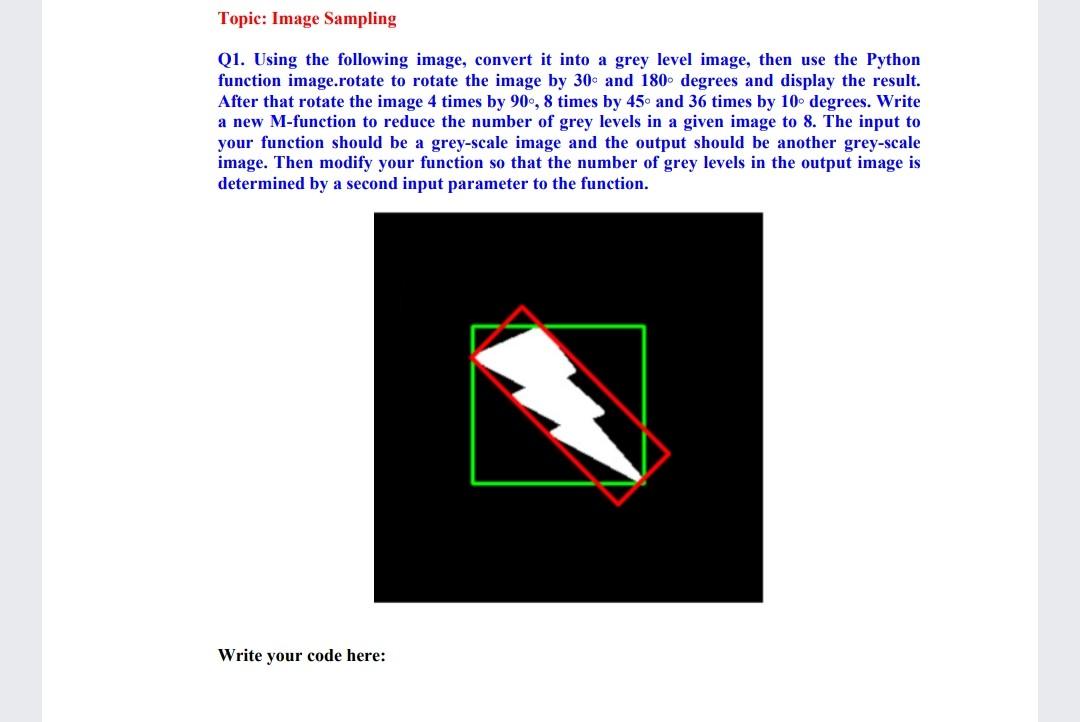
Question: python Cv2 Topic: Image Sampling Q1. Using the following image, convert it into a grey level image, then use the Python function image.rotate to rotate
python Cv2
Topic: Image Sampling Q1. Using the following image, convert it into a grey level image, then use the Python function image.rotate to rotate the image by 30s and 180 degrees and display the result. After that rotate the image 4 times by 90, 8 times by 45 and 36 times by 10 degrees. Write a new M-function to reduce the number of grey levels in a given image to 8. The input to your function should be a grey-scale image and the output should be another grey-scale image. Then modify your function so that the number of grey levels in the output image is determined by a second input parameter to the function. Write your code here
Step by Step Solution
There are 3 Steps involved in it
1 Expert Approved Answer
Step: 1 Unlock

Question Has Been Solved by an Expert!
Get step-by-step solutions from verified subject matter experts
Step: 2 Unlock
Step: 3 Unlock
 Study Help