







Question: Python - help! What is wrong with my main block? am I misunderstanding the instructions? or what am I missing? Main Block This block will
Python - help! What is wrong with my main block? am I misunderstanding the instructions? or what am I missing?
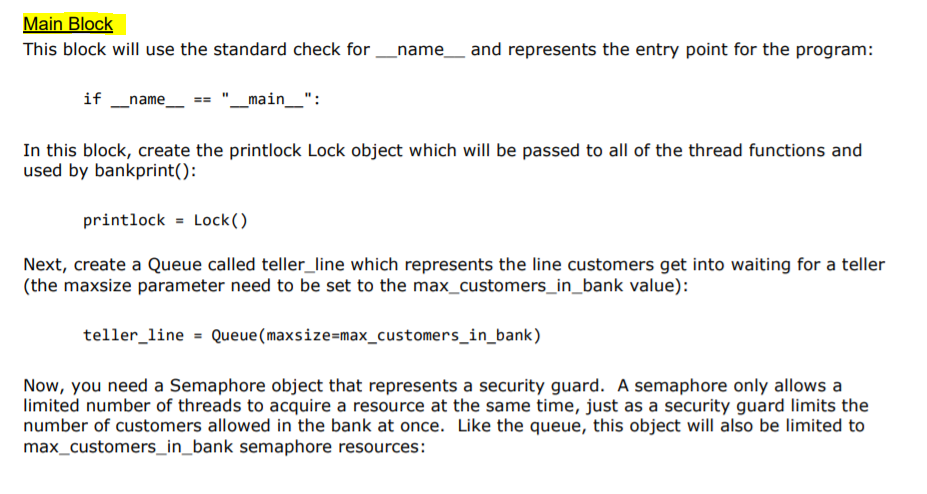
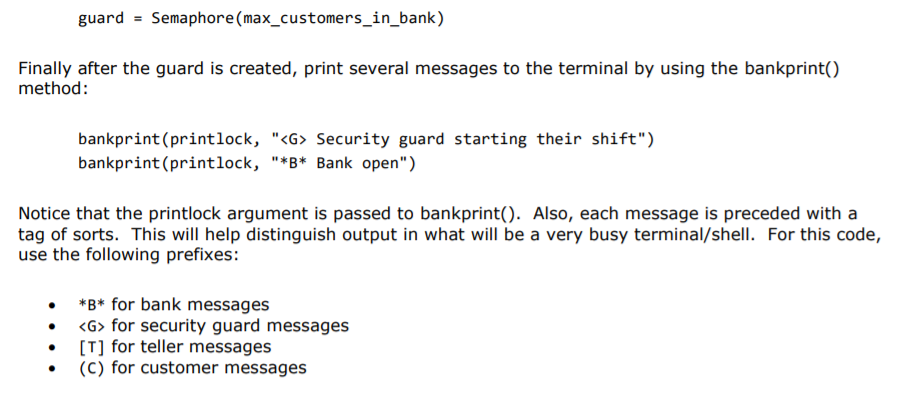
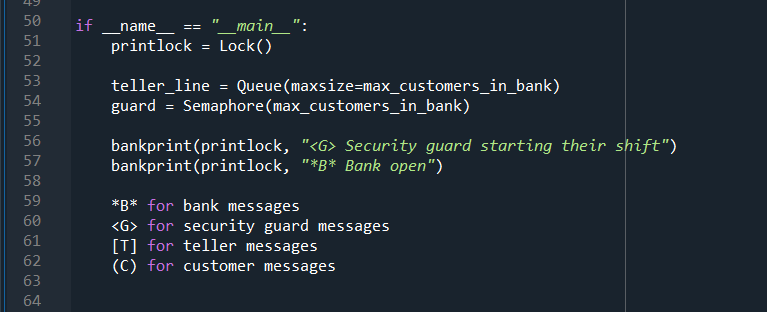
Main Block This block will use the standard check for _name__ and represents the entry point for the program: if name _main_": In this block, create the printlock Lock object which will be passed to all of the thread functions and used by bankprint(): printlock = Lock() Next, create a Queue called teller_line which represents the line customers get into waiting for a teller (the maxsize parameter need to be set to the max_customers_in_bank value): teller_line - Queue (maxsize=max_customers_in_bank) Now, you need a Semaphore object that represents a security guard. A semaphore only allows a limited number of threads to acquire a resource at the same time, just as a security guard limits the number of customers allowed in the bank at once. Like the queue, this object will also be limited to max_customers_in_bank semaphore resources: guard = Semaphore (max_customers_in_bank) Finally after the guard is created, print several messages to the terminal by using the bankprint() method: bankprint(printlock, "
Step by Step Solution
There are 3 Steps involved in it

Get step-by-step solutions from verified subject matter experts
 Study Help