







Question: python II Define and test a function named posterize. This function expects an image and a tuple of RGB values as arguments. The function modifies
python II
Define and test a function named posterize. This function expects an image and a tuple of RGB values as arguments. The function modifies the image like the blackAndWhite function, but it uses the given RGB values instead of black.
You will be modifying the blackAndWhite function used in the chapter.
For this program you want the user to give you the RGB values.
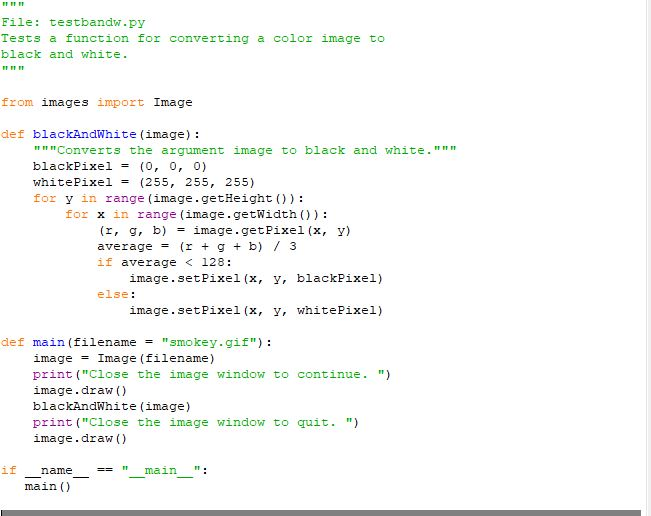
here is the code to be modified:
""" File: testbandw.py Tests a function for converting a color image to black and white. """
from images import Image
def blackAndWhite(image): """Converts the argument image to black and white.""" blackPixel = (0, 0, 0) whitePixel = (255, 255, 255) for y in range(image.getHeight()): for x in range(image.getWidth()): (r, g, b) = image.getPixel(x, y) average = (r + g + b) / 3 if average
def main(filename = "smokey.gif"): image = Image(filename) print("Close the image window to continue. ") image.draw() blackAndWhite(image) print("Close the image window to quit. ") image.draw()
if __name__ == "__main__": main()
here is a pic of code to be modified
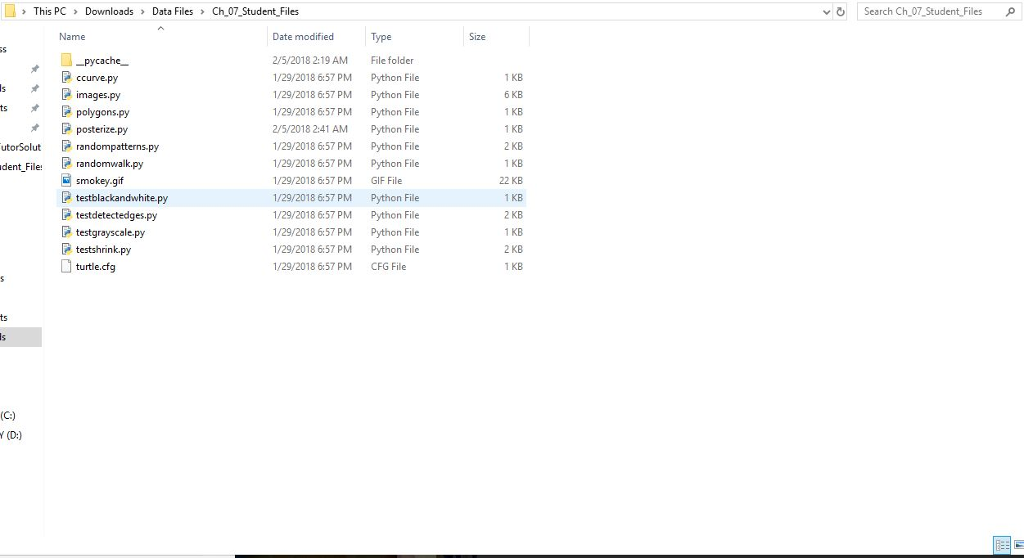
this is where it will be saved ....the image we are using is called smokey which you will see
File: testbandw.py Tests a function for converting a color image to black and white. m T IT from images import Image def blackAndWhite (image): """Converts the argument image to black and white."" " blackPixe != (0, 0, 0) whitePixel= (255, 255, 255) for y in range (image.getHeight )): for x in range (image.getwidth )): (r, g, b) = image . getPixel (x, y) average (r + g + b) / 3 if average
Step by Step Solution
There are 3 Steps involved in it

Get step-by-step solutions from verified subject matter experts
 Study Help