







Question: Python Please Problem 1. Fade to Black and White The animation-transition.py program discussed in class and posted on the Module 7 Canvas page animates a
Python Please
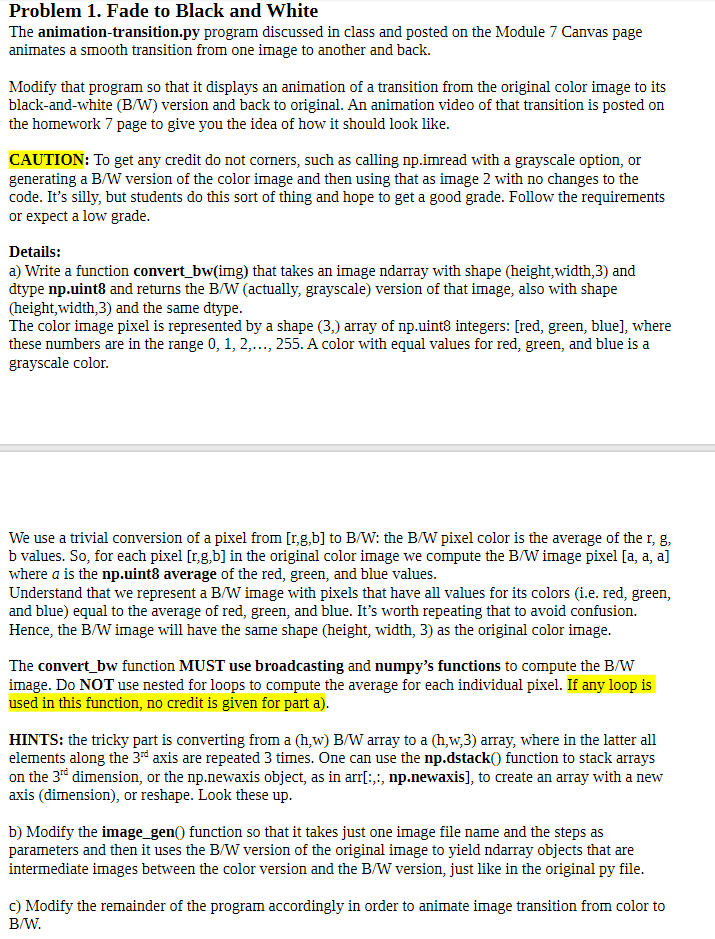
Problem 1. Fade to Black and White The animation-transition.py program discussed in class and posted on the Module 7 Canvas page animates a smooth transition from one image to another and back. Modify that program so that it displays an animation of a transition from the original color image to its black-and-white (B/W) version and back to original. An animation video of that transition is posted on the homework 7 page to give you the idea of how it should look like CAUTION: To get any credit do not corners, such as calling np.imread with a grayscale option, or generating a B/W version of the color image and then using that as image 2 with no changes to the code. It's silly, but students do this sort of thing and hope to get a good grade. Follow the requirements or expect a low grade Details: a) Write a function convert_bw(img) that takes an image ndarray with shape (height,width,3) and dtype np.uint8 and returns the B/W (actually, grayscale) version of that image, also with shape (height,width,3) and the same dtype The color image pixel is represented by a shape (3,) array of np.uint8 integers: [red, green, blue], where these numbers are in the range 0, 1,2,..., 255. A color with equal values for red, green, and blue is a grayscale color We use a trivial conversion of a pixel from [r,g,b] to B/W: the B/W pixel color is the average of the r, g, b values. So, for each pixel [r,g,b] in the original color image we compute the B/W image pixel [a, a, a] where a is the np.uint8 average of the red, green, and blue values Understand that we represent a B/W image with pixels that have all values for its colors (i.e. red, green, and blue) equal to the average of red, green, and blue. It's worth repeating that to avoid confusion. Hence, the B/W image will have the same shape (height, width, 3) as the original color image The convert_ bw function MUST use broadcasting and numpy's functions to compute the B/W image. Do NOT use nested for loops to compute the average for each individual pixel. If any loop is used in this function, no credit is given for part a) HINTS: the tricky part is converting from a (h,w) B/W array to a (h,w,3) array, where in the latter all elements along the 3"d axis are repeated 3 times. One can use the np.dstack0) function to stack arrays on the 3re dimension, or the np.newaxis object, as in arri:,:, np.newaxis], to create an array with a new axis (dimension), or reshape. Look these up b) Modify the image gen) function so that it takes just one image file name and the steps as parameters and then it uses the B/W version of the original image to yield ndarray objects that are intermediate images between the color version and the B/W version, just like in the original py file c) Modify the remainder of the program accordingly in order to animate image transition from color to B/W. Problem 1. Fade to Black and White The animation-transition.py program discussed in class and posted on the Module 7 Canvas page animates a smooth transition from one image to another and back. Modify that program so that it displays an animation of a transition from the original color image to its black-and-white (B/W) version and back to original. An animation video of that transition is posted on the homework 7 page to give you the idea of how it should look like CAUTION: To get any credit do not corners, such as calling np.imread with a grayscale option, or generating a B/W version of the color image and then using that as image 2 with no changes to the code. It's silly, but students do this sort of thing and hope to get a good grade. Follow the requirements or expect a low grade Details: a) Write a function convert_bw(img) that takes an image ndarray with shape (height,width,3) and dtype np.uint8 and returns the B/W (actually, grayscale) version of that image, also with shape (height,width,3) and the same dtype The color image pixel is represented by a shape (3,) array of np.uint8 integers: [red, green, blue], where these numbers are in the range 0, 1,2,..., 255. A color with equal values for red, green, and blue is a grayscale color We use a trivial conversion of a pixel from [r,g,b] to B/W: the B/W pixel color is the average of the r, g, b values. So, for each pixel [r,g,b] in the original color image we compute the B/W image pixel [a, a, a] where a is the np.uint8 average of the red, green, and blue values Understand that we represent a B/W image with pixels that have all values for its colors (i.e. red, green, and blue) equal to the average of red, green, and blue. It's worth repeating that to avoid confusion. Hence, the B/W image will have the same shape (height, width, 3) as the original color image The convert_ bw function MUST use broadcasting and numpy's functions to compute the B/W image. Do NOT use nested for loops to compute the average for each individual pixel. If any loop is used in this function, no credit is given for part a) HINTS: the tricky part is converting from a (h,w) B/W array to a (h,w,3) array, where in the latter all elements along the 3"d axis are repeated 3 times. One can use the np.dstack0) function to stack arrays on the 3re dimension, or the np.newaxis object, as in arri:,:, np.newaxis], to create an array with a new axis (dimension), or reshape. Look these up b) Modify the image gen) function so that it takes just one image file name and the steps as parameters and then it uses the B/W version of the original image to yield ndarray objects that are intermediate images between the color version and the B/W version, just like in the original py file c) Modify the remainder of the program accordingly in order to animate image transition from color to B/W
Step by Step Solution
There are 3 Steps involved in it

Get step-by-step solutions from verified subject matter experts
 Study Help