







Question: Python problem Add a function to PetShop called openShip. What this function will do is allow a user to enter transactions or query inventory in
Python problem
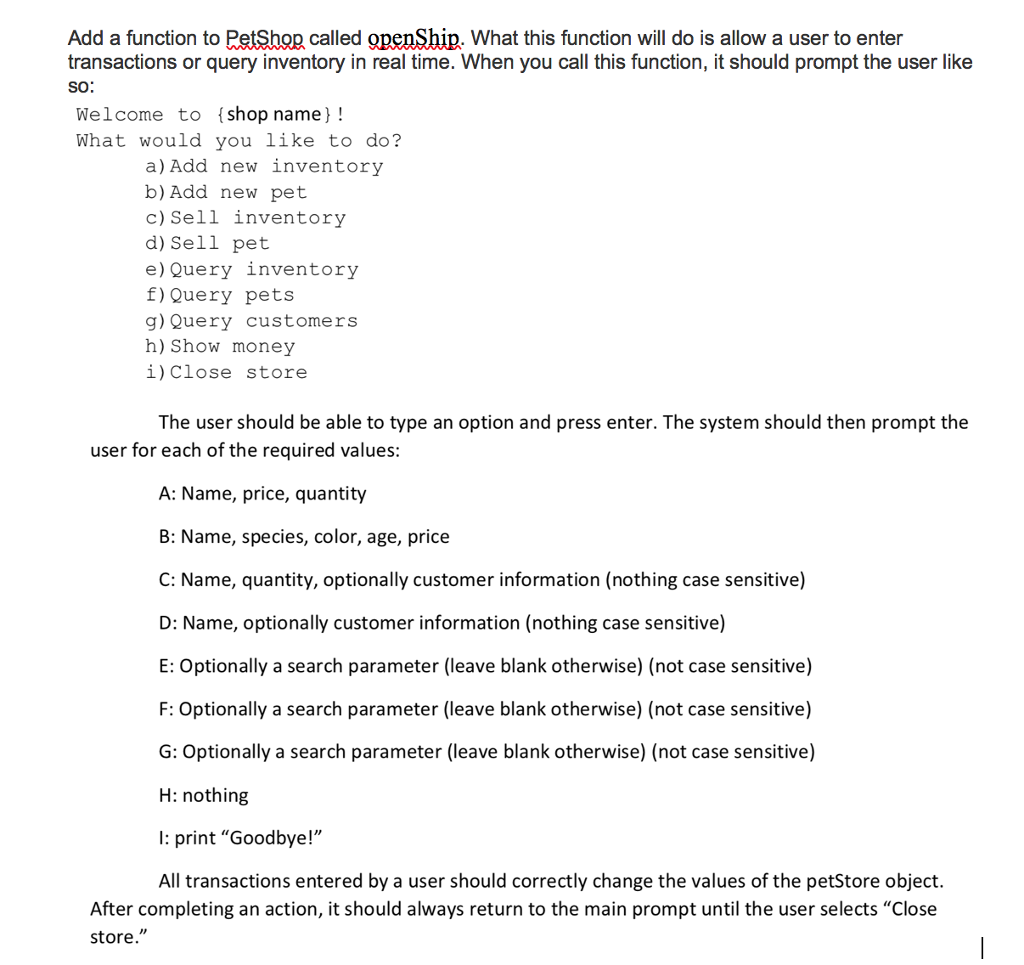
Add a function to PetShop called openShip. What this function will do is allow a user to enter transactions or query inventory in real time. When you call this function, it should prompt the user like SO: Welcome to (shop name)! What would you like to do? a) Add new inventory b) Add new pet c) Sell inventory d) Sell pet e) Query inventory f) Query pets g) Query customers h) Show money i) Close store The user should be able to type an option and press enter. The system should then prompt the user for each of the required values: A: Name, price, quantity B: Name, species, color, age, price C: Name, quantity, optionally customer information (nothing case sensitive) D: Name, optionally customer information (nothing case sensitive) E: Optionally a search parameter (leave blank otherwise) (not case sensitive) F: Optionally a search parameter (leave blank otherwise) (not case sensitive) G: Optionally a search parameter (leave blank otherwise) (not case sensitive) H: nothing I: print "Goodbye!" All transactions entered by a user should correctly change the values of the petStore object. After completing an action, it should always return to the main prompt until the user selects "Close store." Add a function to PetShop called openShip. What this function will do is allow a user to enter transactions or query inventory in real time. When you call this function, it should prompt the user like SO: Welcome to (shop name)! What would you like to do? a) Add new inventory b) Add new pet c) Sell inventory d) Sell pet e) Query inventory f) Query pets g) Query customers h) Show money i) Close store The user should be able to type an option and press enter. The system should then prompt the user for each of the required values: A: Name, price, quantity B: Name, species, color, age, price C: Name, quantity, optionally customer information (nothing case sensitive) D: Name, optionally customer information (nothing case sensitive) E: Optionally a search parameter (leave blank otherwise) (not case sensitive) F: Optionally a search parameter (leave blank otherwise) (not case sensitive) G: Optionally a search parameter (leave blank otherwise) (not case sensitive) H: nothing I: print "Goodbye!" All transactions entered by a user should correctly change the values of the petStore object. After completing an action, it should always return to the main prompt until the user selects "Close store
Step by Step Solution
There are 3 Steps involved in it

Get step-by-step solutions from verified subject matter experts
 Study Help