







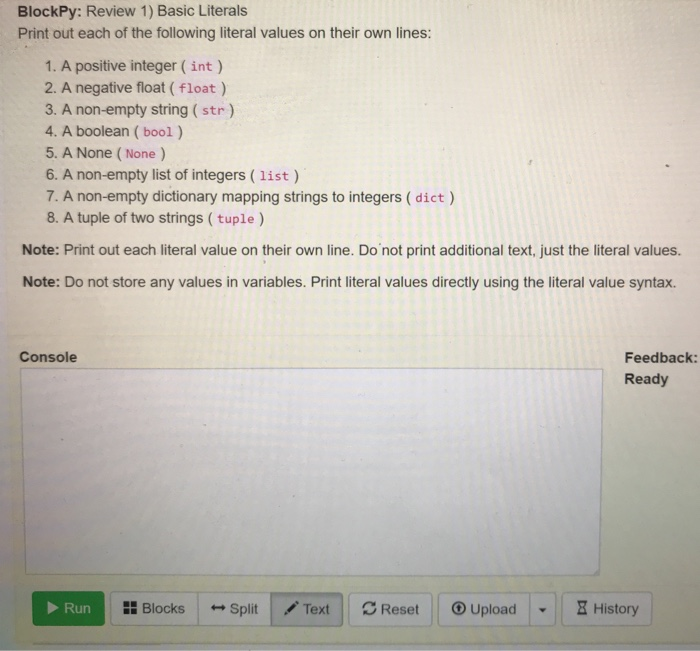
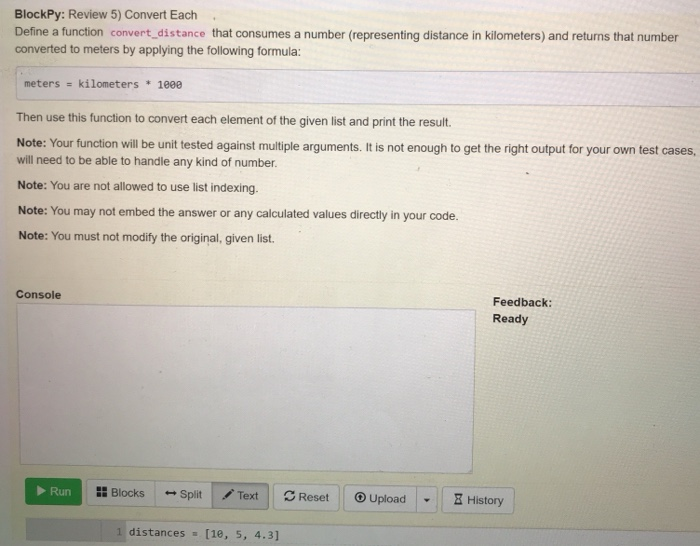
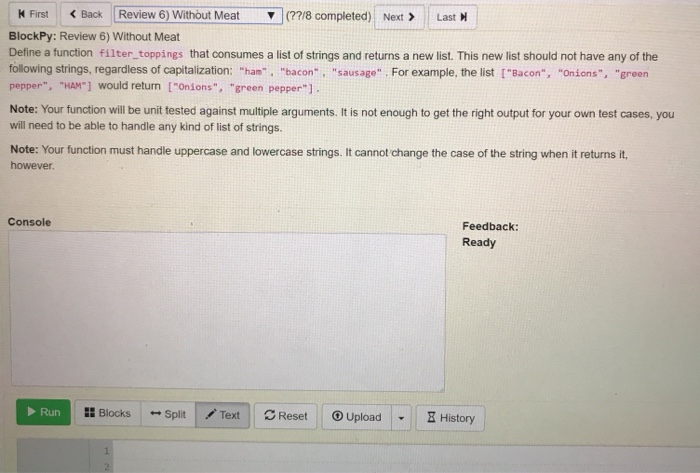
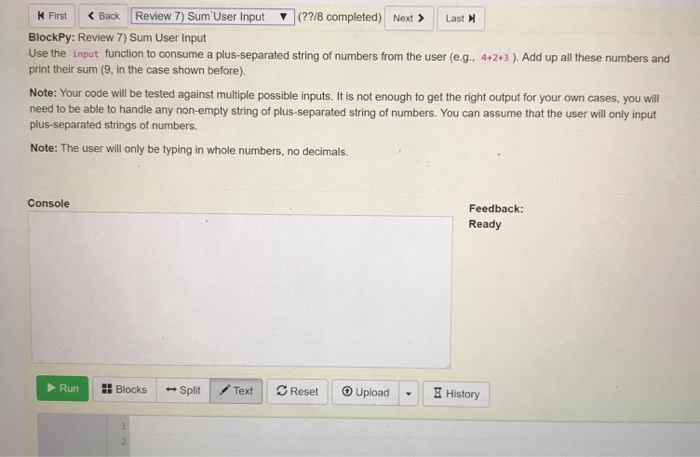
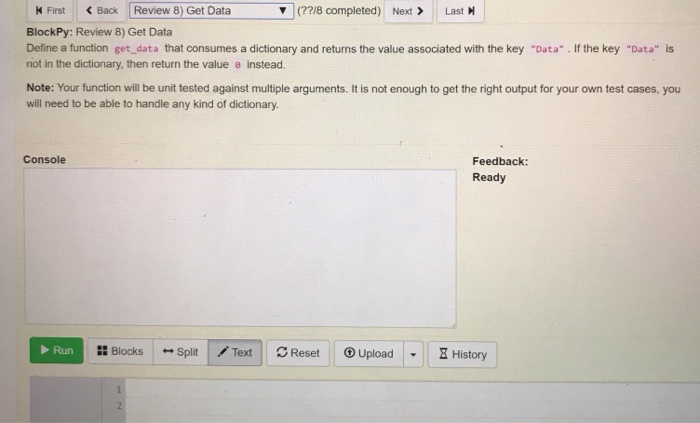
Question: python questions thank you BlockPy: Review 1) Basic Literals Print out each of the following literal values on their own lines: 1. A positive integer
 python questions thank you
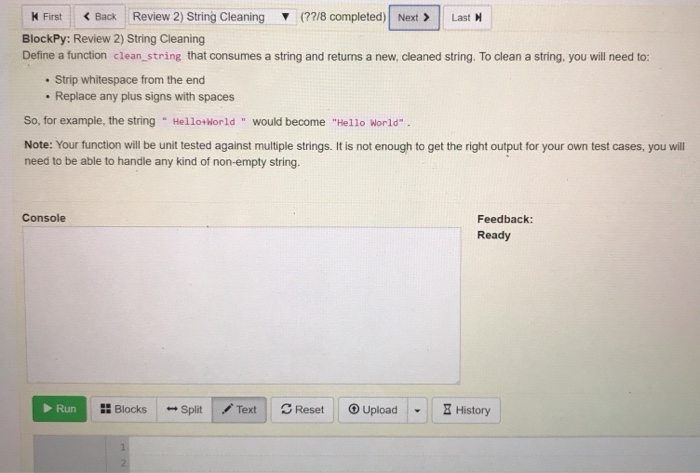
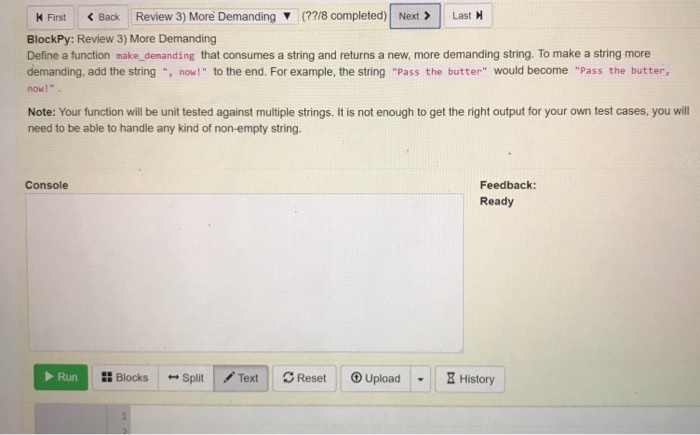
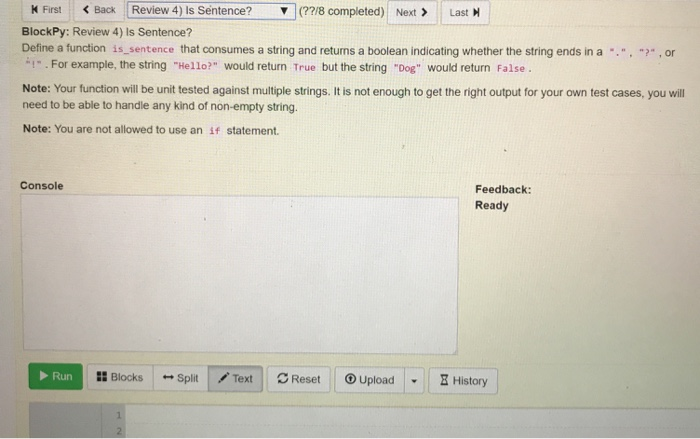
 BlockPy: Review 1) Basic Literals Print out each of the following literal values on their own lines: 1. A positive integer (int) 2. A negative float (float) 3. A non-empty string(str) 4. A boolean ( bool) 5. A None (None) 6. A non-empty list of integers (list) 7. A non-empty dictionary mapping strings to integers (dict ) 8. A tuple of two strings (tuple ) Note: Print out each literal value on their own line. Do not print additional text, just the literal values. Note: Do not store any values in variables. Print literal values directly using the literal value syntax. Console Feedback Ready Run :: Blocks Split | / Text | Reset Upload- History | BlockPy: Review 1) Basic Literals Print out each of the following literal values on their own lines: 1. A positive integer (int) 2. A negative float (float) 3. A non-empty string(str) 4. A boolean ( bool) 5. A None (None) 6. A non-empty list of integers (list) 7. A non-empty dictionary mapping strings to integers (dict ) 8. A tuple of two strings (tuple ) Note: Print out each literal value on their own line. Do not print additional text, just the literal values. Note: Do not store any values in variables. Print literal values directly using the literal value syntax. Console Feedback Ready Run :: Blocks Split | / Text | Reset Upload- History |
Step by Step Solution
There are 3 Steps involved in it

Get step-by-step solutions from verified subject matter experts
 Study Help