







Question: Python.. Solve PROGRAMMING PROJECT 7.8 by creating a Python program named pfcalc.py using file magic (See instructions at the top of this assignment). Implement your
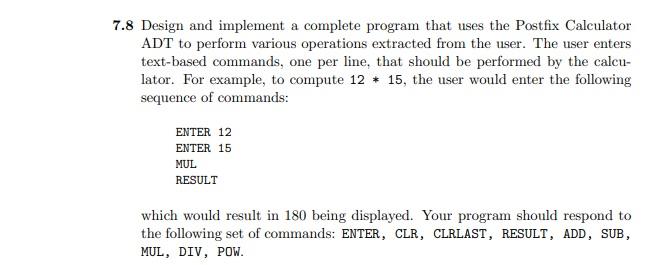
Python..
Solve PROGRAMMING PROJECT 7.8 by creating a Python program named pfcalc.py using file magic (See instructions at the top of this assignment).
Implement your solution so that your program accepts arguments from the command line using sys.argv.
Your program should accept a single argument, which will represent the path to the file that will contain the commands that your implemention should be able to interpret.
For example, we may have the following commands as mentioned in the question stored in cmds1.dat.
%%file cmds1.dat ENTER 12 ENTER 15 MUL RESULT
Then you should run your program either from a terminal or from a code cell using the ! directive:
>>> !python pfcalc.py cmds1.dat
In response, your program should internally compute the result of these commands and print out 180 to the screen.
See the example command provided for you further below.
7.8 Design and implement a complete program that uses the Postfix Calculator ADT to perform various operations extracted from the user. The user enters text-based commands, one per line, that should be performed by the calcu- lator. For example, to compute 12 * 15, the user would enter the following sequence of commands: ENTER 12 ENTER 15 MUL RESULT which would result in 180 being displayed. Your program should respond to the following set of commands: ENTER, CLR, CLRLAST, RESULT, ADD, SUB, MUL, DIV, POW
Step by Step Solution
There are 3 Steps involved in it

Get step-by-step solutions from verified subject matter experts
 Study Help